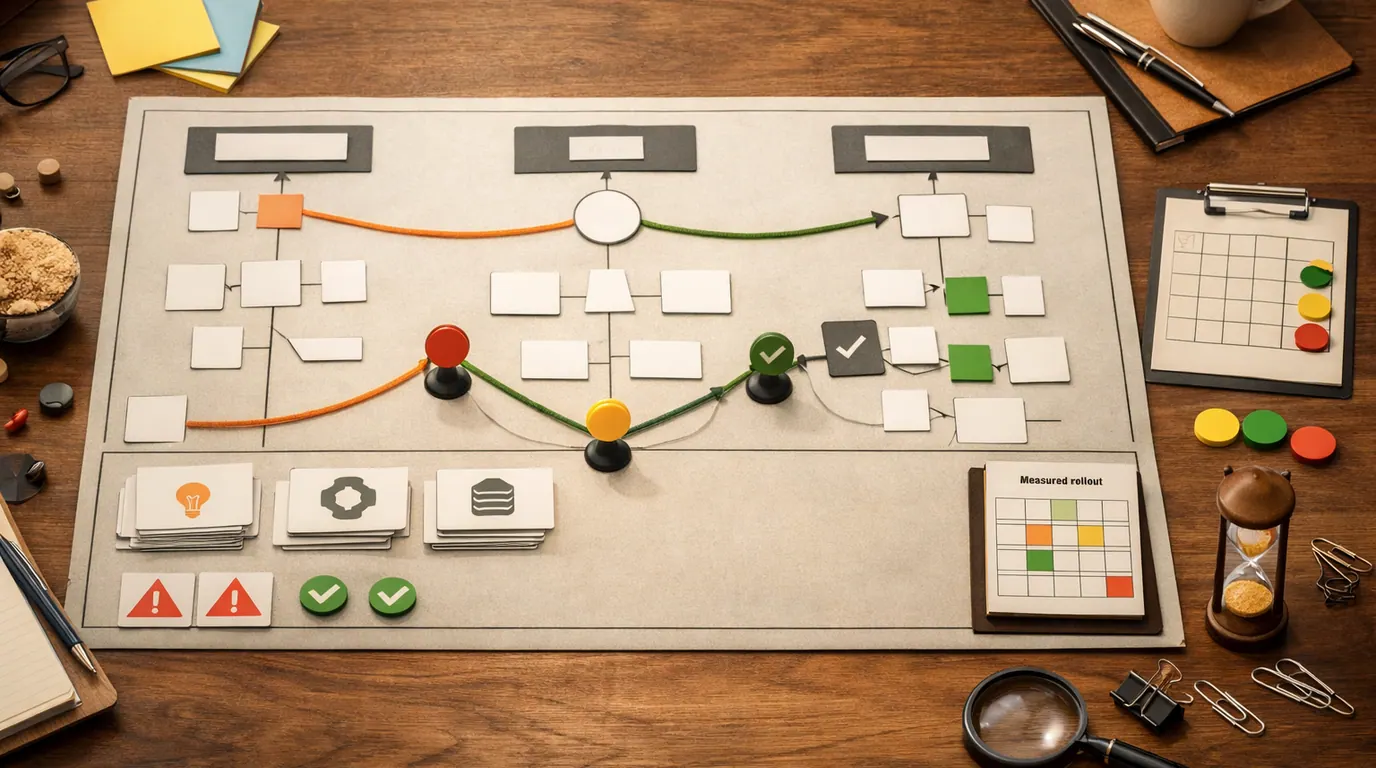
If you searched for “artificial intelligence for beginners,” the useful answer is not a giant glossary or a promise that AI will do everything. The useful answer is a simple mental model, a few safe examples, and a first workflow you can repeat without handing judgment to a machine.
Artificial intelligence is already in search suggestions, route planning, spam filters, recommendations, voice assistants, fraud alerts, writing tools, image analysis, and workplace software. For a beginner, the point is not to memorize every branch of the field. The point is to learn where AI can help, where it fails, and how to review its output before it matters.
This Beginner’s guide to artificial intelligence gives you the plain definition, the first concepts worth learning, everyday use cases, cautions, and a next-action framework. Think of it as a beginner’s guide to AI for people who want practical fluency before advanced math, code, or model training.
Use AI first where the output is easy to read, correct, and discard.
Give the tool the audience, goal, source material, constraints, and output format.
Check facts, privacy, bias, missing assumptions, and consequences before relying on AI.
Artificial Intelligence for Beginners: The Plain Answer
Artificial intelligence is a broad field of computer systems that perform tasks normally associated with human intelligence: understanding language, recognizing images, predicting outcomes, recommending options, generating content, planning steps, or acting through software.
Microsoft’s AI for Beginners curriculum is useful because it treats AI as a set of learnable ideas rather than a mystery box. Microsoft Learn’s introduction to AI concepts also frames the field around practical solution types and responsible AI considerations. Google’s AI learning resources make the same beginner point from another angle: foundational concepts matter because AI is becoming part of normal work.
The best way to understand AI is through inputs and outputs:
| Part | What it means | Beginner example | What to check |
|---|---|---|---|
| Input | The question, file, image, data, prompt, or signal the system receives. | A paragraph you want summarized or an email you want rewritten. | Is the input allowed to be shared, complete enough, and specific? |
| Model | The system that applies rules or learned patterns to the input. | A chatbot, recommendation system, spam filter, route planner, or image classifier. | Does this tool fit the task, or is it guessing outside its strengths? |
| Output | The result the system returns. | A summary, draft, label, score, answer, route, checklist, or recommendation. | Is it accurate, useful, biased, outdated, private, or risky? |
| Review | The human step that decides whether the output can be used. | You compare the AI summary with the source before sending it. | What happens if the output is wrong? |
A useful AI skill is not memorizing every model name; it is learning how to turn a fuzzy task into a safe, reviewable output.
If your search looked like “beginner’s to artificial intelligence,” read that as a request for a first path into the field. Start with terms and workflows, then go deeper only when your goal requires it.
What Beginners Should Learn First
Beginners do not need to learn everything at once. The best artificial intelligence for beginners is not a single product, course, or model. It is a sequence: learn the vocabulary, try a low-risk task, review the result, then decide whether you need deeper technical skills.
| Learn this | Why it matters | Beginner task | Move deeper when |
|---|---|---|---|
| AI vs. automation | Not every rule-based tool is AI, and not every AI output deserves trust. | Compare a fixed email rule with an AI-generated email summary. | You need to design workflows or explain AI limits to others. |
| Machine learning | Many AI systems learn patterns from examples instead of being programmed rule by rule. | Use a spam filter or recommendation feed as the mental model. | You want to build, evaluate, or customize predictive systems. |
| Generative AI | Chatbots and image tools generate new text, images, code, plans, or summaries from prompts. | Ask a tool to turn notes into a checklist, then verify the source details. | You need reusable prompts, brand controls, or team workflows. |
| Prompting | A clear brief usually beats a vague request. | Provide the role, goal, audience, constraints, and output format. | You repeat the same task often and want templates. |
| Human review | AI can be fluent and wrong at the same time. | Ask the tool to flag assumptions, then check the important claims yourself. | The output affects money, health, safety, privacy, customers, grades, or rights. |
For deeper background, read How Does AI Work? and Machine Learning vs Deep Learning. If you want examples before theory, start with Artificial Intelligence Examples.
Beginner-Friendly AI Use Cases
The strongest artificial intelligence for beginners use cases have three traits: you understand the input, you can inspect the output, and a mistake will not create serious harm. That is why summarizing, explaining, drafting, organizing, and comparing are better starting points than automating decisions.
| Use case | Good first prompt | Useful output | Human review |
|---|---|---|---|
| Summarize a long article | Summarize this article for a beginner and list five claims I should verify. | A short brief plus a verification checklist. | Open the original source and check numbers, names, dates, and conclusions. |
| Rewrite an email | Rewrite this email to be clear, polite, and concise without adding new promises. | A cleaner draft. | Confirm the tone, facts, commitments, attachments, and recipient context. |
| Study a new topic | Explain this concept with an analogy, then quiz me with five questions. | An explanation and practice questions. | Use a trusted source or course to verify technical details. |
| Plan a small project | Turn these notes into a 5-step plan with risks, dependencies, and first action. | A practical checklist. | Remove steps that do not fit your real constraints. |
| Compare options | Compare these three options by cost, effort, risk, and reversibility. | A decision table. | Check whether the criteria are complete and whether any source claim is unsupported. |
| Organize messy notes | Group these notes into themes, decisions, open questions, and next actions. | A structured brief. | Make sure the tool did not merge unrelated ideas or hide important uncertainty. |
AI can also help with code, spreadsheets, research, presentations, marketing, and creative work, but those jobs need stronger review. For adjacent guides, see How to Use AI, How to Use AI for Research, and How to Write Better AI Prompts.
A Safe Artificial Intelligence for Beginners Workflow
A practical artificial intelligence for beginners workflow is a loop, not a one-time prompt. You define the job, provide context, ask for a reviewable output, inspect it, revise, and save the pattern only if it actually helps.
- Pick one low-risk job. Choose a task where you can recognize a bad answer quickly: a summary, outline, draft, comparison, checklist, or explanation.
- Remove sensitive information. Do not paste passwords, identity documents, private health details, customer records, confidential files, or unreleased source code into an unapproved tool.
- Brief the tool like a person. Give the goal, audience, source material, constraints, examples, and desired format.
- Ask for uncertainty. Tell the tool to list assumptions, missing details, weak claims, and facts you should verify.
- Review the output. Check accuracy, tone, privacy, bias, completeness, and whether the result solves the original task.
- Save the repeatable pattern. If the prompt worked, turn it into a reusable template. If it created cleanup, narrow the job.
Here is a simple prompt format:
Task: Help me with [specific job].
Context: [who this is for, what I am trying to do, and what constraints matter].
Source material: [paste only information I am allowed to share].
Output: [summary, table, checklist, email, plan, explanation, or questions].
Review: Flag assumptions, missing information, and facts I should verify before using this.
This is also the simplest artificial intelligence for beginners strategy: use AI to prepare decisions, not replace judgment. When the output becomes important, slow down and add stronger checks.
What to Avoid When You Are New to AI
AI feels easy because the interface is conversational. That ease can hide the real risks: wrong facts, private data exposure, biased assumptions, shallow reasoning, stale information, and overconfidence.
Works Well When
- Use AI for drafts, outlines, summaries, study explanations, checklists, and comparisons you can review.
- Ask for sources, assumptions, alternatives, and failure modes when a claim matters.
- Start with public or low-sensitivity material until you understand the tool's privacy settings.
- Treat every output as a first pass that needs human judgment.
Watch Out For
- Do not paste sensitive personal, client, employee, student, health, financial, legal, or confidential company data into unapproved tools.
- Do not use AI as the final authority for medical, legal, financial, safety, employment, or academic integrity decisions.
- Do not assume a confident answer is current, sourced, fair, or complete.
- Do not automate a workflow until you know the failure mode and who reviews the result.
Some AI mistakes are harmless. A weak vacation packing list is annoying. A wrong medication explanation, legal summary, hiring recommendation, security instruction, or financial claim can cause real harm. The higher the consequence, the more you need primary sources, expert review, audit trails, and sometimes no AI at all.
How to Choose Your First AI Tool
For a beginner, tool choice should follow the job. A general assistant is enough for many first tasks. A search-oriented AI can help with source discovery, but you still need to open the original pages. Built-in workplace assistants can be useful when the job lives inside documents, email, spreadsheets, or meetings. Pricing, free-plan limits, model access, data retention, and enterprise controls change often, so check current vendor pages before paying or uploading sensitive material.
| Need | Tool pattern | Good fit | Watch for |
|---|---|---|---|
| Everyday drafting and explanation | General AI assistant | Emails, outlines, summaries, study help, brainstorming, planning. | Fact-checking, privacy settings, and generated details that were not in your input. |
| Research starting point | AI search or answer engine | Finding source leads, query ideas, topic maps, and competing explanations. | Do not cite the AI summary itself; verify primary sources and dates. |
| Work documents | Office or workspace assistant | Summarizing meetings, drafting documents, organizing notes, spreadsheet help. | Account permissions, organizational policy, and accidental exposure of private files. |
| Learning technical AI | Course, notebook, or coding environment | Python practice, machine learning basics, model evaluation, small experiments. | Do not confuse demo accuracy with production readiness. |
If your real intent is tool selection, use a dedicated comparison such as Perplexity vs ChatGPT vs Gemini or Best Free AI Tools. This artificial intelligence for beginners guide focuses on the learning path and review habits first.
A 7-Day Beginner Plan
You can get practical AI literacy in a week without pretending to become an engineer. The goal is to build confidence with small tasks, not to master the whole field.
Input, model, output, review. Find three AI examples you already use.
Summarize a public article and compare the result with the original.
Improve an email or note, then check tone and facts before using it.
Compare three options for a real decision and add your own missing criteria.
Save one prompt that gives reliable output and rewrite it as a template.
Test the tool with a topic you know well and note where it guesses or oversimplifies.
Go deeper into prompting, research, spreadsheets, coding, business workflows, or machine learning basics.
By the end, you should have one repeatable workflow, one saved prompt, one list of review rules, and a better sense of whether you want casual AI fluency or technical AI skill.
The Bottom Line
Artificial intelligence for beginners should start with judgment, not hype. Learn the basic terms, try small use cases, protect sensitive data, review every output, and keep a record of prompts that reliably help.
You do not need to become an AI engineer to benefit from artificial intelligence. You do need a clear task, a responsible review habit, and enough skepticism to know when the machine is making your work easier versus making your mistakes harder to see.
Frequently asked questions
What is artificial intelligence in simple terms?
Artificial intelligence is software or a machine system that uses data, rules, models, or learned patterns to perform work associated with human intelligence. That can include recognizing images, understanding language, predicting outcomes, recommending options, generating drafts, or planning steps.
Do beginners need math or coding to use AI?
You do not need math or coding to start using AI tools for writing, research, planning, summaries, studying, or everyday organization. You will need more Python, statistics, and machine learning knowledge if your goal is to build models, become an AI engineer, or evaluate technical systems deeply.
What is the best first AI project for a beginner?
The best first AI project is a low-risk task with an output you can inspect: summarize an article, draft an email, make a study plan, compare options, organize notes, or explain a concept. Avoid starting with private data, medical advice, legal decisions, financial instructions, or anything that affects another person.
How is AI different from machine learning?
Artificial intelligence is the broad field of systems that perform human-like tasks. Machine learning is one major approach inside AI where systems learn patterns from data. Deep learning is a narrower machine learning approach that uses layered neural networks for complex text, image, audio, and prediction work.
Can AI answers be trusted?
AI answers can be useful, but they should not be trusted blindly. Models can be outdated, biased, incomplete, or confidently wrong. For important claims, open the source, check dates and numbers, remove private data, and keep a human review step before you publish, decide, or automate.
How should a beginner choose an AI tool?
Choose by job, not hype. A general chatbot can help with drafting and explanation, a search-focused AI can help find source leads, and built-in workplace assistants can help inside documents or email. Check privacy settings, export options, current pricing, and whether the output is easy for you to review.