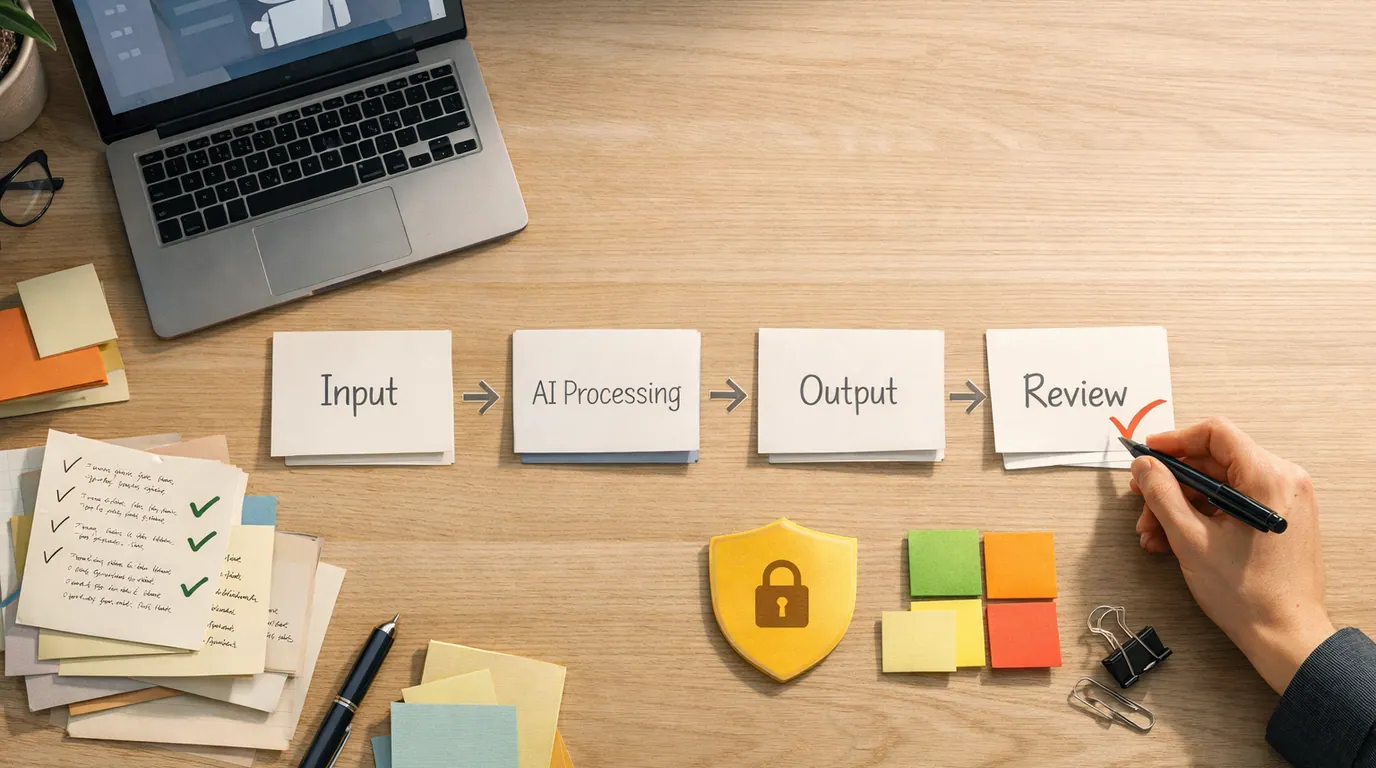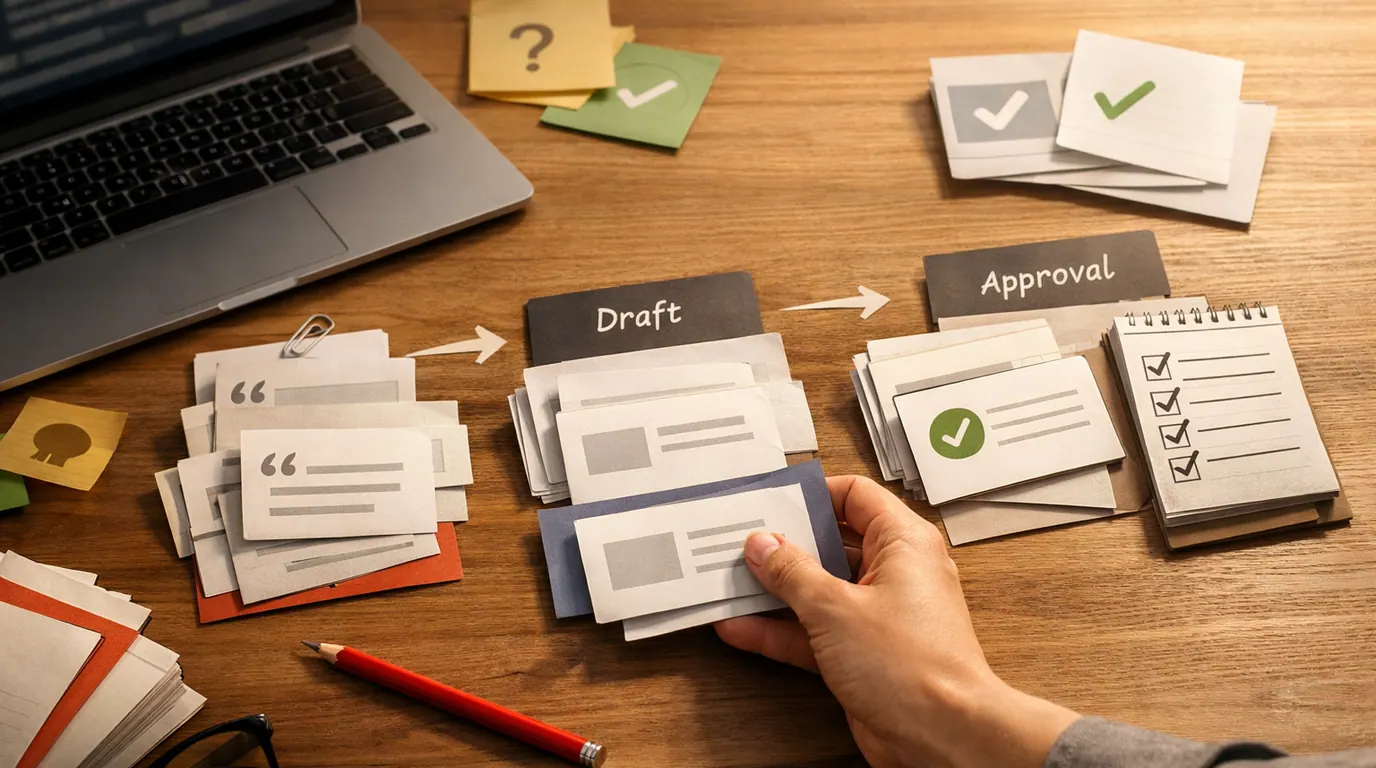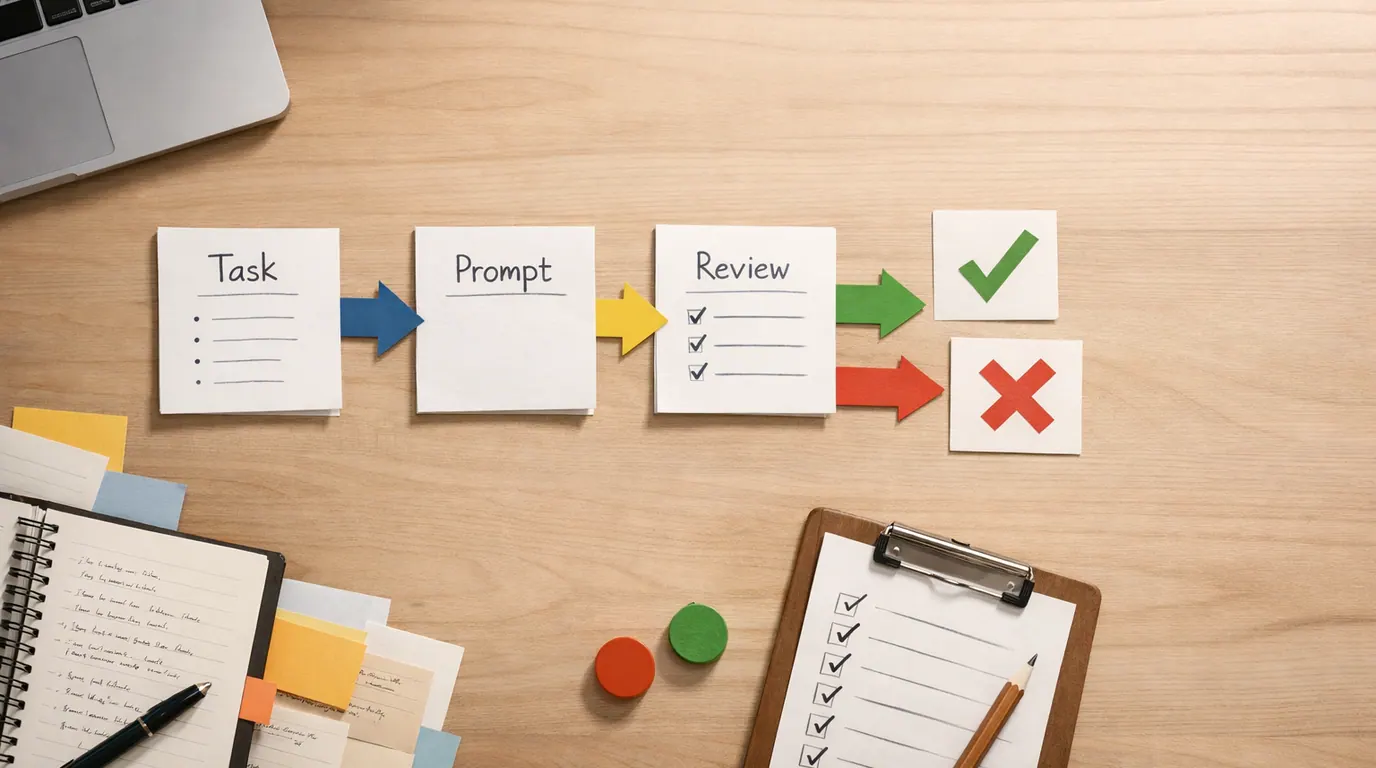
If you are looking up “how to write ai prompts”, start here: a prompt is a short brief for a machine that does not share your context. The better the brief, the less the model has to guess.
It does not need to be a lot of content. The useful skill is deciding which information matters for the job in front of you. A good prompt is a small brief, not a secret password.
Learning how to write better AI prompts is less about developing clever phrases and more about giving the model a clear task, relevant context, useful constraints, an output format, and a review path. This pattern works for emails, research summaries, planning, coding help, lesson outlines, design feedback, and everyday admin work.
Say exactly what you want the model to produce before adding background details.
Paste the brief, notes, criteria, examples, or constraints that a competent human would need.
Check facts, sources, private data, tone, assumptions, and whether the output actually solves the job.
How to Write AI Prompts: The Reliable Formula
The simplest how to write AI prompts guide is a five-part structure:
- Task: State the action: write, summarize, classify, compare, brainstorm, critique, translate, plan, or extract.
- Context: Add the audience, goal, source material, background, constraints, and what the model should assume.
- Criteria: Define what good looks like: length, tone, reading level, evidence standard, exclusions, examples, or decision rules.
- Format: Ask for the shape you want: bullets, table, outline, checklist, JSON, email, script, rubric, or step-by-step plan.
- Review: Tell the model how to handle uncertainty: ask questions, flag assumptions, cite missing information, or list risks.
Here is the base prompt:
Act as [role or perspective].
Your task is to [specific output].
Use this context: [audience, goal, source material, constraints].
The output should be [format, length, tone, quality bar].
Before finalizing, check for [facts, assumptions, missing details, risks].
If you need more information, ask up to [number] clarifying questions first.This structure works because it separates the job from the background. Many weak AI prompts fail because they mix vague intent with too much unrelated detail, or because they ask for a polished answer before defining what “good” means.
Copy These AI Prompt Templates First
People searching for “best how to write AI prompts” usually need a reusable pattern they can adapt, not one perfect sentence. Strong how to write AI prompts examples are specific enough to guide the model, but flexible enough to fit real work.
Everyday writing prompt
You are helping me write a message for [audience].
Goal: [what the message should accomplish].
Context: [relationship, situation, key facts, constraints].
Tone: [direct, warm, concise, formal, calm, persuasive].
Write [format] in [length].
Avoid [things that would be inappropriate or inaccurate].
Give me one polished version and three optional subject lines or openings.
Use it for: client emails, follow-up communications, announcements, invitations, internal updates, and messages where tone matters.
Human review: make sure the message sounds like you, does not make promises you cannot keep, and does not include facts the model invented.
Research summary prompt
Summarize the material below for [audience].
Purpose: [decision, briefing, study, content planning, meeting prep].
Extract the most important points, unresolved questions, and claims that need verification.
Use a table with columns: Point, Evidence, Why it matters, Confidence, Follow-up.
Do not add facts that are not in the source material.
Source material:
[paste notes, transcript, article excerpt, or brief]
Use it for: meeting notes, article research, competitive analysis, class notes, policy or procedure summaries, and vendor comparisons.
Human review: compare the summary to the original source, especially names, dates, numbers, quotes, and conclusions.
Planning prompt
Help me plan [project or task].
Goal: [desired outcome].
Constraints: [time, budget, tools, people, deadlines, approvals].
Known information: [facts, current status, dependencies].
Create a plan with phases, tasks, owners, risks, and a first action I can take today.
Flag any assumptions that could change the plan.
Use it for: content calendars, team projects, travel planning, personal routines, launch checklists, and operations work.
Human review: remove tasks you know are unrealistic, assign real owners, and confirm deadlines before sharing the plan.
Critique prompt
Act as a careful reviewer for [type of work].
Review this draft against these criteria: [criteria].
Point out the top five problems in priority order.
For each problem, explain why it matters and suggest a specific fix.
Do not rewrite the whole piece unless I ask.
Draft:
[paste draft]
Use it for: blog posts, proposals, landing pages, essays, slide outlines, product copy, and design briefs.
Human review: accept the critique only when it matches the goal and audience. AI can be confidently wrong about taste, strategy, and facts.
Turn Weak Prompts Into Strong Prompts
The quickest way to learn how to write AI prompts is to compare vague requests with usable briefs. The stronger version gives the model enough information to make fewer guesses.
| Weak prompt | Better prompt | Why it works |
|---|---|---|
| Write an email about the meeting. | Write a concise follow-up email to a client after a 30-minute discovery call. Mention that we discussed onboarding delays, ask for access to their analytics dashboard, and keep the tone professional but warm. | It defines the audience, situation, purpose, details, and tone. |
| Summarize this. | Summarize these interview notes for a product manager deciding what to build next. Use bullets grouped by user pain, requested feature, evidence, and uncertainty. Do not add claims that are not in the notes. | It tells the model how the summary will be used and how to avoid invented context. |
| Give me ideas. | Generate 12 low-budget newsletter ideas for a small accounting firm serving freelancers. Each idea should include a headline, reader problem, and one practical takeaway. Avoid tax advice that requires a licensed professional. | It narrows the audience, topic, format, and risk boundary. |
| Make this better. | Edit this paragraph for clarity and flow while preserving my meaning and voice. Then list the three biggest edits you made. Keep it under 120 words. | It defines the type of improvement and asks for an explanation of changes. |
| Create a strategy. | Create a 30-day launch plan for a solo consultant releasing a paid Notion template. Include weekly milestones, channels, assets to create, risks, and the first three actions for today. | It converts a broad request into a specific plan with time, role, deliverables, and next actions. |
Notice what changed. Better prompts do not sound fancy. They sound like direct instructions from someone who understands the job.
A Repeatable AI Prompt Workflow
Use this how to write AI prompts workflow when the output matters enough to improve but not enough to over-engineer.
- Write the plain request first. Start with what you actually want: “Draft a welcome email,” “compare these options,” or “summarize these notes.”
- Add the missing human context. Ask: who is this for, what decision will it support, what does the model not know, and what would make the answer unusable?
- Choose the output shape. Tables are good for comparison. Bullets are good for scanning. A checklist is good for action. A narrative is good for persuasion.
- Run a first draft. Do not try to write the perfect prompt before seeing how the model responds. The first answer shows which instructions were unclear.
- Revise based on the failure. If the answer is generic, add audience and source material. If it is too long, set a limit. If it invents facts, restrict it to the provided material.
- Save the working pattern. When a prompt reliably works for a repeated job, turn it into a team template with fields for task, context, format, and review.
A practical how to write AI prompts strategy is to start small and iterate. Prompting is much like editing, not magic: give direction, inspect the output, refine the instructions, and keep the useful pattern.
How to Write AI Prompts Use Cases: What to Include by Job
Different jobs need different prompt ingredients. This table shows common how to write AI prompts use cases and the context that most often changes answer quality.
| Use case | Include in the prompt | Ask for | Human review point |
|---|---|---|---|
| Email or message | Recipient, relationship, goal, tone, key facts, what to avoid | A polished version plus optional subject lines or openings | Check tone, commitments, names, dates, and whether it sounds like you. |
| Research or summary | Source material, audience, decision, confidence standard, citation expectations | Key points, evidence, uncertainty, follow-up questions | Verify claims against the source and do not rely on unsupported summaries. |
| Brainstorming | Audience, constraints, examples you like, examples you dislike, budget or time limits | A diverse list grouped by theme or effort | Discard ideas that ignore constraints or require expertise you do not have. |
| Planning | Goal, deadline, resources, blockers, owners, approval steps | Phases, tasks, risks, dependencies, first actions | Confirm that the plan fits real calendars, budgets, and responsibilities. |
| Editing | Original draft, intended reader, desired tone, allowed changes, length limit | Edited draft plus change notes | Make sure the meaning, voice, and factual claims are preserved. |
| Image or design direction | Subject, style, composition, channel, brand rules, reference constraints | Several visual directions and a short rationale | Inspect rights, text, logos, people, brand fit, and factual accuracy. |
For visual work, prompts need concrete composition and review details. Our guide to AI image generators is useful when you need to turn an image prompt into a production asset. For product and brand workflows, the AI design tools guide explains how prompting fits into a broader design process.
The AI Prompts Checklist Before You Trust the Output
Complete this how to write AI prompts checklist before you rely on a generated answer:
- Task: Did you ask for one clear job, or did you bundle several jobs into one vague request?
- Audience: Did you say who the output is for and what they already know?
- Context: Did you provide the source material, constraints, examples, or decision criteria a human would need?
- Format: Did you ask for the shape that makes the answer usable: table, checklist, outline, email, script, or JSON?
- Boundaries: Did you tell the model what not to do, especially around facts, private data, regulated advice, or invented sources?
- Review: Did you verify names, numbers, dates, citations, permissions, and claims before using the output?
Works Well When
- Use AI prompts for low-risk drafts, summaries, outlines, variations, checklists, critique, and first-pass planning.
- Provide examples when style or judgment matters.
- Ask the model to state assumptions when the input is incomplete.
- Store working prompts for repeated tasks to make quality repeatable.
Watch Out For
- Do not paste confidential data into tools that are not approved for that data.
- Do not trust generated citations, prices, statistics, legal claims, medical guidance, or financial recommendations without verification.
- Do not accept a polished answer when the prompt never defined the audience or success criteria.
- Do not keep adding instructions forever when the better move is to split the task into smaller steps.
The main caution is simple: AI will usually respond even if your prompt is incomplete. Fluent answers are not always correct answers.
When Prompting Fails, Fix the Failure Type
Most bad outputs come from one of six failure types. Name the failure, then revise the prompt.
| Failure | What it means | Prompt fix |
|---|---|---|
| Generic answer | The model did not know the audience, goal, or situation. | Add who the output is for, what decision it supports, and one example of the desired depth. |
| Wrong tone | The model guessed a voice that does not fit the relationship or channel. | Specify tone, reader, relationship, and examples of what to avoid. |
| Too much detail | The prompt asked for an answer but not a usable format. | Set a word limit, ask for bullets, or request a table with named columns. |
| Invented facts | The model filled gaps instead of admitting uncertainty. | Tell it to use only provided material and list missing information separately. |
| Ignored constraints | The prompt buried important limits or combined too many tasks. | Move constraints near the task and split complex work into steps. |
| Weak judgment | The model produced options without criteria for choosing. | Give decision criteria and ask it to rank options with tradeoffs and risks. |
For complex work, ask the model to produce an intermediate artifact before the final answer: a question list, outline, assumptions list, scoring rubric, or source table. This gives you time to catch problems before the model writes a confident final draft.
The Bottom Line
Writing good AI prompts is a practical communication skill. You are not trying to trick the model. You are trying to brief it well enough that the first draft is useful and the second draft is closer to done.
Use this next-action framework for writing AI prompts today:
- Pick one repeated task you already do: email, summary, planning, critique, or brainstorming.
- Write the task, context, criteria, format, and review instructions as five short lines.
- Run the prompt on a real low-risk example.
- Mark what failed: generic, wrong tone, too long, invented facts, missed constraints, or weak judgment.
- Revise the prompt once, save the better version, and use it as your starting template next time.
Great prompts do not replace your judgment. They move the routine parts of the work into a clearer loop so you can spend more attention on the decision, the facts, and the final human review.
Frequently asked questions
What makes an AI prompt good?
A good AI prompt tells the model what job to do, who the output is for, what context or source material matters, which constraints to follow, and what format to return. It also gives the model a way to ask clarifying questions or state uncertainty when the input is incomplete.
How long should an AI prompt be?
Use the shortest prompt that contains the important facts. A two-line prompt can work for a simple rewrite, while a complex plan may need audience details, examples, constraints, and success criteria. Long prompts help only when the extra context is relevant and easy to follow.
Should I give AI examples in my prompt?
Yes, when style, structure, or judgment matters. One or two examples can show the model what you mean by concise, technical, friendly, skeptical, or executive-ready. Examples are especially useful for emails, summaries, product copy, classification tasks, and repeated team workflows.
What should I do when an AI answer is wrong?
Do not just say the answer is bad. Point to the specific failure: missing audience, weak evidence, wrong tone, unsupported claim, poor structure, or ignored constraint. Then ask for a revision that fixes that issue, and verify factual, legal, medical, financial, or private details yourself.
Can I use the same AI prompt in every tool?
You can reuse the structure, but not every tool behaves the same way. Some models follow long instructions better, some are stronger at code or analysis, and some have different privacy rules or file limits. Save the task, context, constraints, and review checklist, then adapt the wording to the tool.
Is prompt engineering still worth learning?
Yes, but treat it as clear briefing rather than magic wording. AI products increasingly help write prompts for you, yet you still need to know the goal, audience, source material, risk level, and approval standard. Those decisions remain human responsibilities.