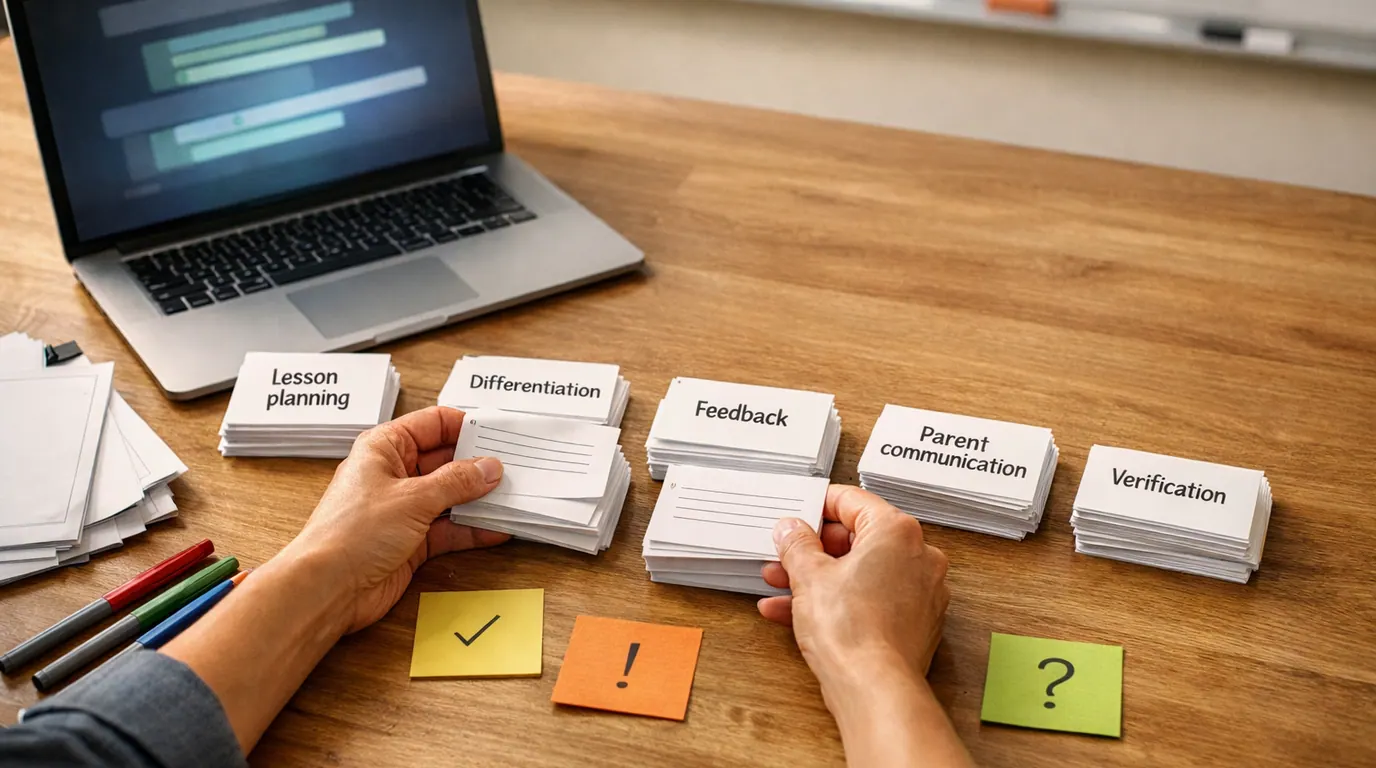
Finding the best AI image generator is more challenging than it used to be because the category has split into several product types: image models, model hubs, chat assistants, design apps, vector tools, and editing canvases. A tool that is excellent for a cinematic mood board may be the wrong choice for a poster with readable text, a set of icons, or a product image that needs brand approval.
Use this AI image generator guide as a decision tool, not as a fixed ranking. The practical questions are simple: what image do you need, how editable must it be, and who approves it before it goes live?
Choose by output: realistic photo, edit, poster text, vector asset, brand layout, social creative, or visual exploration.
The strongest tool is the one that leaves the least human repair work before the image is usable.
Check text, logos, likenesses, usage terms, private inputs, file quality, and disclosure rules before publishing.
Quick Picks: Best AI Image Generator by Job
Best AI image generator lists should be categorized by the job each tool helps complete. Use this table as the starting shortlist, then test the top two tools with the same real prompt and the same review criteria.
| Pick | Best for | Why it fits | Limit | Pricing/free-plan note |
|---|---|---|---|---|
| Gemini / Nano Banana Pro | Prompt fidelity, image edits, text-heavy visuals, and reference-based changes | Current research consistently points to Gemini's image models as strong for following detailed instructions, preserving characters, combining references, and handling text better than older image tools. | Quotas, model names, and availability can change quickly. Inspect faces, text, factual details, and edited areas before publishing. | Free access is usually limit-based; paid Google AI/Gemini tiers may raise limits. Check current Google pricing and quotas before planning volume work. |
| ChatGPT / GPT Image | Conversational image drafting and iterative creative direction | It is useful when you want to explain a visual in plain language, revise it through conversation, and keep image work near writing, planning, or campaign copy. | It is not a dedicated production design canvas. Batch exports, exact brand systems, and advanced layout control may need another tool. | ChatGPT image generation can be available with free limits and paid-plan advantages. Check current plan limits, speed, and commercial terms. |
| Midjourney | Art direction, stylized visuals, mood boards, and rich visual exploration | It remains a strong choice when taste, atmosphere, lighting, texture, and surprise matter more than strict layout or exact text. | Use another review/editing step for typography, brand lockups, factual scenes, and precise object placement. | Midjourney is subscription-based. Compare plan tiers, usage limits, privacy settings, and cancellation rules before client work. |
| Adobe Firefly | Creative teams already working in Adobe apps | Firefly keeps generation close to Adobe editing workflows and can expose Adobe and partner models inside familiar creative tools. | It makes the most sense when you already want Adobe-style controls. Simple casual prompts may be faster elsewhere. | Firefly access, credits, partner models, and plan rules vary. Check the current Adobe plan and credit details. |
| Recraft | Vectors, icons, posters, brand graphics, and images with short text | Recraft is built around design assets, vector-style output, posters, logos, icons, and more editable business visuals than many general image tools. | Do not assume a logo concept is trademark-safe or final. Review originality, export format, text, and brand fit. | Recraft has a free entry point, but export formats, resolution, privacy, and commercial terms depend on the current plan. |
| Canva Magic Media / Dream Lab | Social posts, presentations, campaign layouts, and non-designer workflows | It is useful when the generated image needs to land inside a Canva design with templates, brand assets, resizing, and team review nearby. | Outputs can feel generic without strong prompts or references. Final claims, hierarchy, and typography still need a human pass. | Canva has free and paid access, but AI credits, Dream Lab, brand kits, and export controls can be plan-dependent. |
| Leonardo.ai | Creators who want model choice, image-to-image control, upscaling, and production polish | Leonardo is useful for people who want more control than a simple chat prompt and a broader creative workspace for refining images. | The number of controls can slow down casual work. Output quality depends on model choice, prompt clarity, and post-processing. | Leonardo offers a free start; check current credit limits, model access, upscale rules, privacy, and commercial-use terms. |
| Freepik | Multi-model testing, stock-style assets, and creator workflows with editing around the image | Freepik is useful when you want to compare multiple models and keep generated assets near a broader stock, design, and editing ecosystem. | Model routing can make results inconsistent if you do not track which model produced the asset. | Free and paid limits, model access, resolution, and licensing can change. Check current Freepik plan and asset terms. |
| Krea-style model hubs | Trying many models before committing to one workflow | A model hub can help you compare styles, upscaling, sharpening, image-to-video, and editing tools without buying every product separately. | The best result may depend on a model you cannot easily reproduce elsewhere. Keep model names, settings, and prompts documented. | Plan details vary by hub. Watch credits, export rights, model availability, and whether assets remain private. |
How We Chose the Shortlist
This is not a lab benchmark, a live price audit, or a claim that every tool was tested hands-on with the exact same prompt today. The shortlist is based on the supplied research packet, current SERP patterns for this query, relevant product pages, and the jobs readers usually try to finish when they search for the best AI image generator.
The evaluation criteria were practical: prompt following, realism, style range, text rendering, image editing, reference handling, vector or layout support, workflow integration, export usefulness, free-plan caveats, and how much human review is still required. That last point matters most. A polished image that cannot be edited, licensed, or explained is still a weak production asset.
For current product details, check the vendor pages before you buy or standardize a workflow: Google’s Nano Banana Pro overview, OpenAI’s ChatGPT image help, Midjourney plans, Adobe Firefly partner models, Recraft’s AI image generator, Canva’s AI image generator, Leonardo’s AI image generator, and Freepik’s AI image generator. Pricing, credits, model access, and commercial terms can move faster than editorial roundups.
Product Recommendations by Use Case
Gemini / Nano Banana Pro
Start here if you need strong prompt following, image edits, reference-based changes, or visuals with readable labels. The research packet repeatedly points to Google’s current image models as strong for character consistency, combining references, and text-heavy outputs such as infographics or annotated visuals.
Best for: product mockups, edited portraits with consent, diagrams, comic-style panels, reference-driven changes, and visuals where the prompt contains several specific constraints.
Watch for: quota limits, changing model names, privacy settings, and over-trusting generated details. If the image includes facts, labels, packaging copy, maps, interface screenshots, or a recognizable person, review it manually.
ChatGPT / GPT Image
Choose ChatGPT when image creation is part of a broader thinking process. It is especially useful for turning rough creative direction into drafts, revising an image through conversation, and keeping visual concepts connected to copy, campaign ideas, or product planning.
Best for: brainstorming visual paths, generating first drafts from plain English, revising with natural-language feedback, and creating AI image ideas alongside headlines, captions, or landing-page copy.
Watch for: production handoff. ChatGPT can help you find a direction, but a designer may still need Canva, Photoshop, Figma, Firefly, or another editor to polish layout, typography, brand details, exports, and review files.
Midjourney
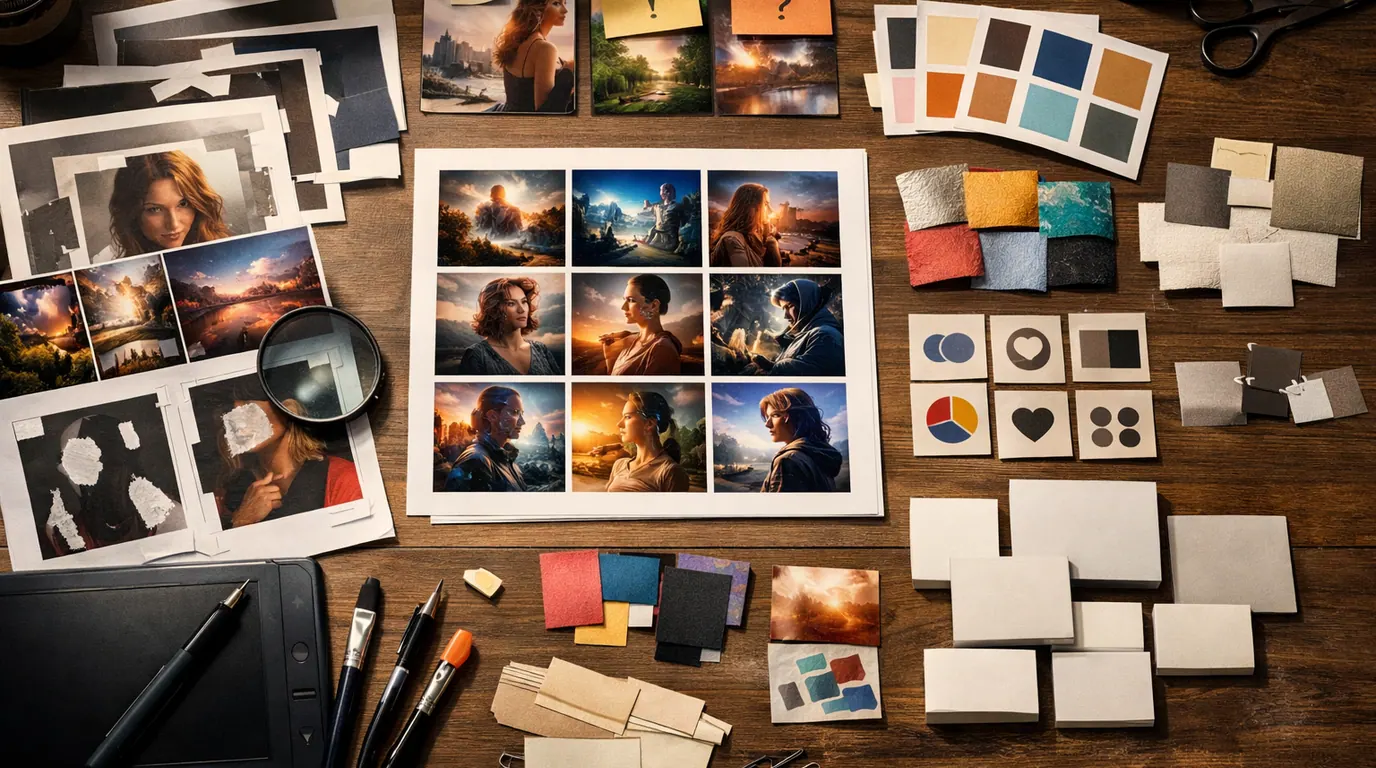
Use Midjourney when you want the visuals to feel right. It is often strongest for atmosphere, lighting, painterly or cinematic style, fashion or editorial concepts, surreal scenes, and high-impact mood boards. If the goal is to show a team three possible art directions, Midjourney is still a serious contender.
Best for: visual exploration, campaign mood boards, editorial hero concepts, story worlds, album-art style references, and early art direction before the final asset is produced elsewhere.
Watch for: literal accuracy. If you need exact typography, a regulated product claim, a precise package label, or a brand-safe final image, plan for a review and editing step.
Adobe Firefly
Adobe Firefly is most useful when the image needs to become part of an Adobe workflow. It can sit near Photoshop, Express, Illustrator, and Firefly Boards, and Adobe also supports partner models in parts of the Firefly experience.
Best for: creative teams that already use Adobe tools, image ideation that needs later editing, campaign assets, background changes, style references, and production-adjacent exploration.
Watch for: credits, model availability, and usage terms. Before using Firefly as the default team tool, check current plan details, whether partner models are available in the surface you use, and which outputs can be used commercially under your plan.
Recraft
Recraft is the strongest fit on this shortlist when the output should behave like a design asset, not just a picture. It is particularly relevant for vector-style illustrations, icons, posters, brand graphics, product mockups, and short text in images.
Best for: app icon directions, poster drafts, clean graphics, logo concepts, scalable design assets, and social visuals where editability and layout matter.
Watch for: legal and brand review. A logo generated by any AI image generator is still only a concept until it has been checked for originality, trademark conflicts, accessibility, and brand-system fit.
Canva Magic Media / Dream Lab
Canva is a good everyday choice when the generated image is one component of the final design. You can generate or refine an image, place it into a template, add brand assets, resize for channels, and send a design to teammates without moving across several specialist tools.
Best for: small business marketing, creator posts, presentations, thumbnails, event flyers, lightweight ads, and non-design teams that need usable layouts quickly.
Watch for: generic output. Canva becomes more useful when you bring a brand kit, reference image, audience, format, and channel constraints. Without those, the design may look clean but interchangeable.
Leonardo.ai, Freepik, and model hubs
Leonardo and Freepik are useful when you want a creative workspace, not just a single prompt box. They can help with model choice, image-to-image work, upscaling, variations, stock-style assets, and broader creator workflows. Krea-style hubs can be valuable when you want to test many models before deciding which one belongs in your process.
Best for: creators who generate frequently, marketers testing many visual styles, game or concept artists exploring variations, and teams that need editing and upscaling near generation.
Watch for: repeatability. When a platform routes work through multiple models, save the model name, prompt, settings, source images, and output notes. Otherwise the result can be difficult to reproduce later.
AI Image Generator Workflow: From Prompt to Usable Asset
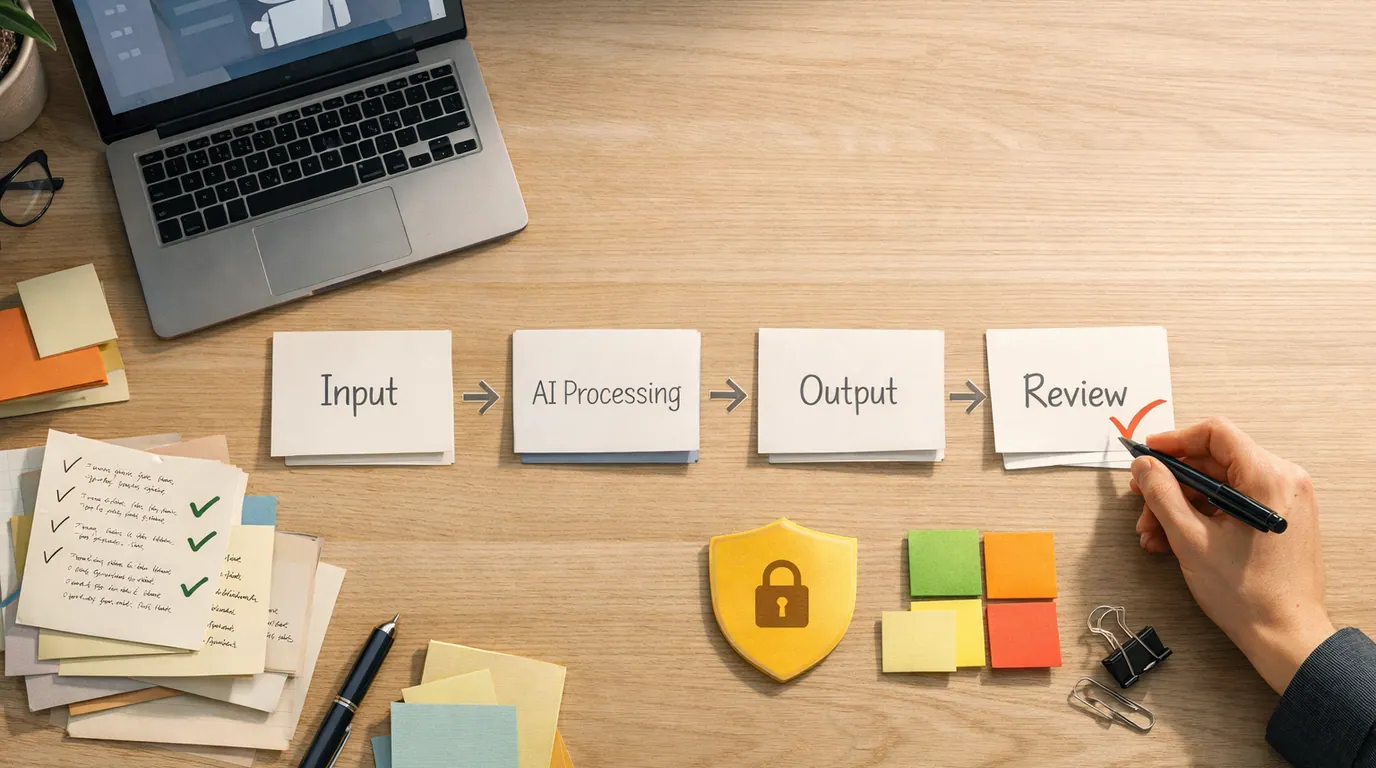
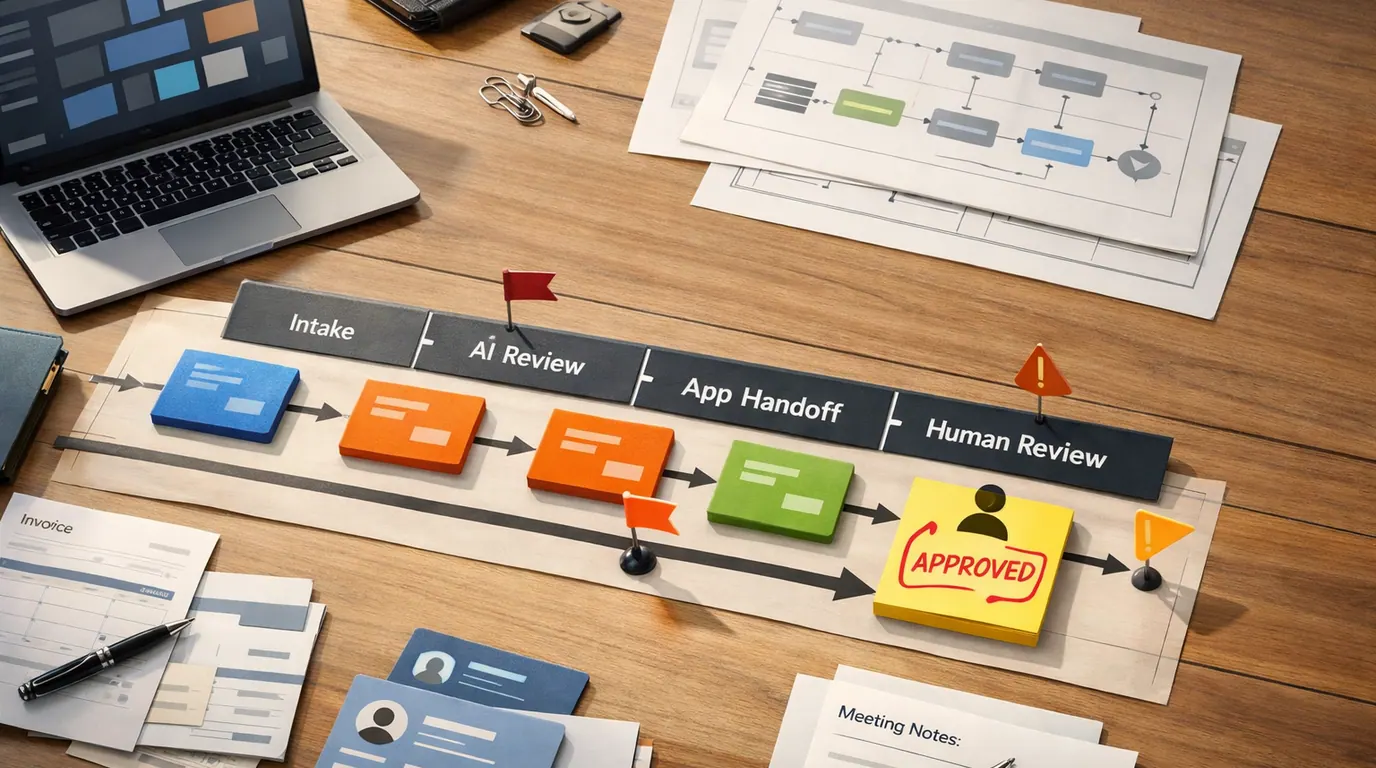
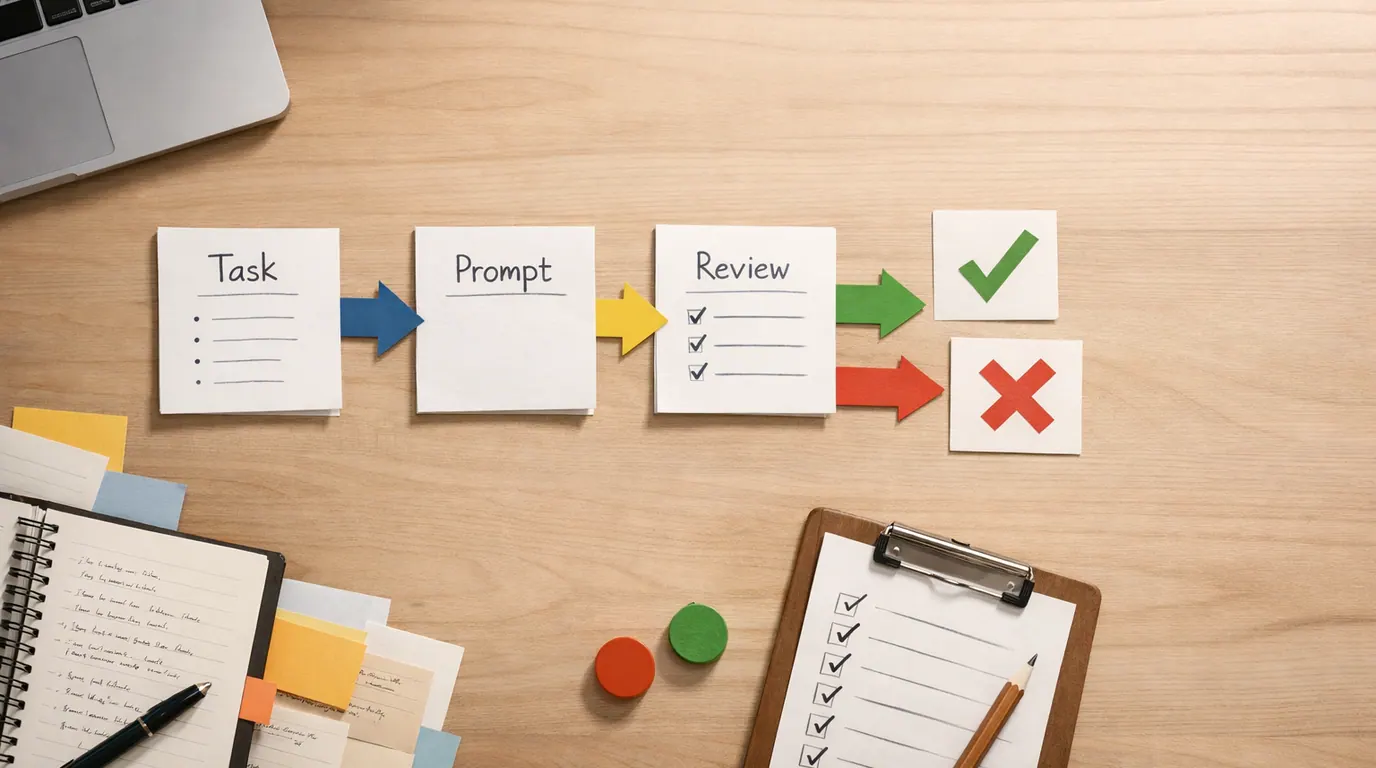
A well-designed AI image generator workflow is not just typing a prompt and hoping. It is a small production loop that turns intent into options, then turns the best option into a reviewed asset.
- Define the job. Write the channel, audience, size, style, subject, and final use before choosing the tool. A hero image, app icon, infographic, and product mockup need different products.
- Provide real constraints. Add brand colors, reference images you have rights to use, excluded styles, camera angle, medium, composition, text, and export needs.
- Generate controlled variants. Run the same brief through one or two candidate tools. Change one variable at a time: model, style, reference, or composition.
- Edit the closest result. Do not restart endlessly. Use inpainting, prompt edits, upscaling, background tools, or a design app to repair the best image.
- Review before publishing. Check words, faces, hands, product details, legal claims, logos, accessibility, file quality, usage rights, and whether AI disclosure is required.
- Save the system. Keep the prompt, source images, model, settings, approval notes, and final file together so the workflow is repeatable.
For a broader creative stack beyond images, see our guide to AI design tools for designers. Image generation works best when it sits inside a real design, copy, review, and publishing process.
AI Image Generator Examples and Use Cases
These AI image generator examples show why a single universal winner is less useful than a shortlist. The right tool depends on the final output you need.
| Job | Try first | Prompt direction | Human check |
|---|---|---|---|
| Newsletter hero | ChatGPT, Gemini, Canva | Describe the audience, concept, mood, layout, and where the headline will sit. | Check that the image leaves readable space for type and does not imply a false product claim. |
| Poster with text | Gemini, Recraft, Adobe Firefly | Provide the exact words, hierarchy, format, colors, and style reference. | Read every letter. Regenerate or edit if one character is wrong. |
| App icon set | Recraft, Leonardo | Request a consistent set with shape rules, stroke weight, palette, and export format. | Inspect scalability, contrast, alignment, and whether the symbols are recognizable at small sizes. |
| Cafe rebrand mood board | Midjourney, Leonardo, Freepik | Ask for three visual directions with materials, lighting, photography style, and customer feeling. | Use the output as reference, not as final identity. Validate against the real audience and space. |
| Product image variation | Gemini, Firefly, Canva | Upload an approved reference if allowed and ask for a specific background, use case, or crop. | Verify product geometry, labels, shadows, claims, and whether the uploaded asset is permitted. |
| Ad concept exploration | Midjourney, Freepik, Canva | Generate several campaign directions before committing to copy, shoot list, or layout. | Reject visuals that exaggerate results, misrepresent the product, or rely on unclear usage rights. |
The common pattern is simple: generate more options than you need, then reduce the set by edit distance and risk. The winning image is rarely the flashiest. It is the one that can survive brand, legal, accessibility, and production review.
A Practical AI Image Generator Strategy
An effective AI image generator strategy usually has four parts: one default generator, one editing surface, one design or layout tool, and one review checklist. That is more reliable than chasing every model launch.
For most readers, the stack should stay small:
- Default generator. Pick Gemini, ChatGPT, Midjourney, Leonardo, Firefly, or another primary tool based on the job you repeat most often.
- Editing surface. Keep one place for inpainting, background changes, resizing, upscaling, and cleanup.
- Design surface. Use Canva, Adobe, Figma, or another layout tool when the image needs typography, brand systems, or team approval.
- Review rule. Assign a human owner for rights, accuracy, brand, accessibility, and final publishing decisions.
If you only need to create a few personal images at a time, a free or bundled tool may be enough. If you are producing client assets, ads, product imagery, or brand systems, the best AI image generator is the one that meets governance requirements as well as quality. Ask who can upload references, which assets can train or improve vendor systems, what happens to private prompts, and how approved outputs are stored.
AI Image Generator Checklist Before You Pay
Use this AI image generator checklist before subscribing, adding a tool to a team workflow, or using generated visuals for commercial work.
- What output do you need most often: photorealistic images, edits, posters, vectors, social designs, thumbnails, product mockups, or mood boards?
- Does the tool support your real workflow: reference images, aspect ratios, upscaling, transparent backgrounds, batch work, export formats, and team review?
- Can you edit the result without starting over?
- How well does it handle text, logos, faces, hands, product details, and brand colors?
- What does the free plan actually limit: credits, speed, resolution, model choice, storage, watermarking, privacy, or exports?
- What do the commercial-use terms say about outputs, references, partner models, and uploaded assets?
- Does your organization allow private customer data, product images, or unreleased campaign material in the tool?
- Can the tool produce repeatable results, or does every output depend on hidden model routing?
- Who reviews the final image for accuracy, brand fit, accessibility, rights, and disclosure?
Do this with one real asset, not a demo prompt. A polished sample from a vendor site does not tell you how much repair work your own brief will need.
Limitations and Human Review Points
AI image generators are now useful enough that their mistakes are easier to miss. The risk is not only a strange hand or warped object. It can also be a polished image with the wrong label, a borrowed-looking logo, an unrealistic product claim, a biased representation, or a person who looks like someone real without consent.
Works Well When
- You need several visual directions before committing to one.
- The image is exploratory, internal, or easy for a human to inspect.
- You can provide strong constraints, references, and success criteria.
- The tool exports files you can edit in the rest of your workflow.
- The work has a clear owner for rights, brand, accuracy, and final approval.
Watch Out For
- The image includes regulated claims, medical context, legal context, or financial promises.
- The output uses a recognizable person's likeness without clear consent.
- The brand, logo, package, or interface must be exact.
- The vendor terms for uploaded references, commercial use, or private prompts are unclear.
- The team wants to publish generated work without checking text, facts, accessibility, and rights.
Do
- Use reference images only when you have the right to use them.
- Save prompts, model names, settings, and review notes with the final file.
- Check text, people, logos, product details, and factual claims manually.
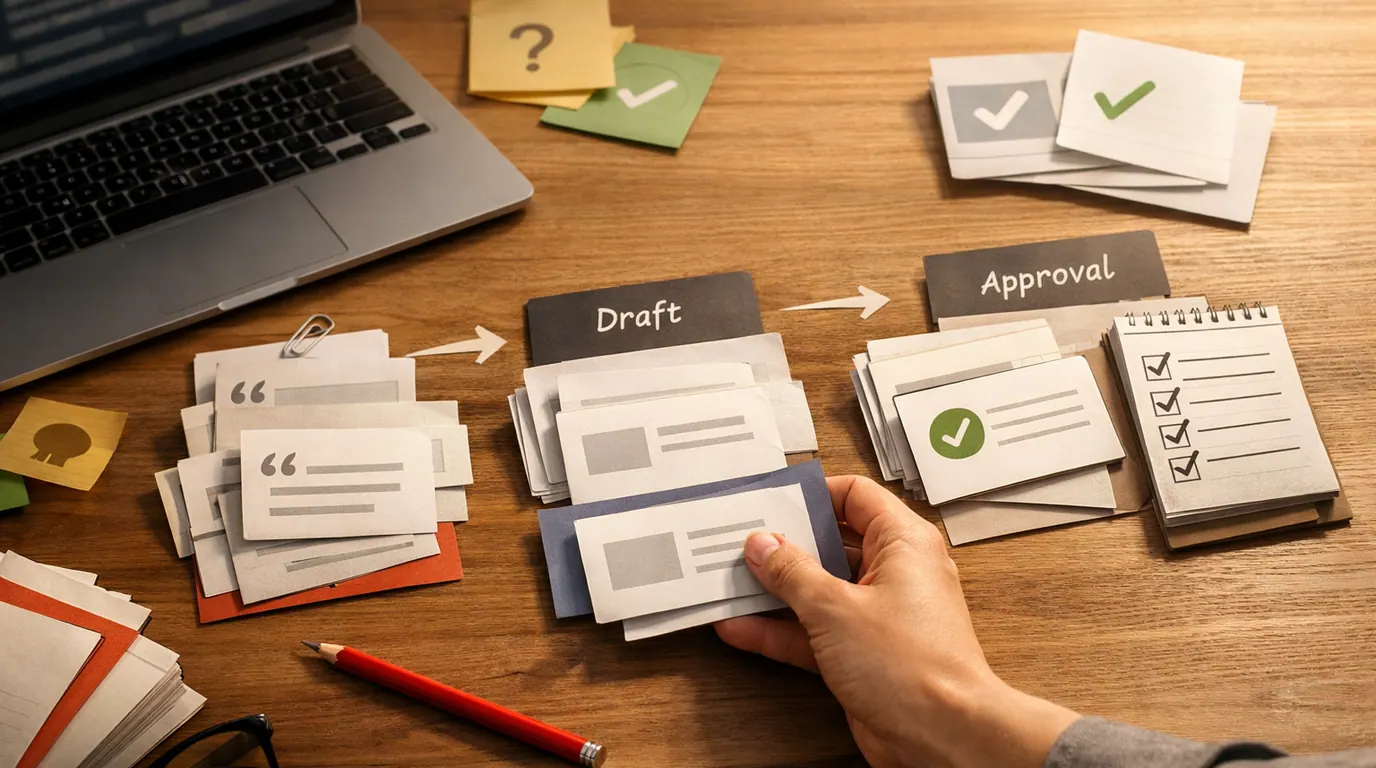
- Use generated images as drafts when the final asset needs approval.
Do not
- Publish a generated image just because it looks expensive.
- Assume a free plan includes commercial rights or high-resolution exports.
- Paste confidential material into a tool your team has not approved.
- Use AI output as a substitute for real product, legal, or accessibility review.
The Bottom Line
There is no single permanent winner for every AI image job. Gemini/Nano Banana Pro is a strong first stop for detailed prompts, edits, and text-heavy visuals. ChatGPT is useful when image work belongs inside a conversation. Midjourney remains valuable for art direction. Adobe Firefly fits Adobe-centered teams. Recraft is practical for vectors and design assets. Canva, Leonardo, Freepik, and model hubs are better when production workflow or model variety matters.
Choose two tools that match your next real asset, send them the same request, and compare the results by edit distance, rights risk, and review time. That will tell you more than any generic ranking of AI image generators.
Frequently asked questions
What is the best AI image generator in 2026?
The best choice depends on the job. Try Gemini or Nano Banana Pro for detailed prompt following and image editing, ChatGPT for conversational ideation, Midjourney for expressive art direction, Adobe Firefly for Adobe workflows, Recraft for vectors and icons, and Canva or Leonardo when you need production-friendly design tools around the image.
Which AI image generator is best for text inside images?
Gemini/Nano Banana Pro and Recraft are strong starting points when the visual needs readable words, labels, posters, packaging, or infographics. Still inspect every letter before publishing. Text rendering has improved, but a single misspelled word, warped logo, or inaccurate label can make an otherwise strong image unusable.
What is the best free AI image generator?
For free trials, start with tools you may already use: ChatGPT, Gemini, Canva, Leonardo, Freepik, or Recraft. Free access is usually limited by credits, speed, resolution, model choice, watermarks, or commercial-use terms, so use the free tier to test fit rather than assuming it can support high-volume work.
Is Midjourney still worth using for AI images?
Yes, if your priority is art direction, mood boards, stylized visuals, textures, and visually rich concept work. It is less ideal when you need exact text, strict brand layout, editable design files, or a free casual tool. Treat Midjourney as a visual direction engine, then finish details in an editor or design app.
Can I use AI-generated images commercially?
Sometimes, but you need to check the current terms for the tool, model, plan, inputs, and output type. Review usage rights, whether reference images were licensed, whether people or brands are recognizable, whether the result needs AI disclosure, and whether your employer or client has an approved vendor policy.
How do I get better AI image results?
Write the prompt like a small creative brief: subject, setting, style, camera or medium, composition, lighting, format, exclusions, and intended use. Add reference images when allowed, generate several options, choose the closest one, then edit deliberately instead of restarting from a vague prompt.