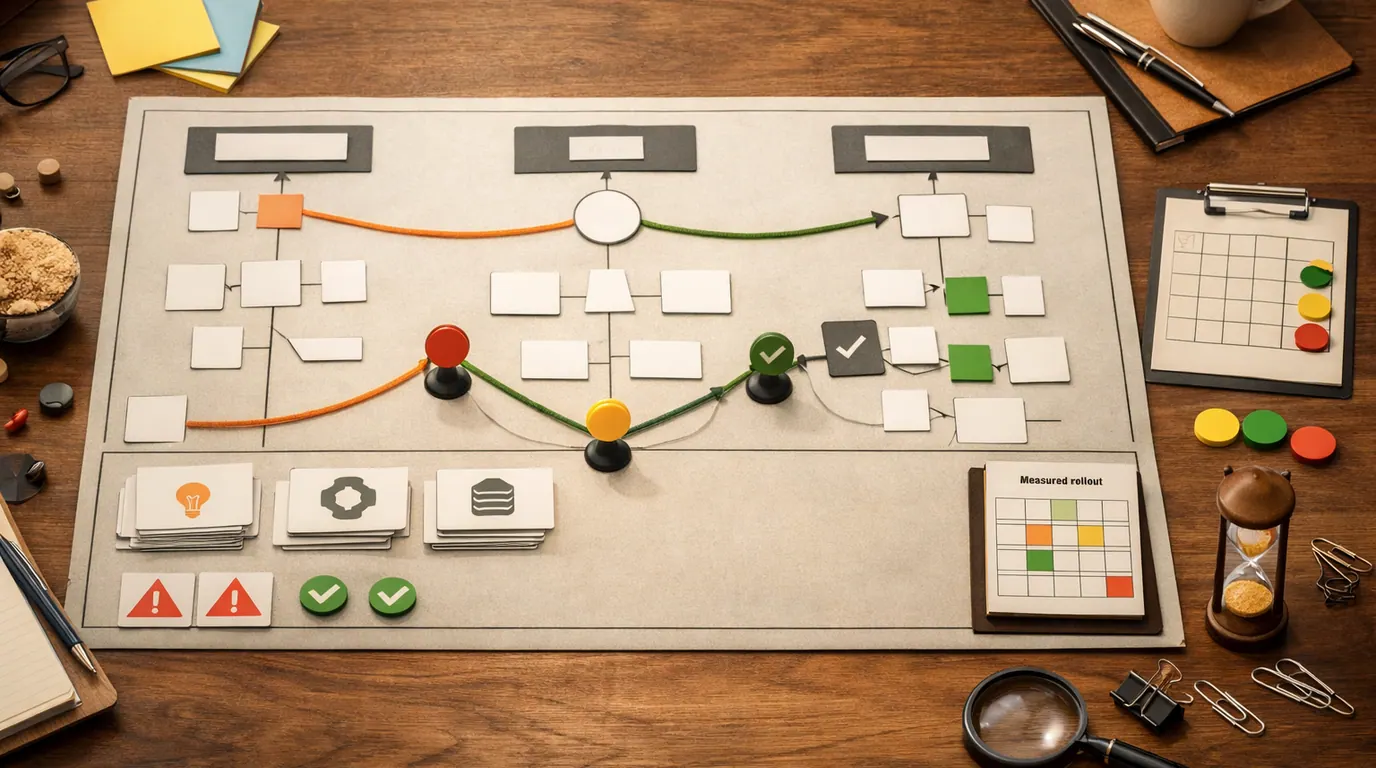
If you searched for “how to use ai”, the useful answer is not “type anything into a chatbot and hope.” The useful answer is a repeatable way to choose the right task, brief the tool, inspect the result, and decide whether AI actually helped.
AI is best when it turns a messy input into a reviewable next step: a summary, outline, draft, checklist, comparison, explanation, first-pass plan, or set of questions. It is weakest when you treat it as the final judge of truth, taste, risk, or ethics.
This how to use AI guide is written for everyday work and learning. You will get a tool shortlist, a first workflow, examples, prompt patterns, privacy cautions, and a practical checklist you can use before AI touches anything important.
Pick a narrow, low-risk job before changing your whole workflow.
Give the model the audience, goal, constraints, source material, and desired format.
Check facts, privacy, tone, bias, assumptions, and whether the result is actually useful.
What It Means to Use AI Well
To use AI well, treat it like a capable assistant that still needs a clear brief and a human editor. It can help you think, draft, summarize, classify, compare, translate, code, plan, and learn. It does not know your whole situation, and it can produce confident errors.
Generative AI tools are especially useful because they respond conversationally. Microsoft describes everyday AI use as a way to simplify routine tasks, create prompts, explore tools, and build on generated results. The University of Rhode Island AI guide makes a similar practical point: start conversationally, then add complexity when needed.
A practical how to use AI strategy starts with three questions:
- What is the job? Summarize, draft, compare, explain, brainstorm, classify, plan, check, or transform.
- What context would a person need? Audience, goal, source material, examples, constraints, tone, deadline, and success criteria.
- How will you review it? Facts, sources, privacy, tone, bias, missing assumptions, and whether the output is safe to use.
Quick Picks: Use AI Tools by Job
People asking for the best how to use AI answer often need a starting tool, not a long taxonomy. The general-purpose assistants overlap, so choose by workflow and privacy needs. If you want to use AI tools safely, start with one assistant, one task, and one review habit before adding more products. Pricing, feature limits, model access, and data settings change often, so check the vendor pages before paying or uploading sensitive material.
| Pick | Best for | Why it fits | Limit | Pricing/free-plan note |
|---|---|---|---|---|
| ChatGPT | Flexible drafting, analysis, brainstorming, files, coding help, and everyday problem-solving. | It is a broad general assistant and a useful first place to learn prompt habits. | Verify facts, sources, and private-data settings before relying on the output. | Free and paid options may vary by region, model access, and account type; check current OpenAI pricing and data controls. |
| Claude | Long-form writing, document review, careful editing, planning, and privacy-conscious workflows. | The research brief notes Claude as one of the main general AI systems and highlights privacy as a selection factor. | It may not fit every image, video, or ecosystem-specific workflow. | Check current Anthropic plans, limits, enterprise terms, and data-use settings. |
| Gemini | Google-centered work such as Gmail, Docs, Sheets, Drive, learning, summaries, and workplace drafting. | Google's AI learning material emphasizes using generative AI for daily tasks, ideas, content, and Workspace-style workflows. | Best fit depends on whether your work actually lives in Google's tools. | Check current Google plan details, Workspace availability, limits, and data controls. |
| Microsoft Copilot | Microsoft 365-style work, Office documents, meetings, Windows tasks, and business writing. | Microsoft's guidance frames prompting around action, style, and key details, which is a simple beginner pattern. | The value depends on your Microsoft account, app access, and organization settings. | Check current Microsoft personal, work, and education plan requirements. |
| Perplexity | Source discovery, quick research paths, and finding pages you should open yourself. | It is useful when the job is closer to search than drafting. | Do not cite the AI answer itself; open primary sources and verify dates, numbers, and claims. | Check current limits, plan terms, and source-access details before depending on it. |
This article is not claiming hands-on benchmark testing or live pricing checks. The shortlist reflects the research packet’s SERP patterns: major general assistants, search-oriented AI, workplace AI, privacy considerations, and the need for human review.
For a deeper product comparison, see Perplexity vs ChatGPT vs Gemini. For prompt mechanics, use How to Write Better AI Prompts.
The First AI Workflow to Try
The safest how to use AI workflow is a small loop: define the task, provide context, ask for a reviewable output, inspect it, and revise. Do not start with “do my work.” Start with “prepare the next version I can judge.”
- Pick one low-risk task. Use an email draft, meeting summary, trip plan, study outline, source list, spreadsheet explanation, or rough content brief.
- Gather the input. Paste only material you are allowed to share. Remove names, account numbers, client data, passwords, and confidential details if the tool is not approved for them.
- Write the prompt as a brief. State the task, context, constraints, format, and review standard.
- Ask for uncertainty. Tell the model to flag assumptions, missing details, weak evidence, or questions it needs answered.
- Review before using. Check facts, tone, sources, privacy, and whether the result solves the original job.
- Save only what works. If a prompt reliably helps, save it as a template. If it creates cleanup, narrow the task.
Here is a beginner prompt pattern you can adapt:
You are helping me with [task].
Goal: [what I need to accomplish].
Audience or situation: [who this is for and why it matters].
Source material: [paste allowed notes, links, outline, transcript, or draft].
Constraints: [tone, length, format, deadline, exclusions, privacy limits].
Return: [table, bullets, email, checklist, plan, summary, questions].
Before finalizing, flag assumptions, missing information, and anything I should verify myself.How to Use AI Examples for Everyday Tasks
The most useful how to use AI use cases are narrow enough to review. These how to use AI examples work because the output is visible and reversible.
| Task | Prompt idea | Good output | Human check |
|---|---|---|---|
| Rewrite this update for a busy manager. Keep it under 120 words and make the ask clear. | A concise draft with a specific next step. | Names, dates, commitments, tone, and whether it still sounds like you. | |
| Learning | Explain this concept at three levels: beginner, practical user, and technical operator. | A layered explanation you can compare against trusted material. | Accuracy, missing context, and whether the explanation hides important exceptions. |
| Research | Turn this topic into search keywords, source types, and questions I should answer first. | A research map, not a finished conclusion. | Open original sources yourself before citing anything. Our [AI research guide](/blog/how-to-use-ai-for-research/) gives a fuller workflow. |
| Planning | Build a one-week plan for this goal using my constraints and likely blockers. | A realistic schedule with checkpoints. | Time estimates, priorities, dependencies, and what should be removed. |
| Marketing | Create five campaign angles from this product note, each with audience, promise, proof needed, and risk. | Options for a human marketer to judge. | Claims, customer evidence, brand voice, and compliance. See [how to use AI for marketing](/blog/how-to-use-ai-for-marketing/) for a deeper playbook. |
| Coding | Explain this error, list likely causes, and suggest the smallest testable fix. | A debugging path instead of a blind patch. | Run tests, inspect code, and avoid secrets. Our [AI coding guide](/blog/how-to-use-ai-for-coding/) covers review points. |
| Personal admin | Compare these options using cost, time, convenience, risk, and what I need to verify. | A decision table that makes tradeoffs visible. | Current prices, policies, health or legal implications, and personal constraints. |
One practical habit is to ask AI for a decision artifact, not a decision. A table of options, a checklist, a set of questions, or a draft email is easier to inspect than a confident recommendation.
Build a Safe Prompting Habit
Good prompting is clear briefing. You do not need jargon or magic phrasing. You need enough context for the model to stop guessing.
Use this five-part structure:
- Task: What should the model do: summarize, rewrite, compare, critique, plan, classify, explain, or draft?
- Context: Who is the audience, what is the goal, what material should it use, and what background matters?
- Constraints: What tone, length, format, reading level, exclusions, source rules, or privacy limits apply?
- Output: Should the answer be a table, checklist, outline, email, script, JSON, slide structure, or list of questions?
- Review: What should it flag as uncertain, missing, risky, or in need of human verification?
Microsoft’s “ASK” framing for Copilot uses action, style, and key details. That is a useful beginner shortcut: say what action you want, what style fits the situation, and which details matter. Then continue the conversation with follow-up questions or corrections.
For example:
Action: Summarize these meeting notes into decisions, open questions, and next actions.
Style: Direct and neutral, written for a project manager.
Key details: Keep owner names, dates, blockers, and dependencies. Do not invent missing decisions.
Return a table and then list anything I should confirm with the team.
The pattern is simple, but it changes the quality of the output. The model now knows the job, the audience, the structure, and the standard for uncertainty.
What to Avoid When You Use AI
AI can help you move faster and still create problems. The risk usually comes from using it on the wrong task, with the wrong data, or without review.
Works Well When
- First drafts you will edit.
- Summaries of material you can reopen and check.
- Brainstorming options, names, outlines, and questions.
- Converting messy notes into tables or checklists.
- Explaining unfamiliar concepts before you verify them.
- Generating test cases, review rubrics, and QA checklists.
Watch Out For
- Uploading sensitive data into unapproved tools.
- Final medical, legal, financial, hiring, academic, or safety decisions.
- Citing sources the AI names but you have not opened.
- Publishing claims, statistics, prices, or policies without checking current sources.
- Replacing expert review where the output affects other people.
- Accepting code, contracts, advice, or analysis you cannot explain.
Stanford’s student AI guidance treats AI help as something that may need permission and disclosure. That principle generalizes well: if a school, employer, client, publisher, or regulator has rules about AI, follow those rules before using the tool.
For privacy, read vendor settings carefully and default to less sharing. The research packet notes that privacy policies and training settings differ by product and account type. Our AI privacy concerns guide gives a fuller checklist for sensitive data.
How to Use AI Checklist
Use this how to use AI checklist before you turn a one-off experiment into a habit.
Keep the workflow only if every answer is yes
- The task is narrow enough to explain in one sentence.
- The data is allowed for the tool and account type.
- The output is something a person can review before it matters.
- The prompt includes task, context, constraints, format, and review instructions.
- The workflow has a clear failure mode: wrong fact, weak source, bad tone, privacy risk, or missing assumption.
- A human owns the final decision, publication, message, citation, code change, or customer-facing action.
- The workflow saves time or improves quality after review, not before review.
The review step is where AI becomes a useful assistant instead of a risky shortcut. A strong workflow leaves a visible trail: what you asked, what it used, what it produced, what you checked, and what changed because of human judgment.
Build Your Personal AI System
After a few successful experiments, build a small library instead of starting from zero every time. Save prompts by job, not by tool: email rewrite, source map, meeting summary, lesson plan, product comparison, study quiz, code review, content outline, customer response, or weekly planning.
Your library should include:
- Prompt template: The reusable structure, with placeholders for task, context, constraints, and output.
- Allowed inputs: What you can paste safely, and what must be removed or anonymized.
- Review checklist: The facts, sources, privacy issues, tone, and assumptions to inspect every time.
- Example output: One good result that shows the standard you expect.
- Stop rule: When the workflow should be narrowed, escalated to an expert, or done manually.
If you want to use AI at work, this is also the point where team rules matter. Decide which tools are approved, what data is off-limits, who reviews outputs, and which workflows need disclosure. A small approved system beats scattered experimentation with private files.
The Bottom Line
How to use AI well comes down to judgment: give it narrow jobs, real context, and reviewable outputs. Start with low-risk work, compare tools by workflow, protect sensitive data, and keep humans responsible for facts, ethics, strategy, and final decisions.
The best first step is simple: choose one task you already do every week, write a clear prompt, inspect the result, and decide whether the reviewed output is better than your old process. If it is not, do not add more AI. Make the task smaller, improve the brief, or do it yourself.
Frequently asked questions
What is the easiest way to start using AI?
Start with a low-risk task you can check in a few minutes: summarize a long note, draft a polite email, compare options, brainstorm names, make a checklist, or explain a concept. Avoid starting with medical, legal, financial, employment, safety, or private-data decisions until you understand the tool and review process.
Which AI tool should a beginner use first?
For most beginners, start with one general assistant such as ChatGPT, Claude, Gemini, or Microsoft Copilot, then add a search-focused tool like Perplexity only when source discovery matters. The best first tool is the one that fits your daily workflow, has privacy settings you understand, and produces outputs you can inspect.
How do I write a good AI prompt?
A useful prompt states the task, gives context, sets constraints, and names the output format. Instead of asking for generic help, say who the work is for, what material the model should use, what tone or length you need, and what it should flag if information is missing or uncertain.
Can AI replace Google Search?
AI can make search faster by summarizing topics, suggesting keywords, and pointing to source leads, but it should not replace opening original sources. For current facts, prices, laws, medical advice, technical documentation, or important claims, use AI to narrow the field and then verify the primary source yourself.
What should I never put into AI tools?
Do not paste passwords, private health information, financial records, identity documents, customer data, employee records, confidential company files, unreleased source code, student records, or another person's sensitive information into an unapproved tool. Check the product's retention, training, and sharing settings before using real data.
How do I know if an AI workflow is worth keeping?
Keep it if it saves time, improves clarity, or reduces repetitive work without adding hidden risk. A good workflow has a clear input, a reviewable output, a visible failure mode, and a human checkpoint. Drop it if you spend more time correcting, fact-checking, or explaining the result than doing the task directly.