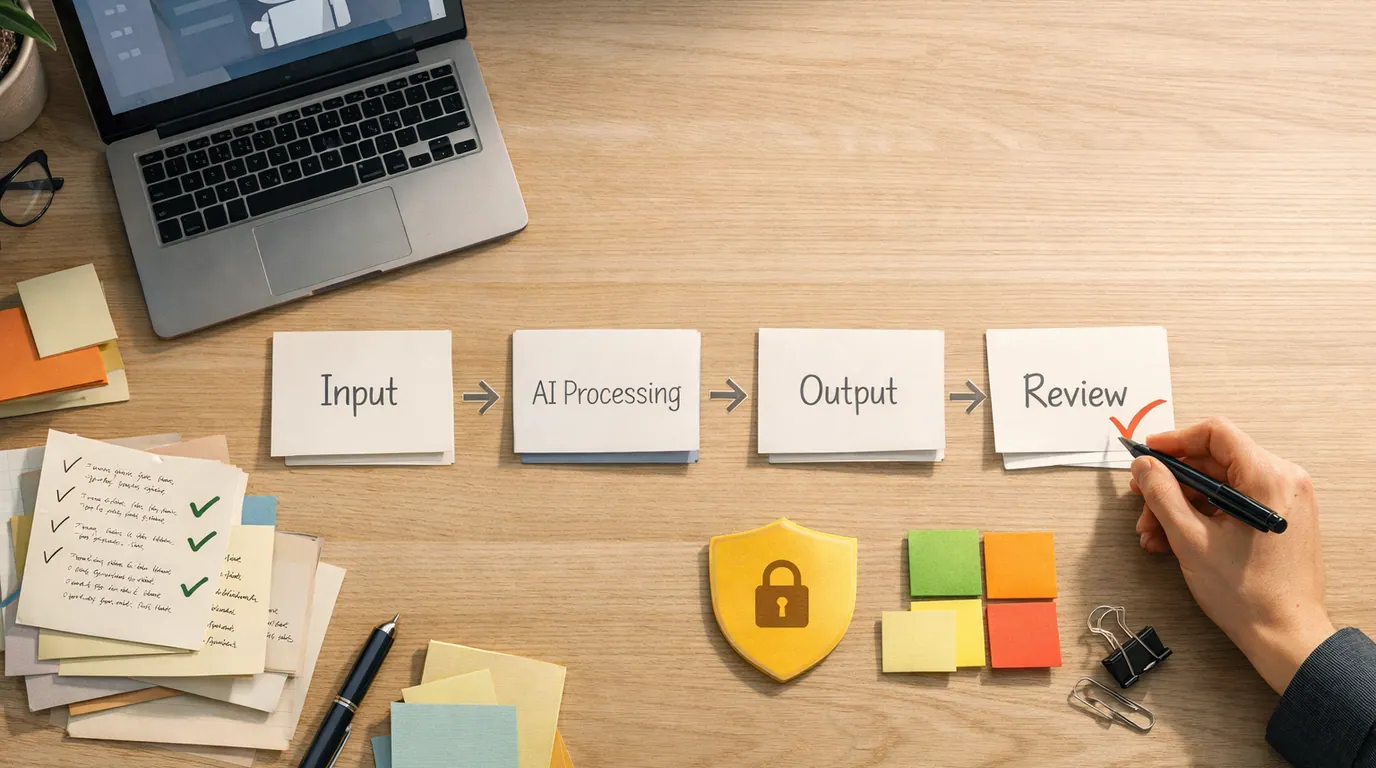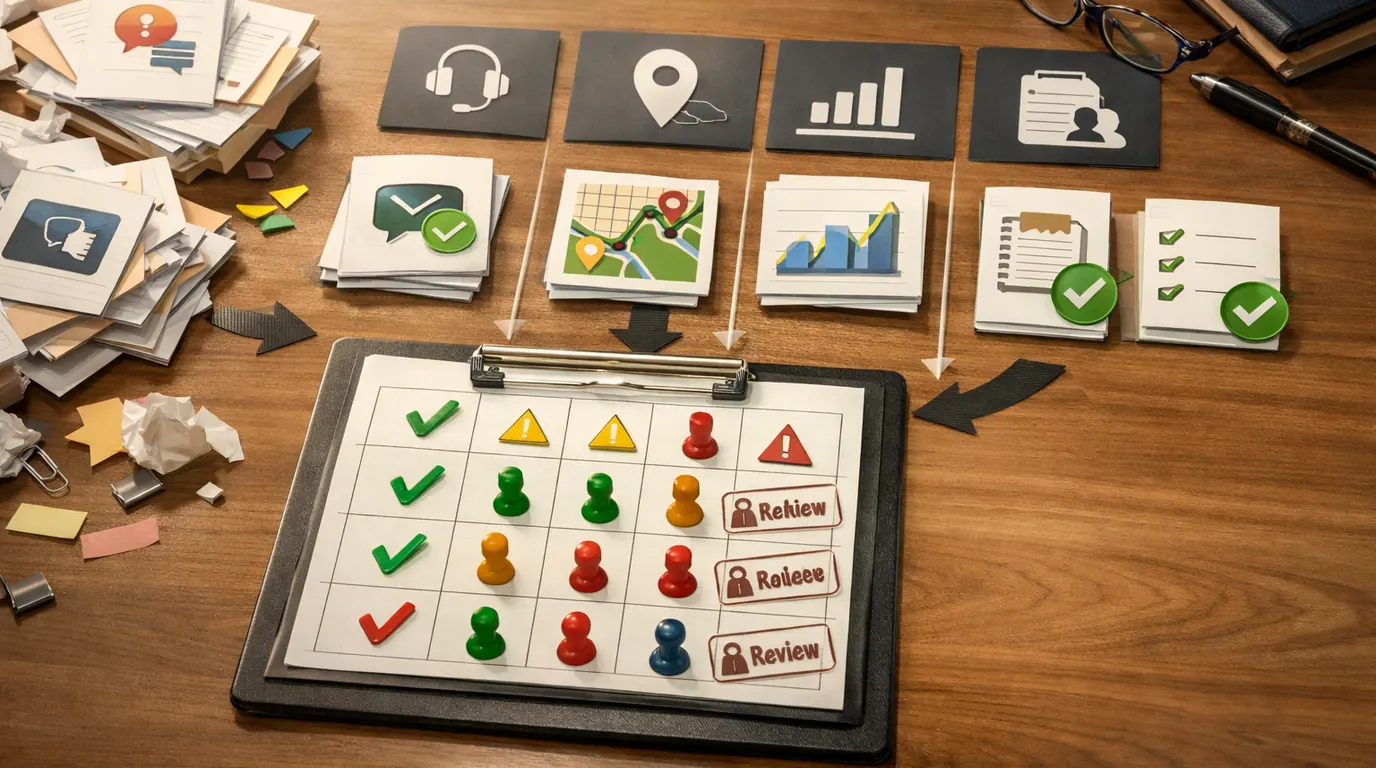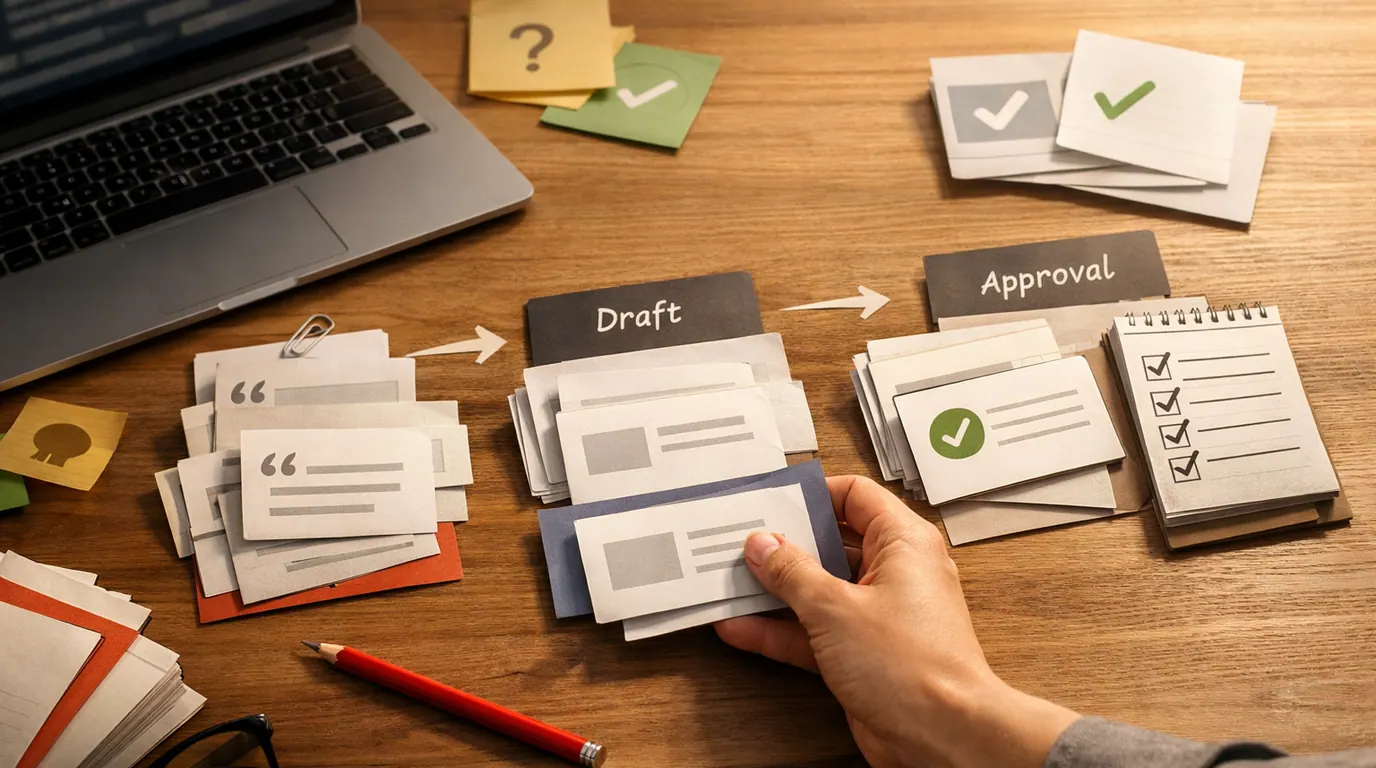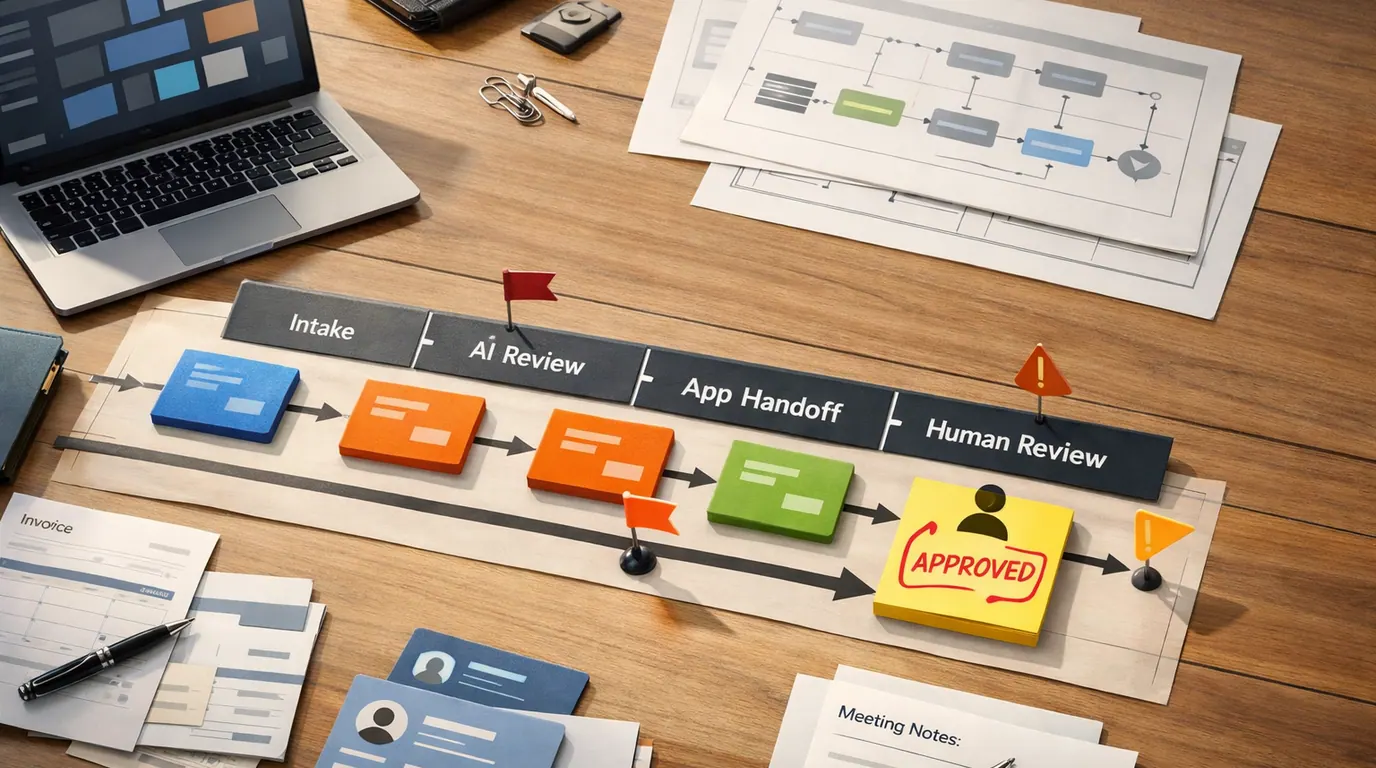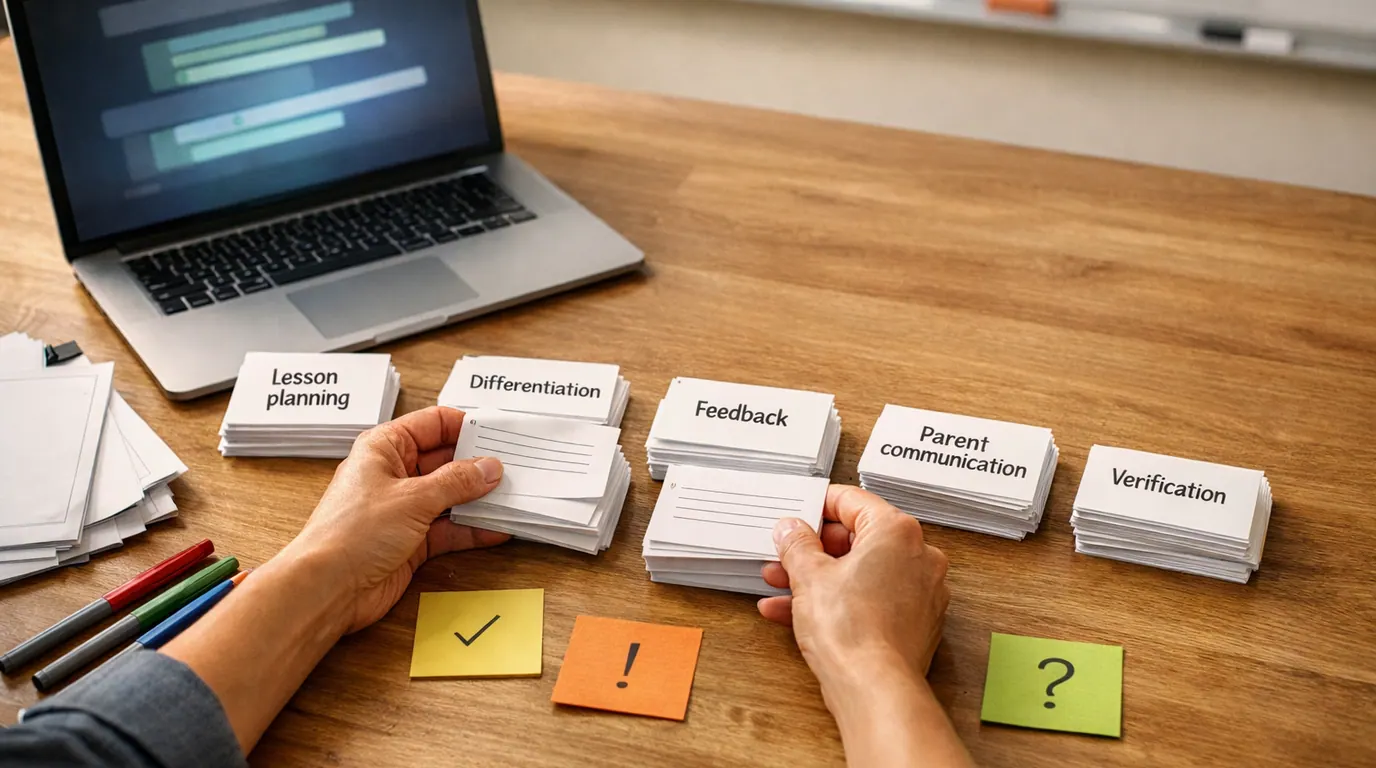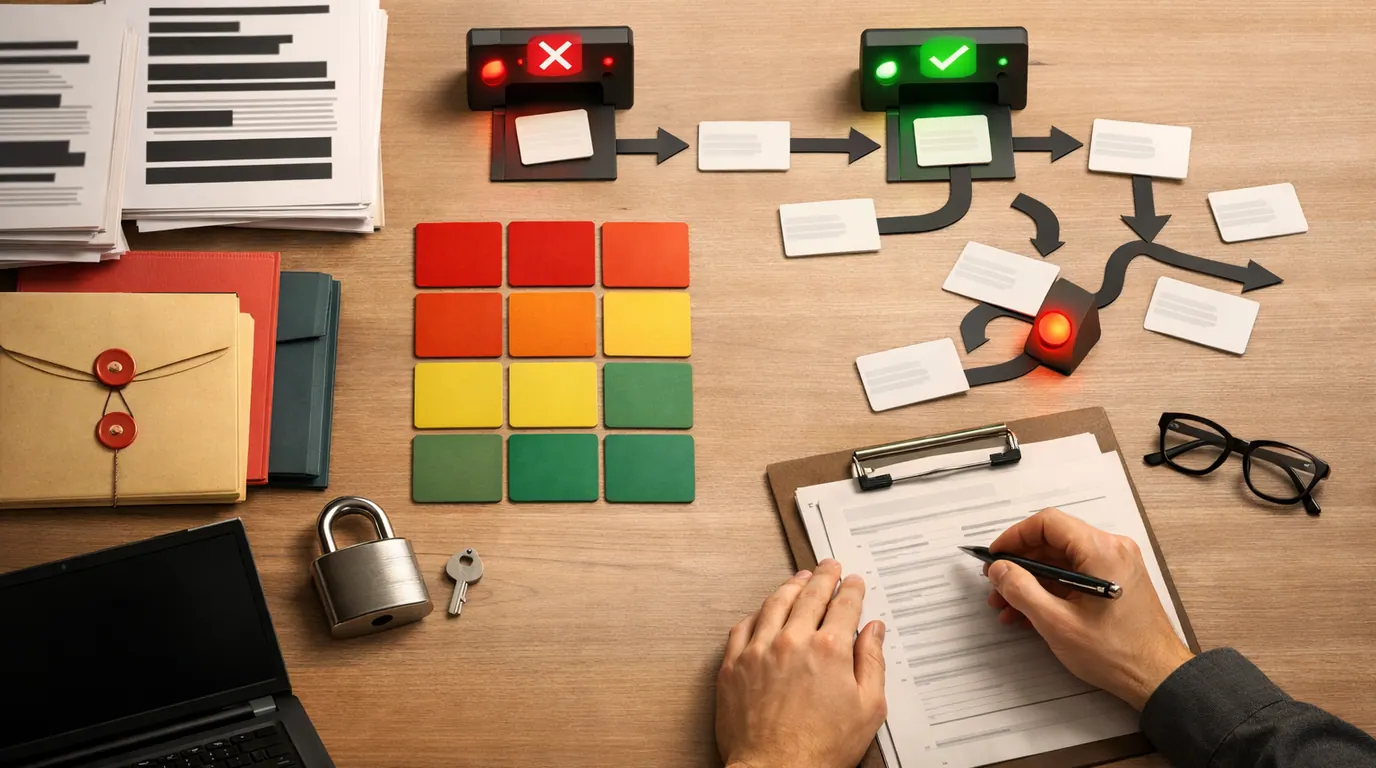
If you searched for “ai privacy concerns,” the useful answer is not “never use AI.” It is knowing which data should not enter a system, which outputs need review, and which uses require stronger consent, security, or legal review before they become routine.
AI privacy concerns are not only about hackers or embarrassing chat logs. They include quiet data collection, unclear training practices, sensitive inferences, surveillance, biometric use, scraped public data, vendor retention, and automated decisions that affect real people.
This AI privacy concerns guide gives you a practical way to act: identify the data, understand the AI use case, set the boundary, review the vendor, and keep humans responsible for sensitive outcomes.
Name the personal, confidential, regulated, or proprietary data before choosing an AI tool.
Use AI where a person can inspect the input, output, and decision before anything affects another person.
Check retention, training, deletion, access controls, and security commitments before sharing sensitive material.
What AI Privacy Concerns Mean in Practice
AI privacy concerns are the risks created when an AI system collects, processes, stores, analyzes, predicts, or reveals information about people in ways they did not reasonably expect. Some risks are familiar data privacy problems. AI makes them harder because it can combine large datasets, generate new inferences, and produce outputs that look authoritative even when the source data is flawed or private.
IBM’s overview of AI privacy groups many concerns around data collection, cybersecurity, model design, and governance. That is a useful split because privacy risk can enter at every stage: data collection, training, prompting, retrieval, storage, model output, logging, human review, and downstream decisions.
Stanford HAI’s privacy discussion also points to a practical problem: consent mechanisms can be too weak for modern data ecosystems. People may click “accept” or use a tool without understanding how their data will be reused, combined, sold, retained, or analyzed later.
When people search for “best AI privacy concerns,” they usually need the highest-priority risks to check first, not a shopping list. The most important concern is the one where sensitive data, weak control, and real-world consequences meet.
The AI Privacy Concerns to Check First
Use this risk map before adopting a new AI assistant, uploading company files, building a chatbot, or automating a workflow. It turns a broad topic into a set of questions you can actually answer.
| Concern | Everyday example | Why it matters | Human review point |
|---|---|---|---|
| Sensitive input exposure | An employee pastes customer tickets, medical notes, contracts, or payroll details into an unapproved chatbot. | The tool may retain, log, review, or reuse information in ways the person or organization did not approve. | Decide which data classes are allowed, masked, blocked, or restricted to approved tools. |
| Unexpected model training | A team uploads internal docs to improve answers without checking whether prompts or files can train shared systems. | Private knowledge can become part of future model behavior or vendor-side improvement workflows. | Check training settings, contract terms, retention policy, and opt-out controls before rollout. |
| Sensitive inference | A model predicts health, income, political preference, job fit, fraud risk, or emotional state from indirect signals. | AI can infer things people never directly disclosed, which can create discrimination and consent problems. | Require purpose limits, fairness review, explainability, and appeal paths for consequential decisions. |
| Surveillance and tracking | Workplace analytics, facial recognition, call scoring, or location data is used to monitor behavior at scale. | AI can turn routine data into persistent profiling and power imbalance. | Define the legitimate purpose, notice, limits, retention period, and who may see the analysis. |
| Training data provenance | A vendor trains a model on scraped web pages, photos, posts, documents, or biometric data with unclear rights. | Publicly accessible data can still contain personal information, copyrighted work, or material used outside its original context. | Ask how training data was sourced, filtered, documented, and removed when required. |
| Security and breach risk | A model, vector database, transcript archive, or prompt log stores sensitive data without strong access controls. | AI systems create new stores of high-value data that attackers and insiders may target. | Review encryption, access controls, logging, deletion, vendor security, and incident response. |
| Output leakage or reconstruction | A generated answer reveals confidential context, repeats private snippets, or exposes information through retrieval. | Even if raw data is hidden, outputs can leak details through summaries, embeddings, citations, or hallucinated confidence. | Test for data leakage, restrict retrieval scopes, and review outputs before public or customer-facing use. |
The privacy work starts before the prompt, not after the output surprises you. If you cannot identify the data, owner, allowed use, review point, and failure path, the workflow is not ready for sensitive use.
An AI Privacy Concerns Workflow You Can Use Today
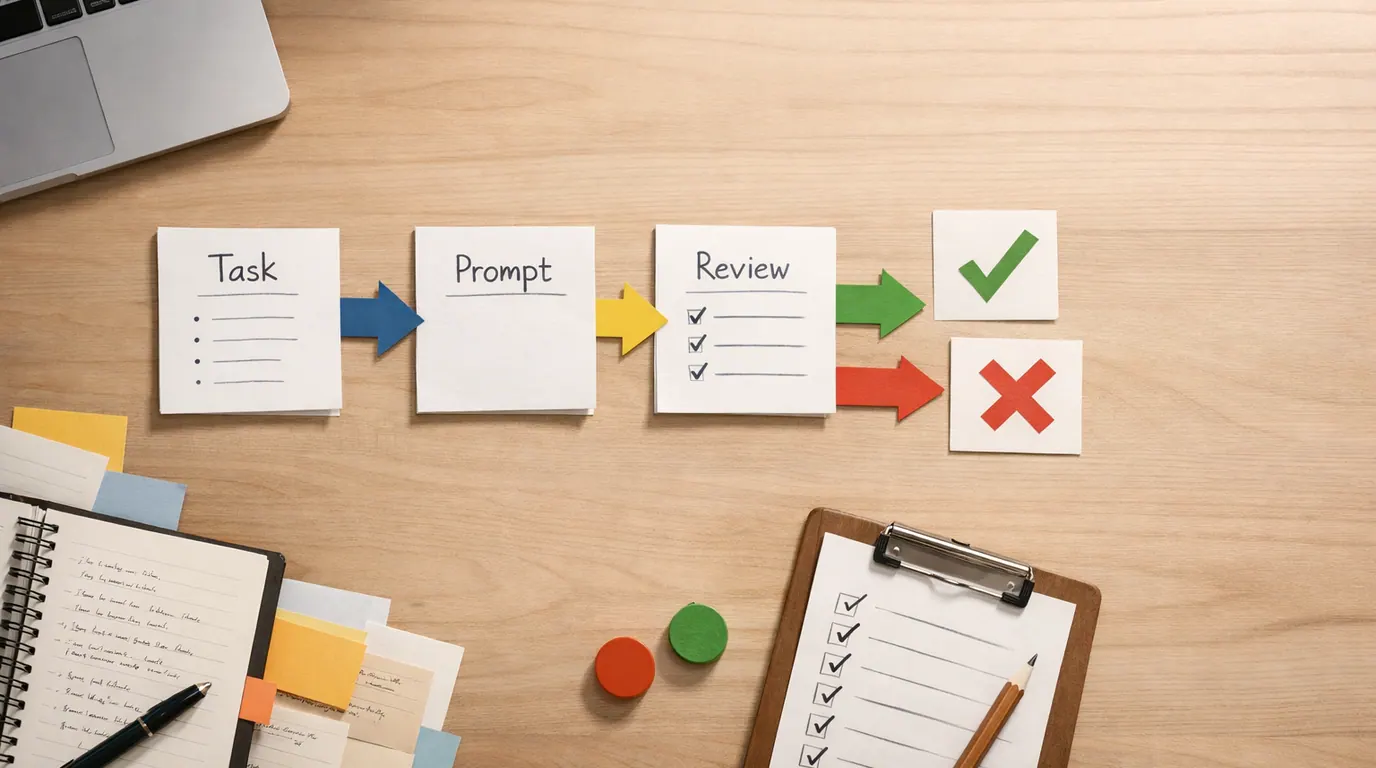
A good AI privacy concerns workflow should be short enough to remember and strict enough to catch obvious mistakes. Use this six-step loop for personal use, team pilots, vendor reviews, and internal automations.
- Name the job. Write the actual task: summarize support tickets, draft emails, analyze resumes, classify documents, transcribe calls, search internal knowledge, or generate reports.
- Classify the data. Mark the input as public, internal, confidential, personal, regulated, customer-owned, employee-related, biometric, financial, health, legal, or source code.
- Check the consequence. Ask what happens if the model is wrong, biased, leaked, retained, subpoenaed, or reused. A brainstorming draft is not the same risk as a hiring score.
- Set the boundary. Decide what may be pasted, uploaded, stored, retrieved, exported, logged, or used for model improvement. Write the rule in plain language.
- Review the tool. Check vendor data-use terms, retention controls, training opt-outs, access management, deletion rights, audit logs, security documentation, and contract options.
- Assign human review. Decide who approves the output before it affects a customer, employee, student, patient, applicant, public claim, legal record, or financial decision.
For prompt-heavy work, the same task, context, criteria, format, and review structure in our guide to writing better AI prompts still applies. The privacy version adds one extra habit: specify what data the model may not use or assume.
AI Privacy Concerns Examples From Everyday Work
These AI privacy concerns examples show why privacy depends on context. The same tool can be low-risk in one workflow and unacceptable in another.
| Scenario | Low-risk version | Higher-risk version | Safer next step |
|---|---|---|---|
| Customer support | Summarize anonymized themes from public help-center feedback. | Paste full customer tickets with names, emails, billing details, and complaints into an unapproved tool. | Use an approved system, redact identifiers, and keep a human reviewer for customer-facing replies. |
| Meetings | Ask AI to turn non-sensitive meeting notes into a task list. | Upload a transcript containing employee health issues, legal strategy, unreleased financials, or customer data. | Classify meetings before recording, restrict transcript access, and delete unnecessary raw audio. |
| Hiring | Draft interview questions from a public job description. | Let AI rank applicants using resumes, social data, personality signals, or inferred traits without review. | Use AI only for administrative support unless legal, fairness, and human review controls are documented. |
| Education | Create a practice quiz from teacher-provided notes. | Upload identifiable student records, behavior notes, accommodations, or grades into a consumer chatbot. | Use approved education tools and keep teachers accountable for feedback, grading, and student support decisions. |
| Healthcare | Rewrite a public patient-education handout in simpler language. | Summarize identifiable patient notes in a tool that is not approved for protected health information. | Use only approved clinical systems and require clinician review before any patient-facing or record-affecting output. |
| Marketing | Generate headline options from a public product page. | Build personalized offers from sensitive behavioral, location, or financial data without clear consent. | Limit personalization data, explain use, and review targeting for discrimination or surprise. |
| Product research | Summarize public reviews into themes. | Upload raw interview notes with names, employers, recordings, and private opinions. | De-identify notes, store consent records, and separate source evidence from generated summaries. |
The pattern is consistent: reduce the data, reduce the consequence, and add review before scaling. AI privacy concerns use cases become manageable when each one has a data boundary and an accountable owner.
AI Privacy Concerns Strategy for Teams
An AI privacy concerns strategy should not start with a list of banned tools. Start with the work people are already trying to do, then create rules that are realistic enough to follow.
First, separate AI use into three lanes:
- Open use: Public information, generic drafting, brainstorming, and learning where no confidential or personal data is involved.
- Approved use: Company data, customer context, internal documents, code, transcripts, or proprietary workflows inside reviewed tools with access controls.
- Restricted use: Health, legal, employment, education, biometric, financial, children’s data, regulated records, or consequential decisions that need policy, legal, security, and senior review.
The Office of the Victorian Information Commissioner notes that organizations struggle to be transparent or obtain meaningful consent when they cannot explain AI processes clearly. That is a practical governance test: if your team cannot explain what the system does with personal information, it is too early to ask users to trust it.
Do
- Publish simple rules for what employees may paste into AI tools.
- Approve specific tools for specific data classes and workflows.
- Use redaction, minimization, role-based access, and audit logs.
- Keep human approval for outputs that affect people.
- Review vendor terms when model training, retention, or subprocessors change.
Do not
- Treat every AI tool with a login page as safe for company data.
- Rely on employee judgment without giving clear examples.
- Let AI make hiring, lending, grading, discipline, medical, or legal decisions alone.
- Ignore prompt logs, transcript archives, embeddings, and retrieval databases.
- Assume anonymized data is always impossible to reconnect to a person.
For teams already adopting AI in classrooms or training programs, the privacy decisions overlap with the human-review guidance in our AI in education explainer. Student data, learning records, and assessment decisions need stronger boundaries than generic lesson brainstorming.
A Copyable AI Privacy Concerns Template
Use this AI privacy concerns template before approving a new workflow. It is intentionally short enough for a team document, security intake form, or project brief.
AI workflow name:
[What are we trying to do?]

Business or personal purpose:
[Why is AI useful here? What output will it create?]

Data involved:
[Public, internal, confidential, personal, regulated, customer, employee, student, patient, financial, legal, biometric, source code, or other]

Data we will not enter:
[Names, IDs, health details, payment data, credentials, contracts, unreleased product plans, private messages, etc.]

Tool or vendor:
[Approved product, account type, workspace, contract status, data processing terms]

Retention and training:
[Are prompts, files, logs, transcripts, or outputs retained? Can they train models? Can retention be limited?]

Access controls:
[Who can upload, view, export, delete, audit, or approve the work?]

Human review:
[Who checks accuracy, bias, privacy, tone, and final use before the output affects anyone?]

Failure plan:
[What happens if the output is wrong, leaked, biased, unavailable, or challenged?]
The template matters because privacy failures often come from ambiguity. Someone assumes “internal” means safe, another person assumes “AI summary” means temporary, and a vendor may define “service improvement” differently from your team.
AI Privacy Concerns Checklist Before You Use a Tool
Use this AI privacy concerns checklist when evaluating a consumer AI app, an enterprise assistant, an internal chatbot, a plugin, or an automation that connects to company systems.
- Purpose: What job will the AI perform, and is AI necessary for that job?
- Data class: What personal, confidential, regulated, proprietary, or third-party data could enter the system?
- Consent and notice: Would the person reasonably expect this use, and have they been told clearly enough?
- Retention: How long are prompts, files, logs, transcripts, embeddings, and outputs stored?
- Training: Can user inputs or uploaded files be used to train or improve shared models?
- Access: Who can view, export, audit, delete, or recover the data?
- Security: Are encryption, identity controls, monitoring, incident response, and vendor security documentation adequate for the data?
- Deletion: Can data be corrected, deleted, or excluded if required by policy or law?
- Output risk: Could the output reveal private information, make an unfair inference, or influence a sensitive decision?
- Accountability: Who owns the final decision, user notice, dispute process, and periodic review?
What Individuals Can Do About AI Privacy
Individuals do not control every vendor policy or data broker, but you can still reduce avoidable exposure. The goal is not perfect secrecy. It is fewer unnecessary disclosures and better defaults.
Start with the information you type or upload. Do not paste passwords, government IDs, patient details, legal documents, private messages, children’s information, private photos, source code, or workplace secrets into tools that are not approved for that data. For sensitive questions, use general context instead of identifiable details.
Then check the product settings. Some tools offer chat history controls, temporary chats, enterprise workspaces, data export, deletion, or options that limit training on user content. These settings change, so confirm them in the product’s current documentation before relying on them for sensitive work.
Finally, treat AI outputs as drafts. A system can infer sensitive traits, misread context, or produce a confident answer from incomplete information. For medical, legal, financial, employment, education, immigration, housing, or safety decisions, get qualified human review.
Works Well When
- Use AI for public information, brainstorming, rewriting, summarizing non-sensitive notes, and learning concepts.
- Redact names, contact details, account numbers, addresses, IDs, and private history before asking for help.
- Use approved work or school accounts when the data belongs to an organization.
- Check privacy settings, retention rules, and deletion options before uploading files.
- Ask the model to flag assumptions and uncertainty instead of pretending the answer is complete.
Watch Out For
- Do not paste private records into random tools because the answer will be faster.
- Do not upload someone else's personal data without permission or a legitimate approved purpose.
- Do not let AI decide sensitive matters without a qualified person reviewing the facts and context.
- Do not assume deleted chats remove every copy from logs, backups, exports, or connected tools.
- Do not share AI-generated summaries publicly if the source material was private.
DigitalOcean’s AI privacy overview highlights that AI privacy also includes inference-time inputs and technical layers such as embeddings. In plain language: the chat box is not the only place data can live. Files, logs, indexes, integrations, analytics, and generated outputs all deserve review.
The Bottom Line
AI privacy concerns are manageable when you make them concrete. Identify the data, name the use case, check the vendor, limit retention and training, review sensitive outputs, and keep people accountable for decisions that affect other people.
The safest starting point is a small, reviewable workflow with non-sensitive data. Once the team can explain what is collected, why it is needed, where it is stored, who can access it, and how a human reviews the result, AI can become useful without turning privacy into an afterthought.
Frequently asked questions
What are the main AI privacy concerns?
The main concerns are over-collection of personal data, unclear consent, sensitive inferences, data retention, model training on user inputs, data breaches, surveillance, bias in automated decisions, and weak governance. The risk increases when the output affects health, money, employment, education, identity, or legal rights.
Is it safe to put personal information into AI tools?
It depends on the tool, account type, privacy settings, contract, and data involved. Treat public chatbots and unapproved apps as unsafe for private customer, patient, employee, legal, financial, source-code, or unreleased business data unless your organization has approved that specific use and retention policy.
How can a company reduce AI privacy risk?
Start with a data map, then classify each workflow by sensitivity and consequence. Limit what employees may paste, use approved tools, disable unnecessary training or retention where possible, log high-risk use, review vendor terms, and assign a human owner for outputs that affect people or regulated records.
Are AI privacy concerns only about data breaches?
No. Breaches matter, but AI privacy also includes hidden collection, unexpected secondary use, sensitive predictions, biometric processing, scraped training data, opaque profiling, weak deletion rights, and outputs that reveal or reconstruct private information. Some harms happen even when no attacker breaks in.
What are common workplace AI privacy examples?
Common examples include pasting customer tickets into a chatbot, summarizing HR notes with an unapproved tool, using meeting transcripts with sensitive names, feeding sales calls into a model, uploading source code, or using AI to score applicants. Each case needs data limits, vendor review, and a human approval point.
How do I choose an AI tool with better privacy?
Look for clear data-use terms, enterprise controls, retention settings, audit logs, permission management, security certifications, data processing agreements, deletion options, and a way to prevent your prompts or files from training shared models. Then test with non-sensitive data before approving broader use.