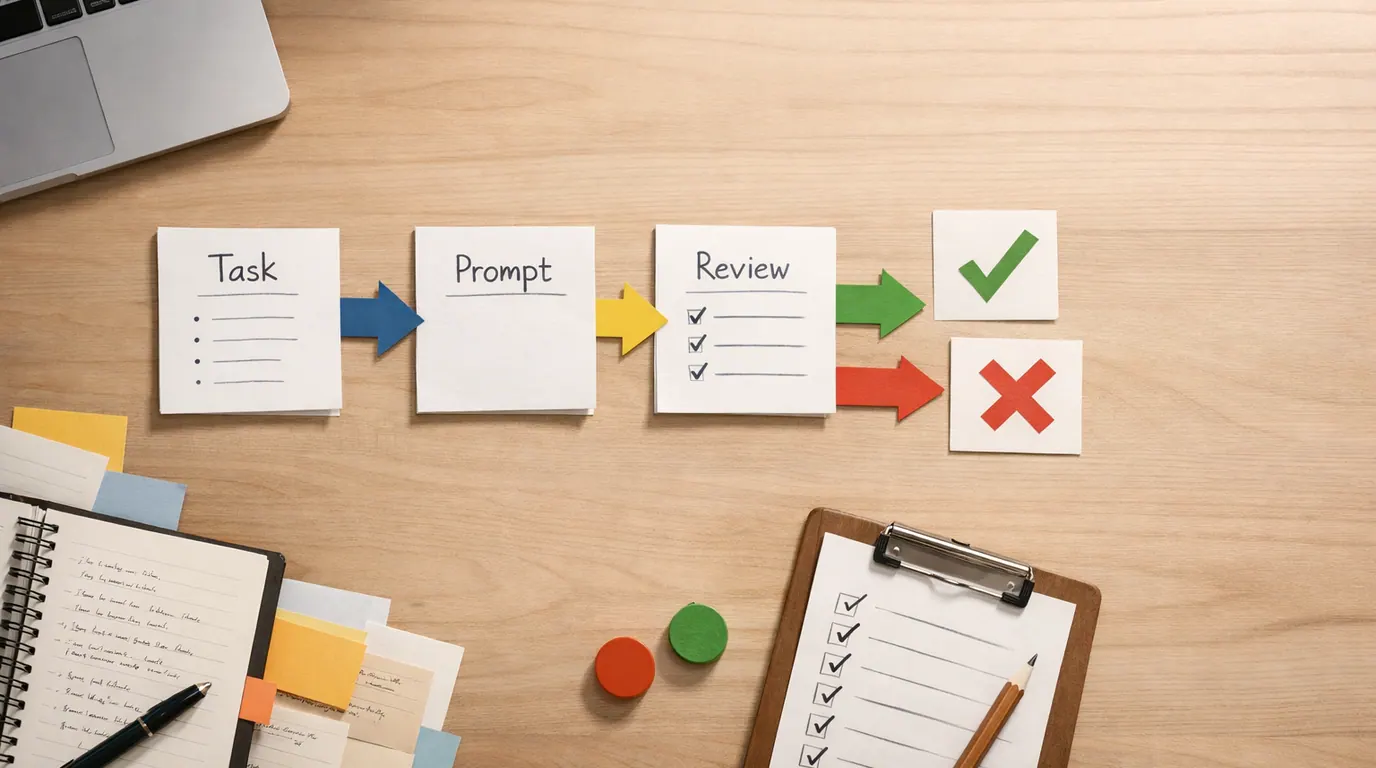
If your search was “ai in education,” begin with the practical version: it is not one product category or one classroom policy. It is a set of supervised uses: planning lessons, adapting materials, giving practice feedback, helping students study, improving accessibility, summarizing administrative work, and sometimes informing larger school decisions.
The real question is not whether schools should be using AI at all. Students and staff are already interacting with it. The better question is where AI adds value to a real education workflow, where it quietly adds risk, and which decisions must stay with humans.
This AI in education guide provides a practical way to decide. Identify the learning job, choose a low-risk use case, write down the human review point, and only then choose a tool or policy.
Name the teaching, study, feedback, accessibility, or admin task before choosing any AI tool.
Use AI where an educator or learner can inspect the output before it affects a grade, placement, or record.
Set data, bias, accuracy, disclosure, and escalation rules before the workflow becomes routine.
What AI in Education Means in Practice
AI in education means applying artificial intelligence to education work that usually requires explanation, pattern recognition, language work, planning, feedback, prediction, or personalization. That can include generative AI chatbots, adaptive learning systems, grading support, lesson-planning assistants, translation tools, accessibility tools, analytics dashboards, and administrative automation.
The opportunity is real. UNESCO frames AI as a technology that could help address education challenges and expand access to more inclusive learning. The same page also stresses that rapid development creates risks that policy and regulation have not fully caught up with. That tension is the whole topic.
In plain language: AI can help a teacher create better materials faster. It can also produce confident nonsense, expose private student data, amplify bias, or push students toward shortcuts instead of learning. A good AI for education plan handles both sides at once.
AI in Education Use Cases You Can Try First
Strong AI in education use cases are narrow enough to evaluate. Weak ones ask you to trust an opaque tool with a sensitive decision. Use this table to separate low-risk starting points from places where governance matters more than speed.
| Use case | What AI can do | Good first output | Human review point |
|---|---|---|---|
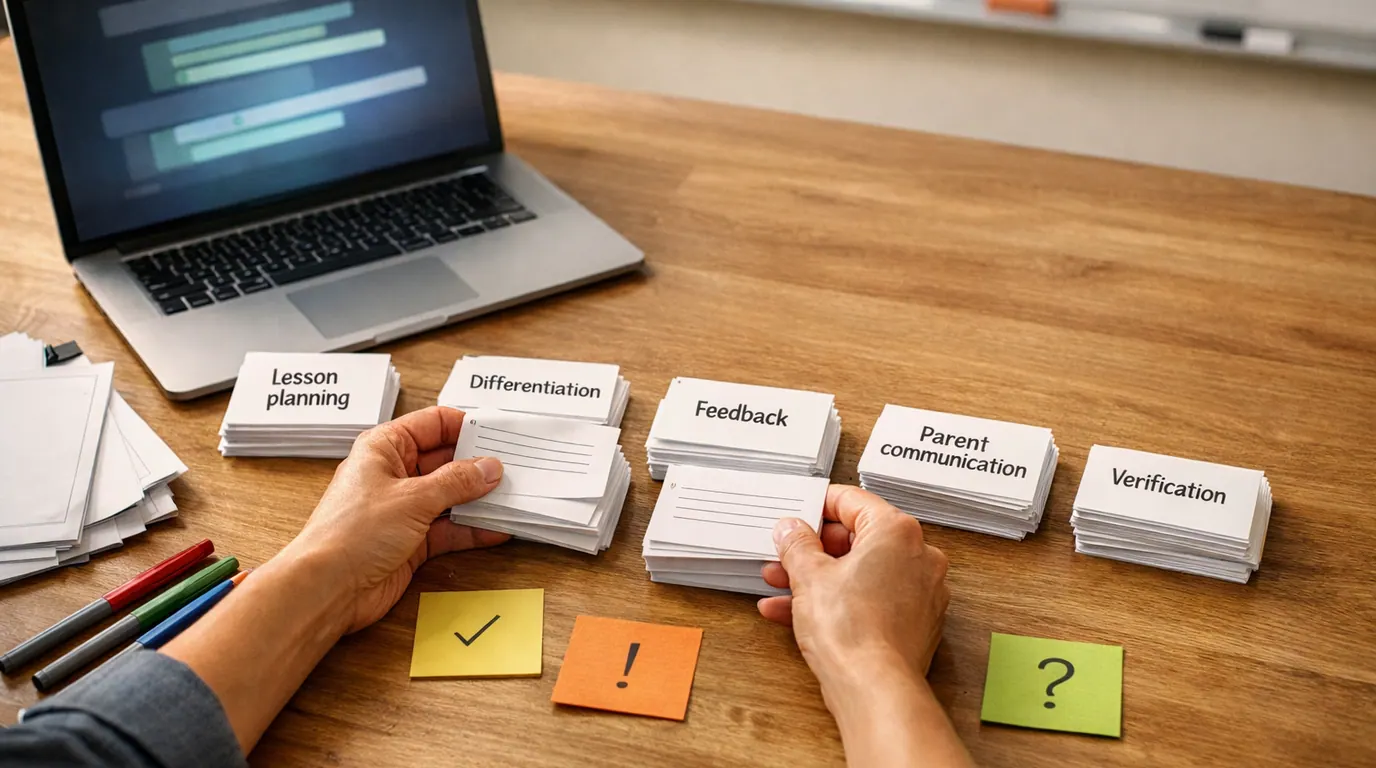
| Lesson planning | Generate examples, discussion questions, differentiated versions, and activity outlines from a teacher's objective. | Three versions of a lesson segment for different reading levels. | Check standards alignment, accuracy, age fit, cultural context, and timing. |
| Student practice | Create quizzes, hints, worked examples, flashcards, or extra practice problems. | A short practice set with answers and explanations. | Verify answers, remove misleading hints, and make sure practice supports the actual learning target. |
| Feedback support | Draft formative feedback, rubric language, or revision questions for student work. | Comment suggestions grouped by strength, next step, and evidence. | Teacher reviews tone, fairness, originality, and whether feedback reflects the student's actual work. |
| Accessibility | Translate, simplify, summarize, create alternate explanations, or support speech and reading needs. | A plain-language version of a reading plus vocabulary support. | Check meaning, accommodations, privacy rules, and whether the output changes the academic demand. |
| Teacher admin | Summarize meeting notes, draft parent messages, organize resources, or turn policy text into checklists. | A parent email draft or meeting summary. | Confirm names, dates, commitments, sensitive details, and local policy requirements. |
| Assessment design | Draft rubric criteria, sample questions, or misconception checks. | A rubric draft aligned to a prompt. | Review for validity, bias, accessibility, academic integrity, and whether the assessment measures the intended skill. |
| School operations | Find patterns in attendance, support requests, or resource allocation data. | A question list for staff review, not an automated decision. | Never let AI alone decide discipline, placement, funding, safeguarding, or high-stakes intervention. |
If someone asks for the best AI in education, ask “best for which job?” first. A chatbot that helps a student study vocabulary is very different from an adaptive math system, an admin analytics dashboard, or a grading assistant. The right choice depends on risk level, data involved, review process, and learning goal.
A Safe AI in Education Workflow
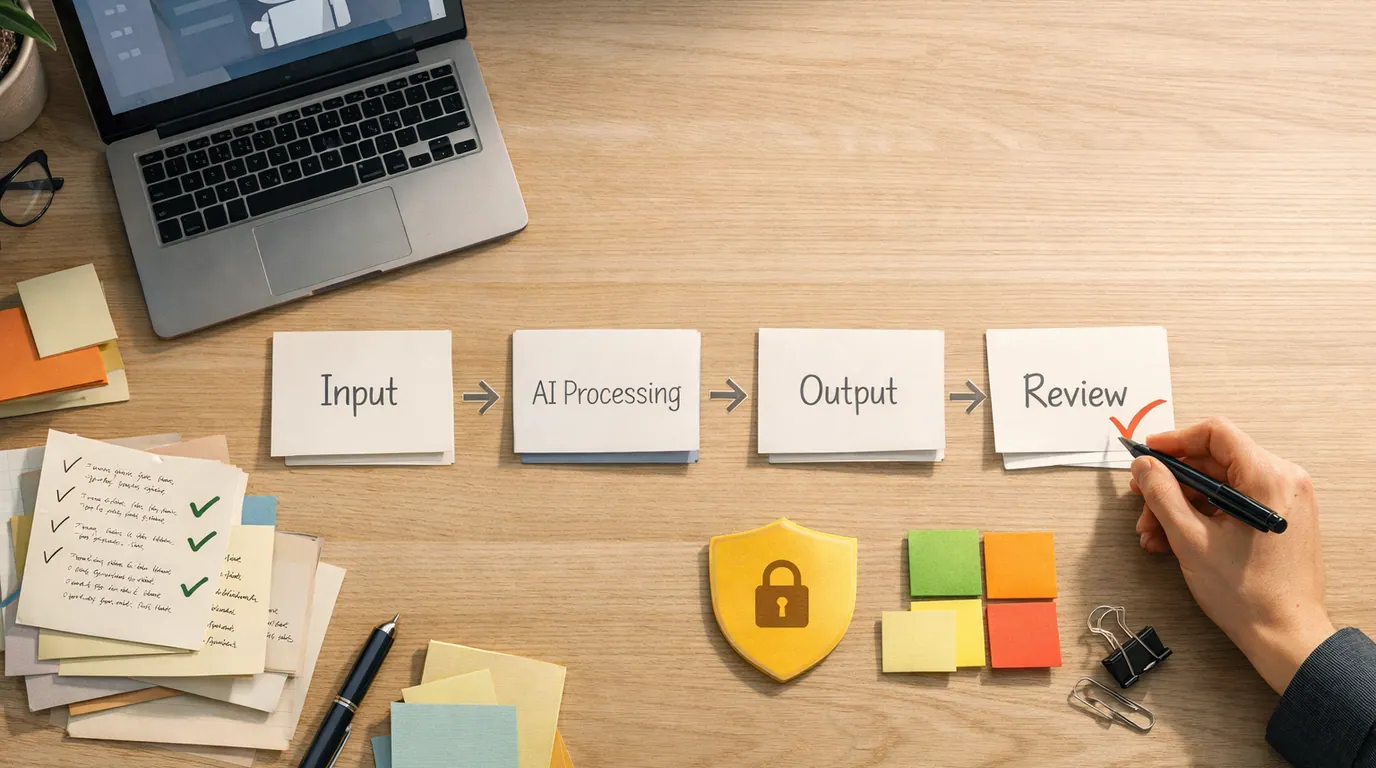
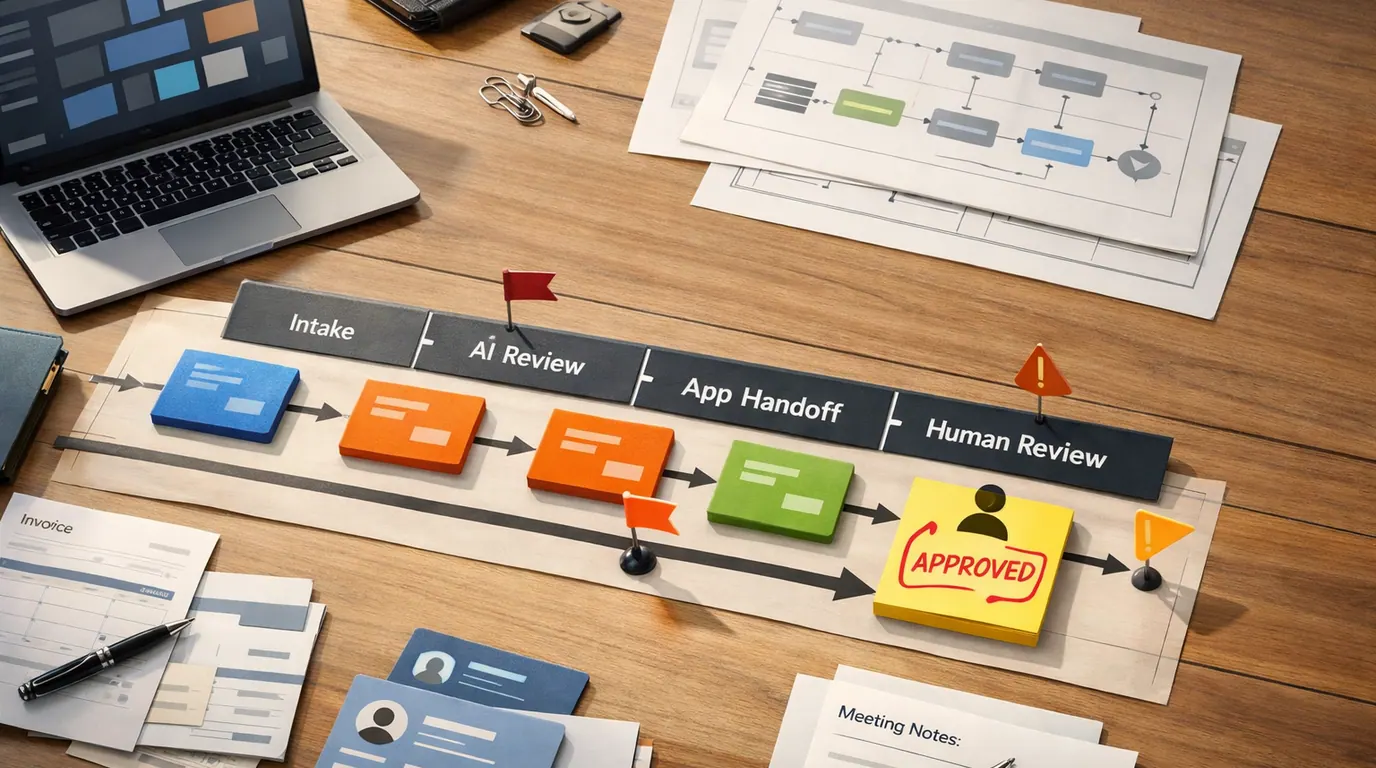
An AI in education workflow needs to be simple enough for teachers, students, and administrators to remember. Use a five-step loop: define, constrain, generate, review, and reflect.
- Define the learning job. Write one sentence: “I want AI to help with…” Examples: practice questions, rubric draft, lesson variations, translation support, study coaching, or admin summaries.
- Set the boundary. Decide what data is allowed, what the AI may not decide, what sources it should use, and whether student disclosure is required.
- Generate a draft. Ask for a reviewable artifact: a table, checklist, lesson outline, practice set, feedback draft, or comparison. Avoid vague prompts like “make this better.”
- Review before use. Check accuracy, bias, reading level, accessibility, tone, privacy, and whether the output supports the intended learning outcome.
- Reflect on the result. After using the output, ask whether it improved learning, saved low-value time, confused students, or created more review work than it removed.
For prompt structure, the same task, context, criteria, format, and review pattern in our guide to writing better AI prompts works well for classroom and admin tasks. The difference is that education prompts need stronger rules around evidence, age fit, privacy, and what students are supposed to learn themselves.
An AI in Education Template for Teachers and Teams
Use this AI in education template when the output will be reviewed and edited before students see it. It works for lesson activities, practice sets, parent communications, rubrics, study guides, and accessibility support.
Role: Act as an education planning assistant, not as the final teacher.

Task: Help me create [lesson material, practice questions, feedback draft, rubric, study guide, message, or checklist].

Learning goal: Students should be able to [specific skill or understanding].

Learners: [grade/level, subject, prior knowledge, needs, language considerations].

Source material: Use only the notes below unless I say otherwise.
[paste standards, reading, assignment, rubric, lecture notes, or teacher-created material]

Constraints:
- Keep the output age-appropriate and accessible.
- Flag any claim that needs fact-checking.
- Do not invent student performance data.
- Do not make grading, placement, discipline, medical, mental-health, or legal decisions.
- Include a human review checklist at the end.

Output format: [table, bullets, lesson segment, quiz, rubric, email, study plan].
Here is one specific example for a teacher developing revision support with an AI system:
Help me create a revision support sheet for 9th-grade students writing a persuasive paragraph.
Learning goal: Students should use a clear claim, relevant evidence, and explanation.
Source material: [paste assignment prompt and rubric]
Create:
1. A one-page student checklist
2. Three examples of weak evidence and stronger replacements
3. Five revision questions students can ask themselves
4. A teacher review checklist for accuracy, tone, and fairness
The template matters because AI systems guess when context is missing. In education, guesses about reading level, student needs, cultural context, or assessment purpose can make a polished output unusable.
AI in Education Strategy: Decisions to Make Before Scaling
An AI in education strategy should start with governance, not procurement. The U.S. Department of Education report on AI and the Future of Teaching and Learning emphasizes aligning AI systems to a vision for learning and keeping educators centered in instructional loops. That is a practical standard: if the tool pushes the school away from its learning vision, the tool is the problem.
Before a school, district, university, or training team scales AI use, write answers to these questions:
| Decision | What to define | Why it matters |
|---|---|---|
| Learning purpose | Which teaching, learning, admin, or accessibility job the tool supports. | Prevents AI adoption from becoming a vague technology initiative. |
| Allowed data | Which student, staff, assessment, behavior, and family data may enter the tool. | Protects privacy and reduces accidental exposure of sensitive information. |
| Human owner | Who approves outputs and who is accountable when AI is wrong. | Keeps responsibility visible instead of outsourcing judgment to software. |
| Student rules | When AI use is allowed, when it must be disclosed, and when it violates the assignment. | Reduces confusion around academic integrity and supports honest learning. |
| Evidence standard | How the team will decide whether the tool improved learning, access, workload, or quality. | Stops teams from mistaking novelty or speed for educational value. |
| Equity review | How outputs will be checked for bias, accessibility, language fit, and uneven access. | Helps prevent AI from widening existing gaps between students and schools. |
| Exit plan | How data, materials, and workflows move if the vendor changes terms or the tool fails. | Avoids lock-in and protects continuity for educators and learners. |
Do not make the first strategy meeting about which vendor can deliver the most impressive demo. Start with the jobs that create the most strain and the decisions where mistakes would cause the most harm.
AI in Education Checklist Before You Use a Tool
Use this AI in education checklist before adopting a new tool, running an AI-supported classroom activity, or asking students to use AI on an assignment.
- Purpose: What learning, support, or admin job will the AI help with?
- Risk level: Is the output low-stakes, formative, private, public, graded, or tied to a sensitive decision?
- Data: What information will be entered, stored, shared, or reused by the vendor?
- Accuracy: Who checks facts, citations, calculations, explanations, and examples?
- Bias and access: Could the output disadvantage a student group, language background, disability, or learner without paid access?
- Disclosure: Do students or staff need to state how AI was used?
- Human review: Who signs off before the output affects students, families, grades, records, or policy?
- Fallback: What happens if the tool is unavailable, wrong, inappropriate, or no longer approved?
Everyday AI in Education Examples
These AI in education examples show how the same technology can support learning or weaken it, depending on the workflow around it.
Example 1: The teacher uses AI to create better practice
A middle-school science teacher is developing a lesson on ecosystems. Rather than asking AI to “teach ecosystems,” she pastes her learning objective and asks for three practice activities: a vocabulary warm-up, a misconception check, and an exit ticket. She reviews the answers, removes a misleading food-web example, and adjusts the reading level for her students.
This is a strong use because AI helps create draft material, not final judgment. The teacher still owns the science, sequence, and classroom fit.
Example 2: The student uses AI as a study coach
A student preparing for a history quiz gives AI teacher-provided notes and asks it to quiz them, wait for each answer, and explain mistakes without giving the next answer immediately. That setup supports retrieval practice and reflection. If the student instead asks for “the answers to my worksheet,” the same tool becomes a shortcut around learning.
The difference is not the product. It is the rule: use AI to practice the thinking, not to bypass it.
Example 3: The writing class separates support from authorship
A college writing instructor allows AI for brainstorming counterarguments and generating revision questions, but not for composing the final essay. Students submit a short note explaining how they used the tool. The instructor grades each student’s reasoning, evidence, and revision choices.
This format gives students useful AI literacy while protecting the core learning goal. It also avoids pretending that detection tools can solve the whole problem.
Example 4: The district uses AI for admin summaries, not student decisions
A district team uses AI to summarize long meeting transcripts and turn policy documents into staff checklists. They do not use AI alone to assign discipline, determine services, predict risk, or allocate funding. Sensitive decisions require documented human review and appeal paths.
That boundary matters. The NEA notes that many AI uses in education still need a stronger independent evidence base. When evidence is thin and the stakes are high, the burden of proof should be high too.
Risks, Limits, and Human Review
The strongest argument for AI use in education is not speed by itself. It is the chance to give teachers more time for human work, give students more practice, make materials available in alternate formats, and help schools understand patterns they might otherwise miss. The strongest argument against hasty adoption is that education is full of sensitive data, uneven power, and long-term consequences.
Works Well When
- AI can draft lesson variations, examples, summaries, and practice materials faster than starting from a blank page.
- Students can get extra explanations, low-stakes practice, and study support when teacher time is limited.
- Accessibility workflows can translate, simplify, summarize, caption, and provide alternate explanations for some learners.
- Administrators can reduce repetitive writing and summarization work when private data rules are clear.
- Educators can use AI outputs as drafts that prompt better human review and discussion.
Watch Out For
- AI can invent facts, citations, sources, calculations, and explanations with a confident tone.
- Tools may expose student data or use information in ways families and schools did not expect.
- Students may use AI to avoid productive struggle unless assignments define allowed support.
- Bias in data or design can produce unfair recommendations, examples, or interventions.
- A polished answer can make weak pedagogy, weak evidence, or missing context harder to notice.
USC researchers have warned that generative AI can help students learn or help them avoid learning depending on how it is directed. That is the practical dividing line. Systems that ask students to explain, compare, revise, and reflect can deepen engagement. Systems that simply hand over completed answers train dependency.
The same caution applies to younger learners. NPR’s coverage of a Brookings report on AI in schools emphasized developmental risks and the need for tools that challenge students instead of merely agreeing with them. Whether a district agrees with every conclusion or not, the concern is serious: a helpful tutor should not become a shortcut machine, surveillance layer, or substitute relationship.
How to Choose the Best AI in Education Setup
The best AI in education setup is usually a small, governed stack rather than one universal platform. Choose by the job:
| Education job | Tool pattern | Useful output | Avoid |
|---|---|---|---|
| Teacher planning | General AI assistant with strong prompt controls | Lesson drafts, examples, rubrics, discussion questions | Uploading private student details or using unreviewed facts. |
| Student study | Tutor or chatbot workflow constrained to course material | Practice questions, hints, explanations, spaced review | Answer-only shortcuts that replace retrieval, writing, or problem solving. |
| Accessibility support | Translation, summarization, captioning, reading, or speech tools | Alternate formats and explanations | Changing the learning target without teacher or specialist review. |
| Creative assignments | Image, audio, video, or design tools with disclosure rules | Draft visuals, storyboards, examples, or critique prompts | Unlicensed assets, misleading media, or outputs students cannot explain. |
| School operations | Analytics and admin tools with permission controls | Summaries, trend questions, workflow triage | Automated high-stakes decisions without review, appeal, and evidence. |
For creative classroom projects, our guide to AI design tools for designers can help teachers and students think in terms of workflow, editability, and review instead of novelty. For generated visuals, see the AI image generator guide before using images in public assignments or school communications.
When privacy, model access, pricing, or vendor policies matter, check current vendor documentation directly. Education buyers should also involve IT, legal, accessibility, data protection, classroom teachers, students, and families before standardizing a tool.
The Bottom Line
AI in education can help educators and students with drafts, practice, explanations, accessibility, and administrative support when the workflow keeps humans in control. It becomes risky when it turns into an invisible decision-maker, a data leak, a cheating shortcut, or a polished substitute for learning.
Start small. Pick one low-risk workflow, define the data boundary, require human review, and decide what success looks like before scaling. The goal is not to make school look more automated. The goal is to make teaching and learning more effective without giving up the judgment that education depends on.
Frequently asked questions
What does AI in education mean?
AI in education means using machine-learning and generative AI systems to support teaching, learning, assessment, accessibility, administration, or student study. The useful version is not teacher replacement. It is a supervised workflow where educators set the goal, review the output, protect student data, and decide whether the tool improves learning.
What are the best uses of AI in education?
The best uses are narrow, reviewable, and tied to a real learning job: lesson planning, differentiated practice, formative feedback, accessibility support, rubric drafting, administrative summaries, and student study coaching. High-stakes grading, discipline, placement, surveillance, and mental-health decisions need much stronger governance and human control.
Can AI replace teachers?
No. AI can draft materials, explain concepts in different ways, analyze patterns, and reduce repetitive work, but it cannot fully understand a learner, classroom culture, safeguarding duties, motivation, or the ethics of a teaching decision. Teachers still need to frame the task, check the output, adapt it to students, and own the final judgment.
How should schools start using AI safely?
Start with a small, low-risk workflow such as lesson variations, parent-message drafts, or study-question generation. Define what data may be used, who reviews the output, what students are allowed to do, and how success will be judged. Pilot with a few educators before turning AI into a systemwide requirement.
What are the main risks of AI in education?
The main risks are inaccurate answers, biased recommendations, privacy exposure, over-reliance by students, weak academic-integrity rules, inaccessible outputs, and tools that look more effective than they are. Schools should require source checks, data limits, teacher review, student disclosure rules, and clear escalation for sensitive decisions.
Should students be allowed to use AI for schoolwork?
Yes, with boundaries that match the assignment. Students can use AI for brainstorming, explanation, practice questions, revision feedback, and accessibility support when the learning goal allows it. If the goal is original reasoning, evidence use, writing fluency, or exam readiness, the teacher should define what assistance is allowed and what must be done independently.