If you searched for “artificial intelligence examples,” the useful answer is not a futuristic list. It is a way to spot where AI is already helping with recognition, prediction, language, recommendations, planning, and automation, then decide which examples are safe enough to copy.
Artificial intelligence examples are easiest to understand when you connect them to a normal job: find a route, block spam, suggest a movie, detect a risky payment, summarize a meeting, translate a sentence, or inspect an image. The technology matters, but the workflow matters more.
This artificial intelligence guide gives you practical examples, a plain decision test, cautions, and a reusable framework for choosing AI in daily life or work.
Name what the system does: recognize, predict, recommend, generate, converse, plan, or act.
AI usually uses data patterns to make a useful guess, not a guaranteed truth.
The more an output affects people, money, health, safety, or rights, the stronger the review step should be.
Artificial Intelligence Examples: The Plain Answer
Artificial intelligence is software or a machine system that performs tasks usually associated with human intelligence, such as understanding language, recognizing patterns, learning from examples, making predictions, recommending options, generating content, or taking goal-directed action.
Britannica’s overview of artificial intelligence frames AI around tasks associated with reasoning, learning, and problem solving. Google Cloud’s AI applications guide is useful because it defines AI applications as software programs that use AI techniques to perform specific tasks. Those two ideas together make the practical test simple: what task is the system doing, and what pattern or model helps it do that task?
Not every automated system is AI. A porch light on a fixed timer is automation. A smart light that learns occupancy patterns and adjusts behavior is closer to AI. A spreadsheet formula is automation. A forecasting model that learns from changing demand, weather, and inventory signals is an AI use case.
A useful AI example is not the one that looks most futuristic; it is the one where the input, output, failure mode, and human reviewer are easy to name.
Everyday Artificial Intelligence Examples You Already Use
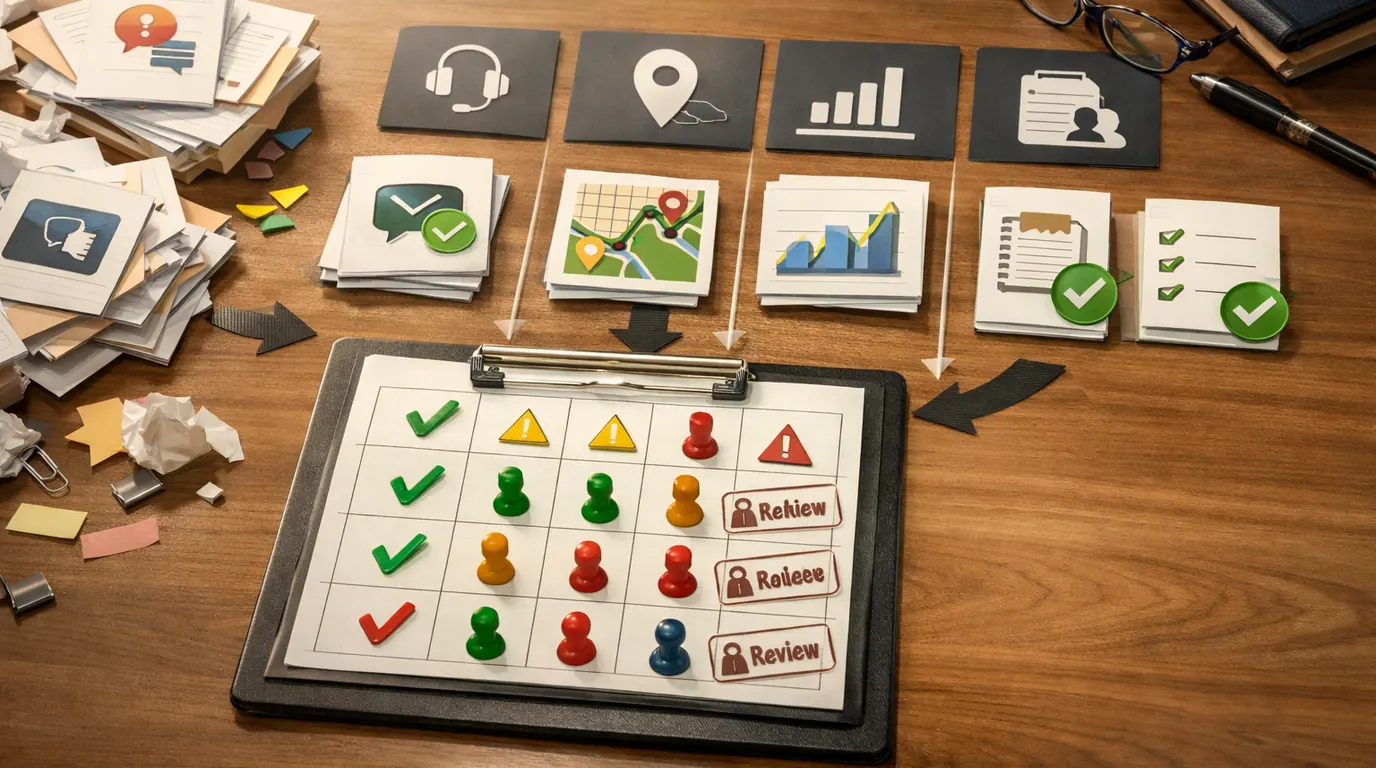
Many examples of artificial intelligence are boring in a good way. They sit inside products people already use and make a small decision faster, more personalized, or easier to review.
| Example | What the AI does | Why it helps | Human check |
|---|---|---|---|
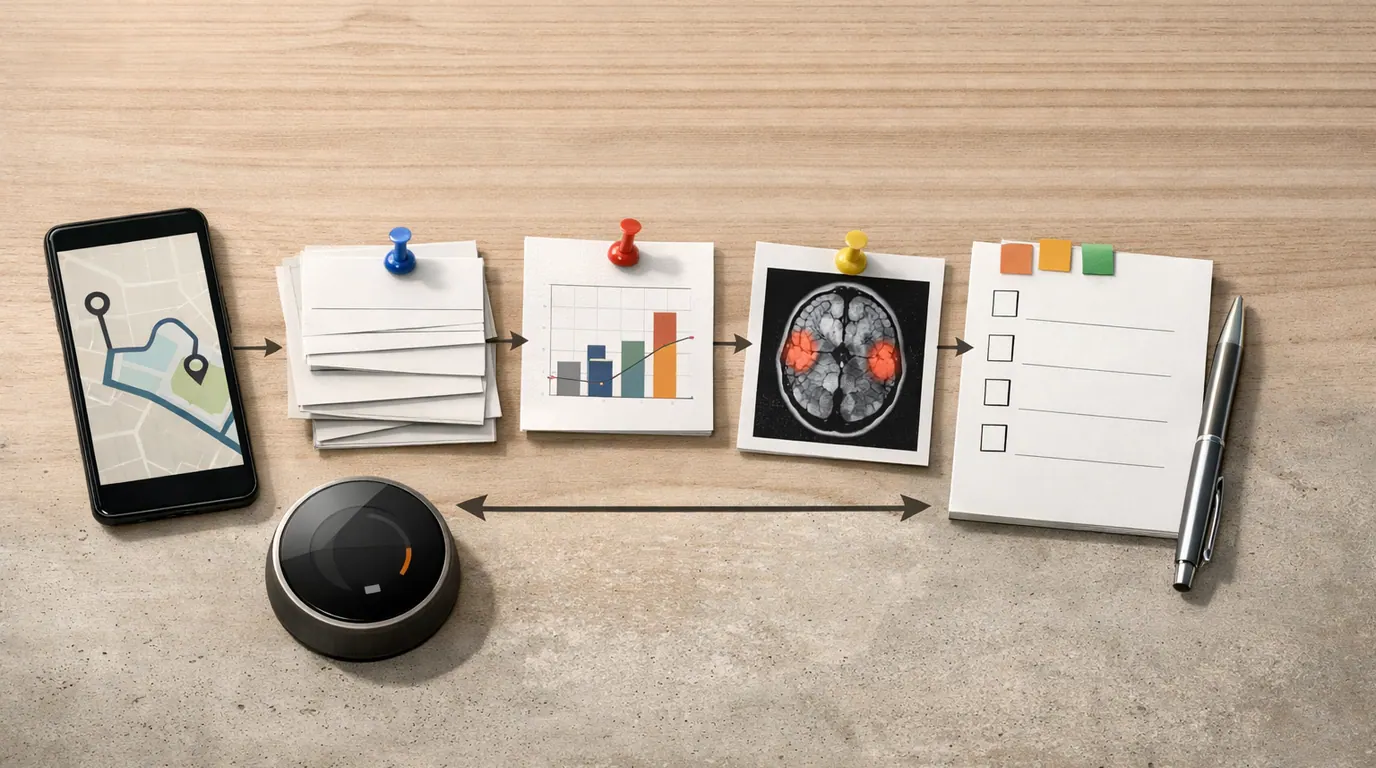
| Search autocomplete | Predicts likely queries from typed characters, past patterns, and common searches. | Gets you to a useful query faster. | Do not assume the suggestion is accurate, unbiased, or the only way to phrase the question. |
| Navigation apps | Combines map data, traffic signals, route history, and current conditions to recommend a path. | Reduces guesswork when travel conditions change. | Use judgment for unsafe roads, restricted areas, or local context the app may miss. |
| Email spam filters | Classifies messages by suspicious patterns, sender history, content signals, and user feedback. | Removes low-value or dangerous messages before they distract you. | Check spam folders for false positives, especially around bills, travel, work, and account notices. |
| Recommendation systems | Ranks movies, products, songs, posts, lessons, or articles based on behavior and similarity patterns. | Surfaces options you might not find manually. | Watch for narrowed exposure, addictive feeds, and recommendations optimized for engagement instead of wellbeing. |
| Voice assistants | Recognize speech, interpret intent, and trigger a response or action. | Makes simple tasks hands-free, such as timers, reminders, calls, or smart-home controls. | Confirm actions that spend money, share information, unlock access, or affect safety. |
| Face unlock and photo search | Detects and compares visual patterns in images. | Helps unlock devices, group photos, or find visual content quickly. | Biometric data needs strong privacy controls, consent, and fallback options. |
| Writing and grammar assistants | Suggests edits, rewrites, tone changes, summaries, or content drafts from language patterns. | Speeds up routine writing and revision. | Check facts, voice, confidential details, citations, and whether the output still says what you mean. |
| Bank fraud alerts | Flags unusual transactions, locations, devices, or spending patterns. | Can stop suspicious activity earlier than manual review. | False positives and false negatives both matter, so users and banks still need escalation paths. |
| Smart home devices | Use sensors and behavior patterns to adjust heat, light, cleaning, security, or energy use. | Automates routine comfort and monitoring tasks. | Review privacy settings, camera placement, guest access, and manual override options. |
| Weather and demand forecasting | Learns from large historical and current datasets to predict likely future conditions. | Improves planning for travel, energy, staffing, inventory, and safety. | Forecasts are probabilities, not guarantees. Decisions still need margins and fallback plans. |
Tableau’s everyday AI examples includes smartphones, digital assistants, chatbots, social media, home electronics, and search suggestions. Coursera’s AI examples article points to search engines, navigation apps, spell check, smart products, healthcare predictions, autonomous vehicles, and weather forecasting. The pattern is consistent: AI usually hides inside a task, not a dramatic interface.
Business and Public-Sector Artificial Intelligence Use Cases
Artificial intelligence use cases at work should be judged by the job they improve, the data they require, and the harm if the output is wrong. A support chatbot and a medical imaging assistant may both be AI, but they need very different controls.
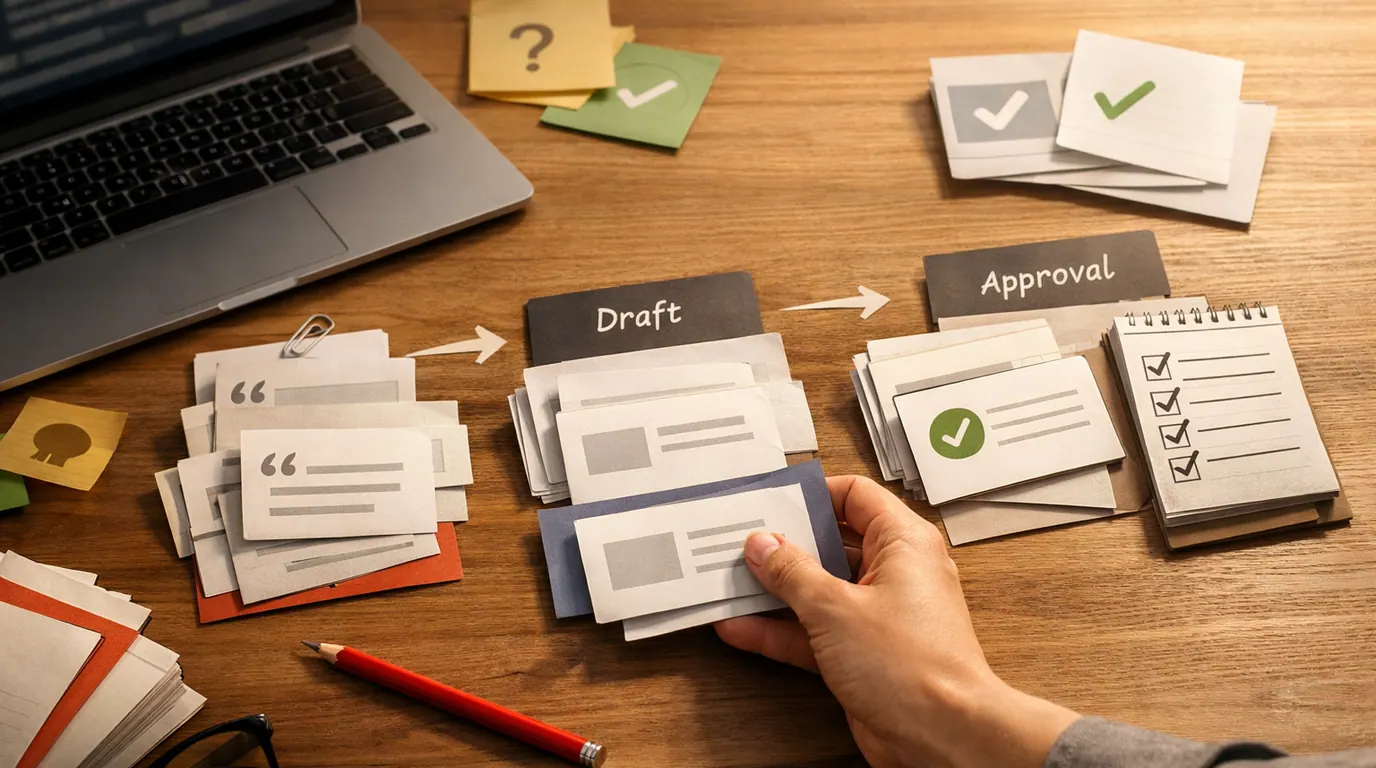
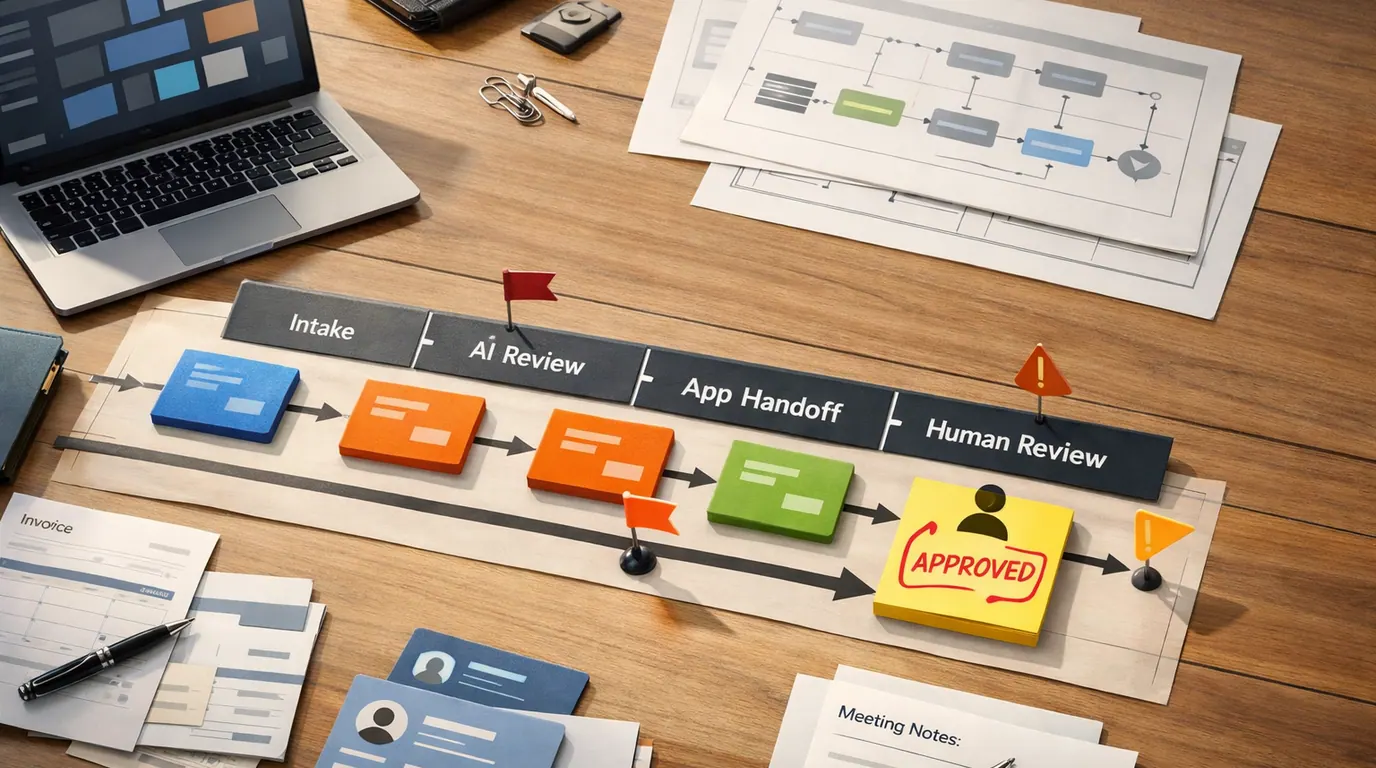
The strongest artificial intelligence use cases usually start as decision support: find the pattern, prepare the draft, flag the anomaly, or recommend the next step before a person approves the outcome.
| Use case | What AI can support | Good first output | Review point |
|---|---|---|---|
| Customer support | Route tickets, suggest replies, summarize conversations, and find help-center answers. | A draft response with source links and escalation flags. | A human checks tone, policy, customer history, and whether the answer should be escalated. |
| Business intelligence | Collect, analyze, summarize, and visualize structured and unstructured data. | A plain-language summary of trends, anomalies, and questions for analysts. | Analysts verify source data, definitions, missing context, and whether a chart supports the decision. |
| Supply chain planning | Predict demand, reorder timing, route risk, stockouts, and delays. | A risk list for products likely to be late, overstocked, or understocked. | Operations teams review assumptions, seasonality, supplier context, and financial tradeoffs. |
| Healthcare support | Assist with imaging review, triage summaries, risk prediction, documentation, or patient education drafts. | A flagged image area or draft note for clinician review. | Clinicians retain accountability. AI should not replace diagnosis, consent, or patient-specific judgment. |
| Education | Generate practice questions, lesson variations, feedback drafts, accessibility support, and study aids. | A quiz, rubric draft, or simplified explanation tied to approved source material. | Teachers check accuracy, age fit, privacy, bias, and whether the work supports learning. |
| Manufacturing and quality | Inspect images, detect defects, guide robots, forecast maintenance, and monitor safety signals. | A defect flag or maintenance alert for inspection. | Teams validate edge cases, sensor quality, physical safety, and override procedures. |
| Cybersecurity and fraud | Detect anomalies, suspicious behavior, phishing patterns, account takeover risk, and unusual access. | A prioritized alert with evidence and confidence level. | Security teams investigate before taking irreversible action against users, employees, or customers. |
IBM’s business AI use cases includes examples such as supply-chain forecasting and business automation. Google Cloud’s AI applications guide also highlights business intelligence, education, and data analysis. The practical lesson is not that every team needs a giant AI program. It is that a narrow, reviewable workflow often beats a broad promise.
For school and training settings, see our AI in education guide for a deeper look at classroom workflows, student data, and teacher review.
What Makes an AI Example Useful Instead of Just Impressive
When someone asks for the best artificial intelligence example, do not answer with the flashiest demo. Ask which example makes a real task easier while leaving the right person in control.
| Decision question | Useful answer | Weak answer |
|---|---|---|
| What is the input? | The system uses clear data such as tickets, images, messages, transactions, documents, routes, or sensor readings. | Nobody can explain what the model sees or whether the data is appropriate. |
| What is the output? | The output is reviewable: a draft, alert, ranking, summary, prediction, label, or recommendation. | The system produces a vague score, hidden decision, or irreversible action. |
| What can go wrong? | The team can name false positives, false negatives, bias, privacy exposure, overconfidence, and misuse. | The risk discussion is just a promise that the tool is smart. |
| Who reviews it? | A specific person or role checks the output before it affects people, money, safety, or rights. | The workflow assumes AI accuracy because reviewing the work is inconvenient. |
| How is success measured? | There is a practical measure: faster triage, fewer misses, cleaner drafts, better recall, lower rework, or safer escalation. | Success is defined as using AI at all. |
This is also where an artificial intelligence strategy becomes practical. Start with a repeated task, not a technology label. The best fit is usually narrow, measurable, reversible, and easy to audit. If the tool needs sensitive data or can affect a person materially, the strategy must include privacy, security, bias review, logs, and an appeal path.
For a broader taxonomy of narrow AI, generative AI, predictive AI, computer vision, recommendation systems, and agentic workflows, use our types of artificial intelligence guide.
A Simple Artificial Intelligence Workflow for Choosing Examples
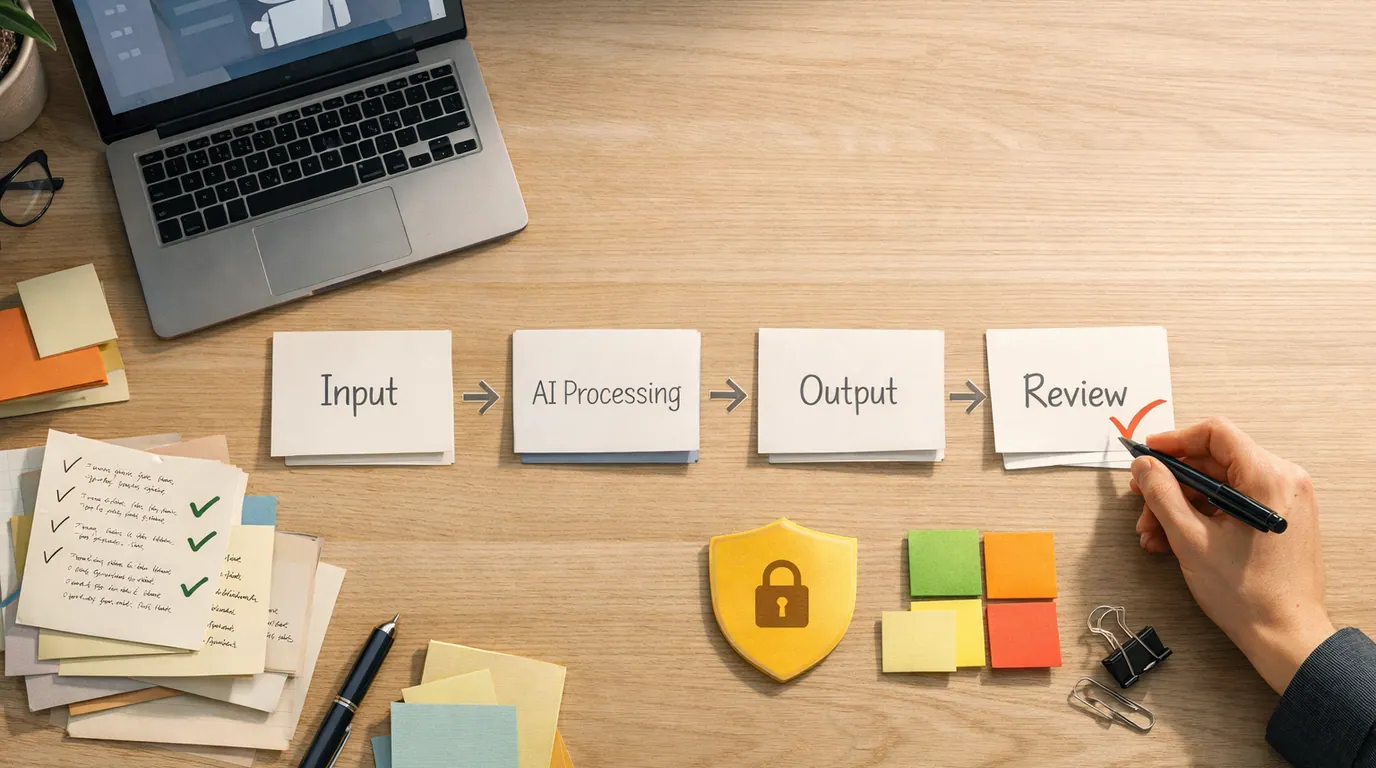
Use this artificial intelligence workflow when you want to move from “AI sounds useful” to a concrete next step.
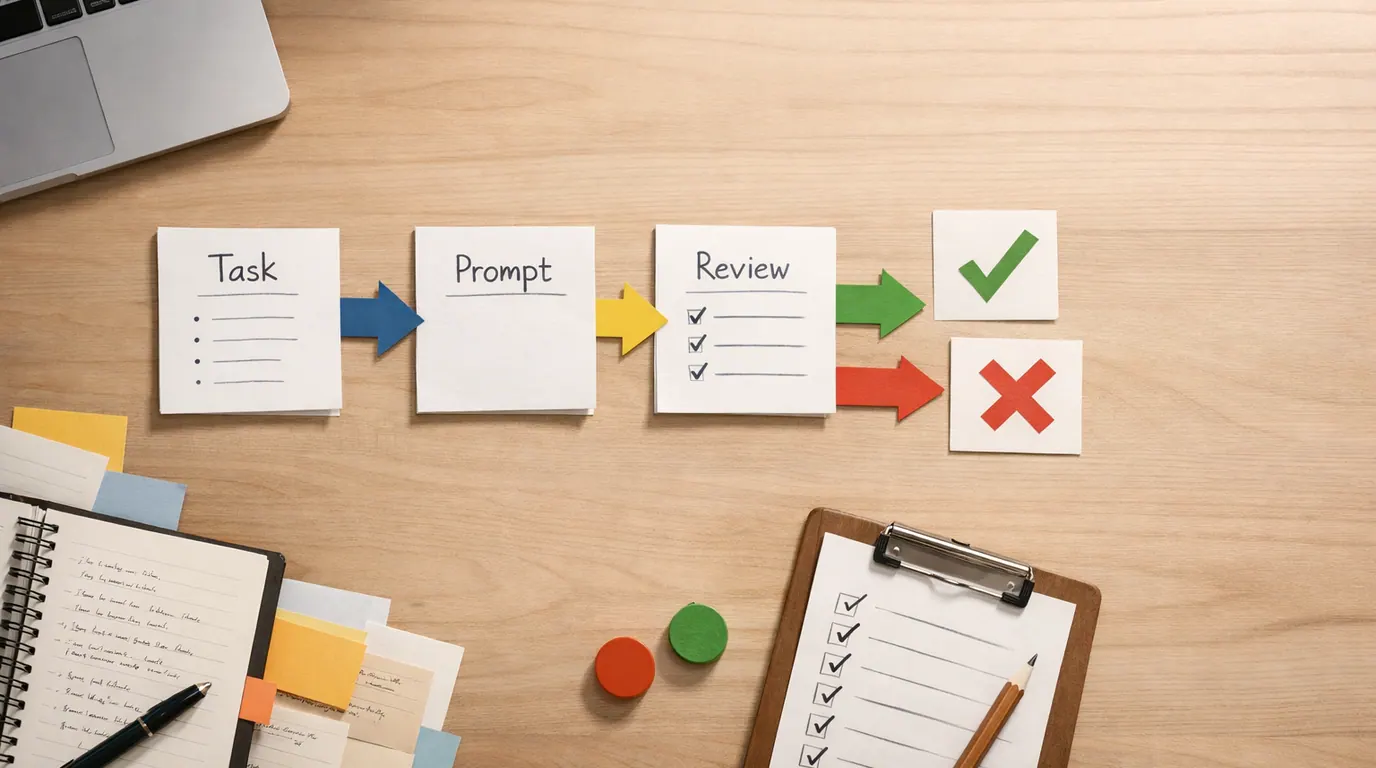
- Name the job. Write the task in one verb: classify, predict, summarize, draft, recommend, search, explain, detect, translate, plan, or act.
- Map the input. Identify the data the system needs, who owns it, whether it contains personal or confidential information, and whether it is reliable enough to use.
- Define the output. Ask for something reviewable: a ranked list, draft, alert, table, source-grounded summary, checklist, or decision support note.
- Set the review rule. Decide who approves the output before it reaches a customer, student, patient, employee, public page, financial decision, or automated action.
- Run a small pilot. Test with low-risk examples, compare against human work, document failure cases, and improve the prompt, data, or process.
- Expand only after learning. Scale when the workflow saves time or improves quality without hiding risk, increasing privacy exposure, or weakening accountability.
This process works for consumer AI too. If you use a chatbot to plan a trip, the review rule is checking dates, reservations, prices, accessibility needs, and local safety yourself. If you use AI to draft a work email, the review rule is confirming names, commitments, confidential details, tone, and facts before sending.
For better prompts inside this workflow, adapt the task, context, criteria, format, and review pattern from our guide to writing better AI prompts.
Cautions: Where AI Examples Can Mislead You
Good AI examples can make a system feel more capable than it is. The risk usually comes from using the right technology in the wrong workflow, with the wrong data, or without a clear reviewer.
Works Well When
- The task repeats often enough that a better workflow will pay back
- The output can be inspected before it affects anyone
- The data is allowed for this tool and purpose
- The workflow has an owner, fallback, and success measure
- The cost of a mistake is low or reversible
Watch Out For
- The output directly affects health, safety, employment, credit, grades, legal rights, identity, or access without review
- The tool needs private data but retention, training, or vendor access rules are unclear
- The team cannot explain what a wrong answer would look like
- The system produces a hidden score or action that people cannot challenge
- Users are likely to treat fluent language as verified evidence
Watch especially for these failure patterns:
- Confident wrong answers. Generative AI can produce polished text that contains invented details, weak citations, or false reasoning.
- Biased recommendations. A system can reproduce patterns from unfair or incomplete data, especially in hiring, lending, policing, education, and healthcare.
- Privacy leakage. Prompts, files, transcripts, embeddings, and logs can contain sensitive information even when the final answer looks harmless.
- Over-personalization. Recommendation systems can narrow what people see and optimize for engagement instead of user wellbeing.
- Automation drift. A harmless draft assistant can become an unreviewed decision system if teams keep adding permissions without governance.
- AGI confusion. Today’s useful systems are still narrow tools. Do not treat a fluent assistant as a general human-level decision maker.
If your example involves personal data, company records, student information, health details, or customer conversations, pair the workflow with the rules in our AI privacy concerns guide.
Artificial Intelligence Checklist and Template
Use this artificial intelligence checklist before copying an example into your own life, classroom, or business process.
- Task: Can you state the exact job in one sentence?
- Input: Is the required data available, accurate, allowed, and limited to what the task needs?
- Output: Is the AI producing something a person can review before use?
- Risk: What happens if the output is wrong, biased, leaked, outdated, or misunderstood?
- Reviewer: Who checks the result, and what authority do they have to reject it?
- Fallback: What happens when the tool is unavailable, uncertain, or inappropriate?
- Measure: How will you know the workflow improved speed, quality, learning, safety, or cost?
Here is a short artificial intelligence template you can reuse:
AI example or workflow:
[Name the example, such as support triage, study quiz generation, fraud alerting, or route planning]

Job:
[What task should AI help with?]

Input data:
[What data does it need, who owns it, and what data must be excluded?]

Output:
[Draft, alert, summary, ranking, recommendation, classification, forecast, or action]

Human review:
[Who checks it before it affects another person or system?]

Failure modes:
[False positives, false negatives, bias, privacy exposure, hallucination, outdated data, misuse]

Success measure:
[Time saved, fewer missed cases, better recall, lower rework, safer escalation, clearer decisions]

Expansion rule:
[What evidence is required before this moves from pilot to routine use?]
The template is intentionally plain. If you cannot fill it in, the AI idea is not ready. That does not mean it is bad. It means the next step is defining the workflow, not buying a tool or automating a decision.
The Bottom Line
Artificial intelligence examples are everywhere: phones, maps, inboxes, banks, streaming platforms, classrooms, hospitals, factories, support desks, and analytics tools. The useful question is not whether something sounds like AI. The useful question is what job it performs, what data it uses, what can go wrong, and who reviews the result.
Start with low-risk, reviewable work: drafts, summaries, alerts, recommendations, classifications, practice questions, and forecasts that a person can inspect. Move slowly around sensitive data and high-stakes decisions. AI is most useful when it expands human judgment, not when it hides where judgment is still required.
Frequently asked questions
What are common examples of artificial intelligence?
Common examples include search autocomplete, recommendation systems, navigation apps, spam filters, voice assistants, face unlock, fraud detection, customer service chatbots, smart thermostats, writing assistants, medical image review, and demand forecasting. Most are narrow AI systems built for one bounded job.
How do I know if something is really AI?
A system is usually AI when it uses data, models, rules, or learned patterns to perform work associated with human intelligence, such as recognizing images, understanding language, predicting outcomes, recommending options, or generating content. A fixed timer, simple calculator, or static rule alone is usually automation, not meaningful AI.
What is the best artificial intelligence example for beginners?
The best beginner example is a recommendation or spam-filtering system because the input, output, and tradeoff are easy to see. The system studies patterns, ranks likely matches or risks, and still needs correction when it blocks a valid message or recommends something irrelevant.
Are chatbots the same as artificial intelligence?
Some chatbots use artificial intelligence, but not all chatbots are the same. A scripted bot may follow fixed menu rules, while a generative AI assistant can interpret language, draft responses, summarize files, or call tools. In both cases, sensitive answers need review, escalation, and privacy boundaries.
What are the risks of everyday AI examples?
The main risks are wrong predictions, biased outputs, privacy exposure, over-personalized feeds, weak human review, and people trusting fluent answers more than evidence. The risk rises when AI affects health, money, safety, education, employment, identity, or legal rights.
How should a business choose AI use cases?
Start with a repeated task that has clear inputs, a reviewable output, and a measurable bottleneck. Then check data sensitivity, error cost, vendor controls, fallback steps, and who owns approval. Good early use cases support human decisions before they automate high-stakes actions.