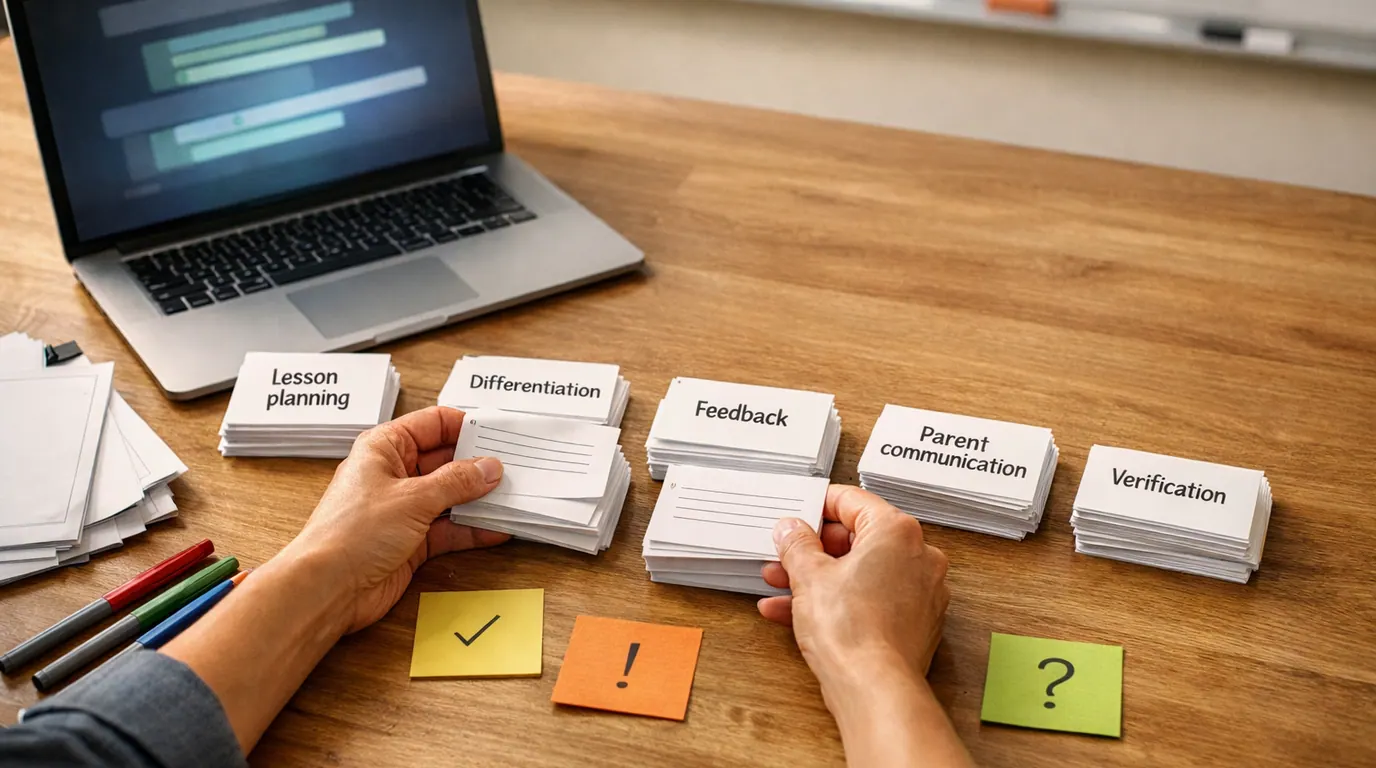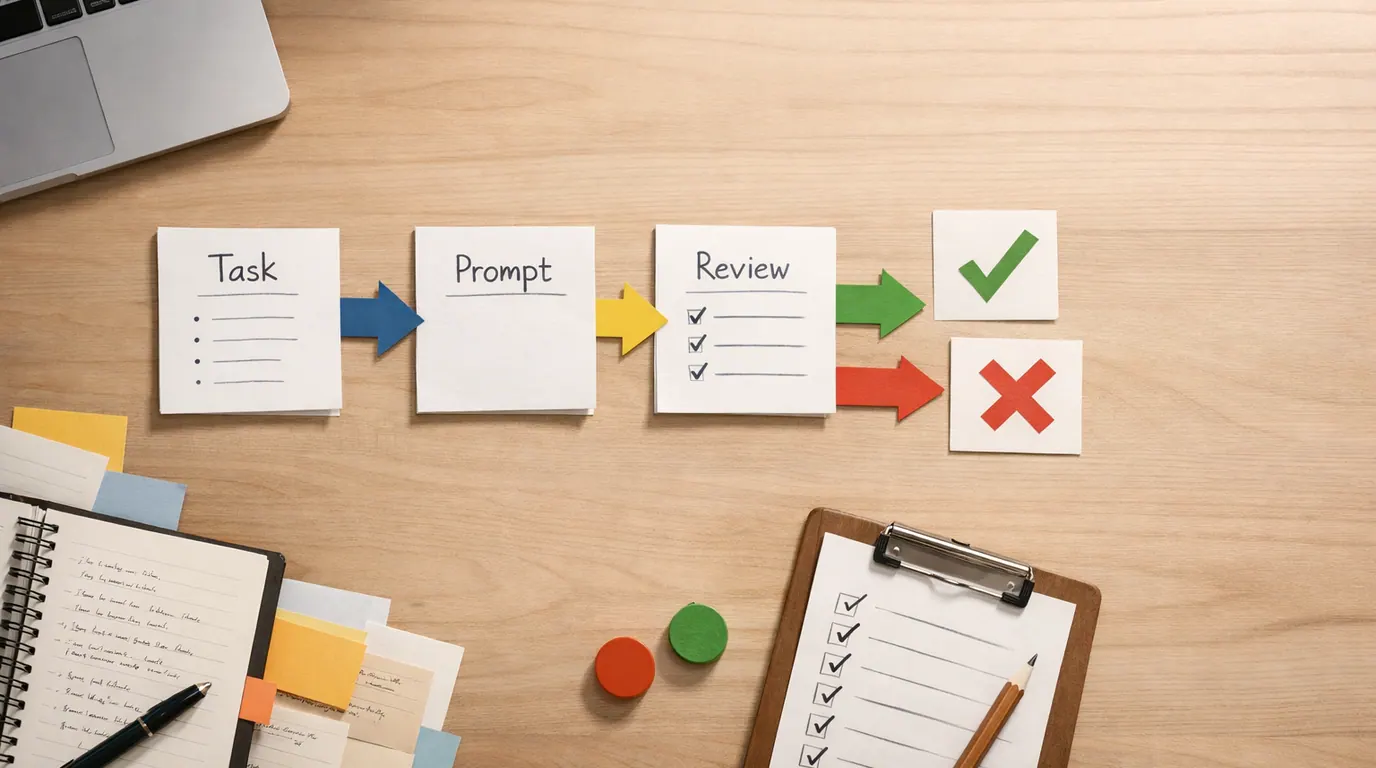
If you searched for “chatgpt prompts for youtube”, the real answer is not one magic prompt. A good YouTube prompt is a small creative brief: who the viewer is, what the video promises, what source material matters, how the script should feel, and what a human will review before recording.
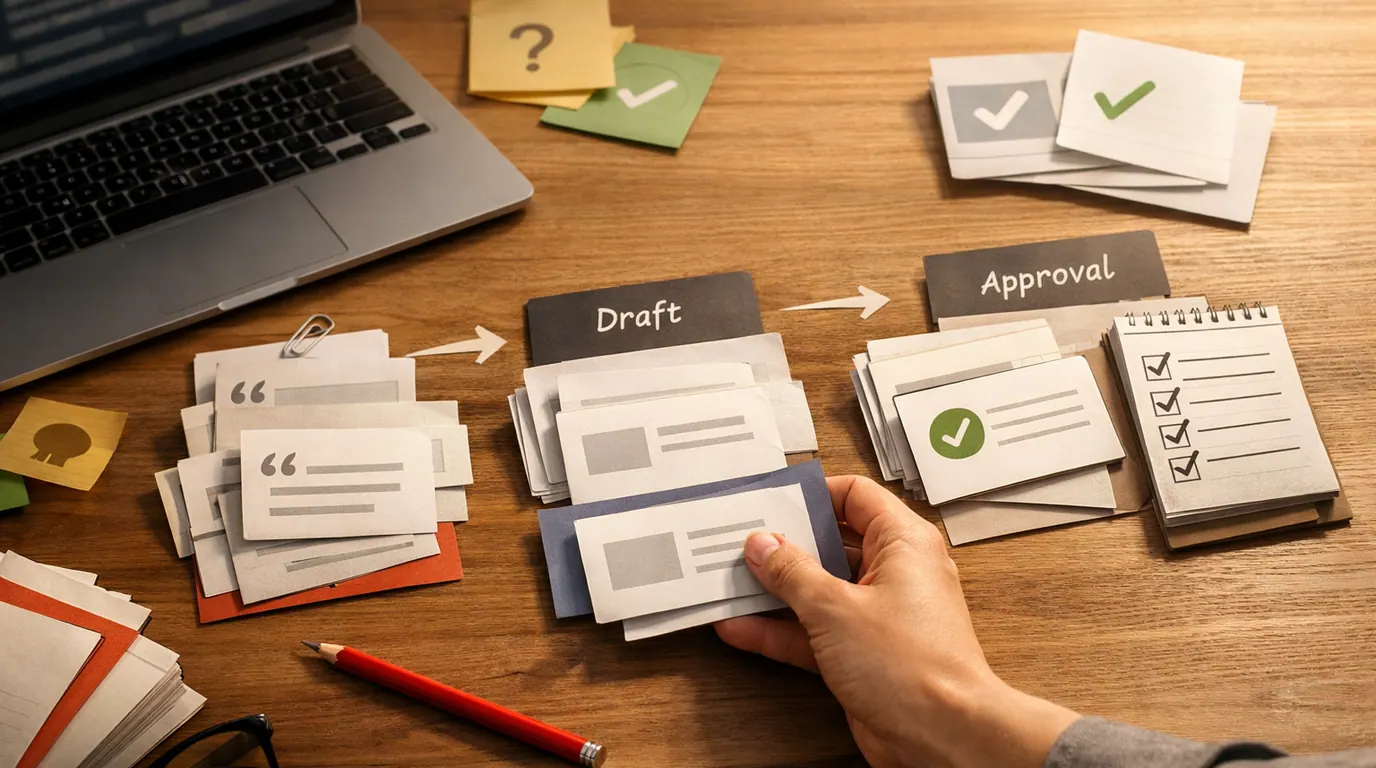
ChatGPT prompts for YouTube scripts work best when they separate strategy from scripting. Ask for the angle first, then the outline, then the hook, then the script, and finally the critique. That chain gives you chances to catch weak ideas before they become a polished but forgettable video.
The best ChatGPT prompts for youtube are not the longest prompts. They are the ones that make the model use your niche, your audience, your examples, and your review standard instead of inventing a generic creator voice.
Define what the viewer gets by the end of the video before asking for a script.
Give channel voice, audience pain points, source notes, examples, and what to avoid.
Rewrite anything that sounds generic, overpromised, factually thin, or unlike you.
Start With the Video Job, Not the Prompt
Before using any ChatGPT prompts, first decide which job the video needs help with. “Write a YouTube script about meal prep” is too broad because ChatGPT has to guess the viewer, the format, the stakes, the tone, and the pacing.
A stronger setup looks like this:
Channel: practical cooking for busy parents
Viewer: beginner cook with 30 minutes after work
Video promise: leave with a five-day dinner plan that reuses ingredients
Format: 8-minute tutorial with a clear intro, three sections, and a calm CTA
Voice: direct, warm, no hype, no guilt
Source notes: [paste recipe notes, constraints, examples, or previous script]
Human review: flag unsupported claims, boring transitions, and lines that sound unlike the channel
That context makes almost every later prompt better. It also gives you a way to judge the output. A prompt that skips the viewer promise will produce a script that sounds busy but does not earn the next minute.
For the broader prompting formula behind this article, see our guide to writing better AI prompts. The same task, context, criteria, format, and review pattern applies here.
Prompt Library: ChatGPT Prompts for YouTube Scripts
Treat this prompt library as a working set. It is not about copying every prompt into one chat. Choose the part of the process where you are stuck, fill in the blanks, and use what you can realistically record.
| Job | Use when | Prompt result | Human review |
|---|---|---|---|
| Channel context | You want better defaults for repeated scripts | A saved briefing profile for your channel | Remove vague audience labels and add real viewer language. |
| Topic angle | The idea is broad or overdone | Sharper promise, stakes, and viewer transformation | Check whether the angle is honest and specific enough. |
| Hook options | The first 15 seconds feel weak | Multiple openers ranked by clarity and curiosity | Reject hooks that overpromise or mislead. |
| Outline | You need structure before writing | A section-by-section plan with beats and examples | Make sure the order matches how a viewer learns. |
| Full script | The idea and outline are approved | A recordable first draft | Rewrite for voice, evidence, and pacing. |
| Retention edit | A draft feels slow | Cuts, pattern interrupts, transitions, and stronger examples | Do not add gimmicks that fight the substance. |
| Shorts adaptation | You want a short-form version | A tight 20 to 60 second script with shots and text | Cut anything that needs too much setup. |
| Title and description | The script is mostly done | Search-friendly titles, description, chapters, and CTA ideas | Check accuracy, keyword fit, and viewer expectation. |
1. Channel context prompt
Use this once, then paste the response at the top of later script chats.
Act as a YouTube script strategist for my channel.

Build a reusable channel context profile from the information below.

Channel niche: [niche]
Target viewer: [who watches, skill level, goals, frustrations]
Channel promise: [what viewers consistently get]
Voice: [3 adjectives plus one line I would actually say]
Do not use: [phrases, claims, jokes, formats, or tones to avoid]
Good examples: [links, titles, or pasted excerpts from my best videos]
Weak examples: [things I do not want repeated]

Return:
1. A compact channel brief
2. Five audience truths to remember
3. Five script rules for this channel
4. A list of questions you need answered before writing a new script
Use it when you want ChatGPT prompts for youtube scripts to stop sounding like they were written by a blank account. A finance educator, a woodworking channel, and a comedy commentary channel should not have the same intro cadence.
2. Topic angle prompt
Using this channel context: [paste brief]

I want to make a YouTube video about [topic].
The viewer currently believes or struggles with: [belief, problem, objection]
My actual point of view is: [your thesis]
Source material I can support: [notes, examples, data, experience, links, transcript excerpts]

Generate 10 possible video angles.
For each angle, include:
- Working title
- Viewer promise
- Why the viewer would care now
- What makes the angle different from a generic video
- Risk if the angle is weak or misleading

Rank the top three and explain the tradeoff.
This is where the ChatGPT prompts for youtube strategy becomes useful. Rather than asking for a script too early, you are asking why the video should even exist.
3. Hook prompt
Using this video angle: [paste chosen angle]
Viewer: [viewer]
Video promise: [promise]
Tone: [tone]
Avoid: [clickbait, fear, fake urgency, overclaiming]

Write 12 opening hooks for a YouTube video.
Group them by type:
- Problem hook
- Contrarian hook
- Story hook
- Demonstration hook
- Mistake hook
- Outcome hook

For each hook, include the first 15 seconds of spoken script and one note on the visual or screen action.
Then rank the top five by clarity, curiosity, and honesty.
Every hook should match the video that follows. If the hook promises a shocking result and the body is a basic tutorial, the prompt has caused a retention problem.
4. Outline prompt
Create a YouTube script outline for this video.

Channel context: [paste brief]
Topic angle: [paste angle]
Target length: [minutes]
Viewer promise: [what they should know or be able to do by the end]
Required examples: [examples, products, scenes, stories, screenshots, or demos]
Required exclusions: [things not to mention]

Return a table with:
- Timestamp range
- Section goal
- Key talking points
- Example or visual
- Pattern interrupt or transition
- Viewer question this section answers

Keep the structure simple enough to film.
For tutorials, the outline should mirror the viewer’s learning path. For commentary, it should reflect the argument. For reviews, it should reflect the decision the viewer is trying to make.
5. Full script prompt
Write the first draft of the YouTube script from this approved outline.

Channel context: [paste brief]
Outline: [paste outline]
Source notes: [paste notes or excerpts the script may use]
Target length: [minutes or word count]
Voice rules: [voice, pacing, forbidden phrases]
CTA: [subscribe, comment, product, newsletter, next video, or no CTA]

Requirements:
- Use natural spoken language
- Mark visual notes in brackets
- Do not invent facts, numbers, quotes, or studies
- Keep transitions short
- Include one concise recap before the CTA
- Flag any claim that needs verification

Return the script in sections with timestamps.
The first draft is not the final script. It is a structured pass that shows what is missing, repetitive, unsupported by evidence, or too formal to say out loud.
6. Retention edit prompt
Act as a tough YouTube script editor.

Review this script for retention and clarity.
Viewer: [viewer]
Video promise: [promise]
Channel voice: [voice]

Find:
1. The slowest 5 moments
2. Any sentence that repeats an earlier point
3. Any unsupported claim
4. Any transition that sounds robotic
5. Any place where a visual, example, or question would help

Then rewrite only the weak sections. Keep my voice and do not add hype.

Script:
[paste script]
Use this after you have a real draft. It targets specific retention problems better than asking ChatGPT to “make it viral.”
7. Shorts adaptation prompt
Turn this long-form idea into a YouTube Short.

Long-form topic or script excerpt: [paste]
Viewer: [viewer]
One takeaway: [single point]
Tone: [tone]
Target length: [20, 30, 45, or 60 seconds]

Return:
- 5 hook options under 10 words
- One tight voiceover script
- On-screen text for each beat
- Shot or B-roll notes
- A loop ending or comment prompt
- A second version with 25 percent fewer words
Shorts punish vague setup. If the viewer needs extensive background, choose a narrower point.
8. Title, description, and chapter prompt
Using the final script below, create YouTube packaging options.

Audience: [audience]
Primary topic: [topic]
Search phrase to consider: [phrase]
Do not use: [clickbait, false claims, competitor names, etc.]

Return:
- 12 title options grouped by search-led, curiosity-led, and outcome-led
- 5 thumbnail text options under 5 words
- A concise video description
- Chapters with timestamps
- 3 pinned comment ideas
- 3 end-screen directions

Make sure the title sets an expectation the video actually satisfies.

Script:
[paste script]
For thumbnail and visual direction, our guide to AI image generators can help when you need a draft image, poster idea, or visual concept around the video.
YouTube Use Cases and What to Ask For
For “ChatGPT prompts for youtube use cases,” the useful split is by production stage. A creator planning weekly videos needs different help from someone rewriting a weak intro or turning one long video into Shorts.
| Use case | Ask ChatGPT for | Everyday example | Review point |
|---|---|---|---|
| Educational tutorial | Learning sequence, examples, common mistakes, recap | A Notion tutorial that starts with the viewer’s messy task list, then builds one dashboard. | Check that each step can be followed on screen. |
| Product review | Decision criteria, pros and cons, who should skip it | A microphone review for new podcasters choosing between two budget options. | Do not invent specs, prices, test results, or personal use. |
| Commentary | Argument map, counterpoints, evidence gaps, tighter transitions | A creator economy take that compares three public examples and one lesson. | Separate opinion from evidence. |
| Case study | Story beats, timeline, takeaway, visual notes | A small business channel explaining how one landing page improved clarity. | Verify names, dates, metrics, and permissions. |
| Shorts | Single takeaway, hook, shot list, on-screen text | A 30-second tip that shows one editing shortcut with before and after footage. | Cut setup until the first second has motion or tension. |
| Community and comments | Reply ideas, pinned comments, viewer questions, follow-up topics | A fitness creator turning repeated questions into next week’s video list. | Do not let AI answer sensitive personal advice as if it knows the viewer. |
These ChatGPT prompts for youtube examples are intentionally practical. They turn “help me with YouTube” into a specific output you can examine.
A Repeatable ChatGPT Prompts for YouTube Workflow
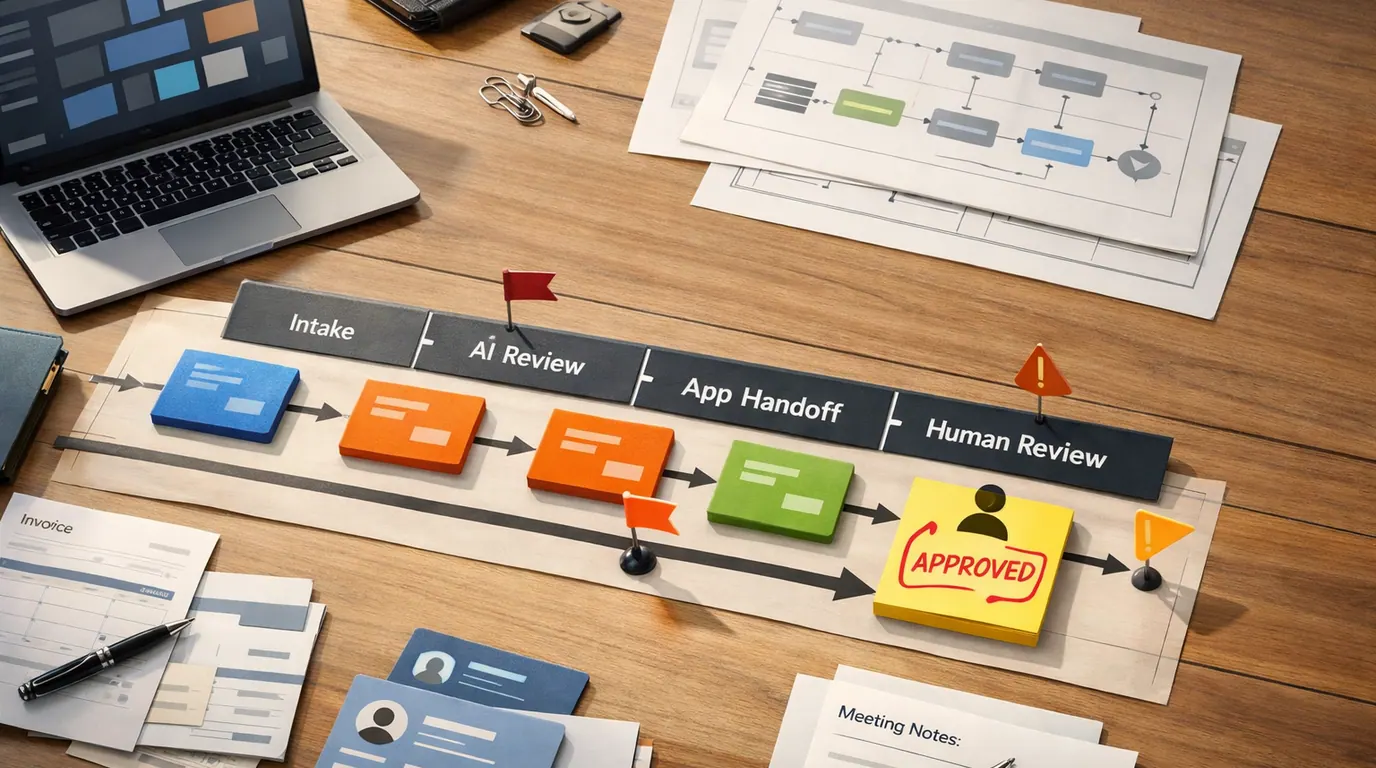
A practical ChatGPT prompts for youtube workflow is a series of small passes. The order matters because each pass creates a checkable result before the model writes more.
- Brief the channel. Save your audience, promise, voice, examples, and forbidden phrases.
- Choose the angle. Ask for several topic angles and rank them by viewer value, originality, and evidence.
- Approve the outline. Make the model show the section goal, example, visual, and viewer question for each beat.
- Draft the script. Use the approved outline and source notes. Do not let the model invent facts to fill gaps.
- Edit for retention. Ask for slow moments, repeated points, unsupported claims, and robotic transitions.
- Package last. Generate titles, description, chapters, CTA, and thumbnail text after the script is accurate.
This is also the easiest ChatGPT prompts for youtube guide to hand to a teammate. It separates ideation, writing, editing, and packaging so a human can intervene.
If the visual side of the workflow is the bottleneck, the AI design tools guide is a better companion than another scripting prompt. Scripts, thumbnails, layouts, and publishing systems are related work, but they do not all need the same tool or review process.
The Human Review Checklist Before You Record
Use this ChatGPT prompts for youtube checklist before filming, publishing, or handing a script to an editor.
- Viewer promise: Can you state what the viewer gets by the end in one plain sentence?
- First minute: Does the intro prove the video will deliver, or does it repeat the title with extra words?
- Voice: Could this sentence appear on any channel, or does it sound like you?
- Evidence: Are all facts, numbers, product claims, quotes, and examples verified from real sources?
- Pacing: Can you cut setup, repeated disclaimers, or transitions that only summarize what viewers just heard?
- Visuals: Does each section suggest what appears on screen, not just what the narrator says?
- CTA: Does the call to action fit the video’s promise, or does it interrupt the viewer at the wrong time?
- Risk: Have you removed private data, copied transcripts you cannot use, regulated advice, and unsupported guarantees?
Works Well When
- Use ChatGPT for topic angles, outlines, hook variants, script structure, CTAs, chapter drafts, and retention critique.
- Give ChatGPT real channel context, source notes, viewer objections, voice samples, and examples of what not to do.
- Break large projects into smaller prompts so you can approve the angle and outline before a full draft exists.
- Save effective prompts that work for your channel so quality improves through reuse.
Watch Out For
- Do not publish a generated script without checking facts, claims, tone, and whether the video can actually deliver the promise.
- Do not paste private analytics, sponsor terms, customer data, or unpublished business details into tools that are not approved for that data.
- Do not use AI to copy another creator's script structure so closely that your video becomes derivative.
- Do not treat smooth phrasing as audience insight. Viewers respond to specific value, not generic polish.
Common Mistakes That Make AI Scripts Weak
The most common failure is pushing an unformed idea into a finished script. ChatGPT can organize a thin concept into something that looks polished, but it cannot make viewers care unless the angle, proof, and promise are clear.
Watch for these specific problems:
- Generic intros that start with “in today’s video” and delay the payoff.
- Scripts that list tips without showing an example, demo, or before-and-after.
- CTAs that sound pasted in because the prompt never defined the channel goal.
- Unsupported facts, fake studies, invented prices, or outdated product details.
- Tone drift where a serious tutorial suddenly sounds like a hype ad.
- Overlong Shorts that try to compress a full tutorial into a vertical clip.
- Titles that promise a result the script barely covers.
If you find one of these issues, do not go back and rewrite the whole script. Ask for a targeted pass:
Revise only the opening 45 seconds.
Keep the same video promise and tone.
Cut generic setup, add one concrete example, and make the first sentence specific enough that the viewer knows this video is for them.
List the changes you made and why.
A targeted pass keeps you in control. It also teaches you which prompt instructions your channel needs every time.
Next Action: Build Your First Reusable Script Prompt
Start with one upcoming video rather than your whole channel strategy. The fastest useful next step is to build one reusable prompt chain and test it on a real idea.
- Write a five-line channel brief. Include viewer, promise, voice, source material, and forbidden phrases.
- Run the topic angle prompt. Pick the strongest angle only after reading the risks and tradeoffs.
- Approve an outline before drafting. Make sure every section has a viewer question and an example.
- Draft one section first. Test the tone on a small sample before asking for a full script.
- Run the review checklist. Fix voice, facts, pacing, visuals, and CTA before recording.
- Save the working version. Turn the prompt chain into a template for the next video.
Good YouTube prompting is not about outsourcing your point of view. It makes the blank page smaller, forces clearer decisions earlier, and gives you a better draft to edit.
The Bottom Line
The best ChatGPT prompts for YouTube scripts give the model enough context to be useful and enough boundaries to stay honest. Use ChatGPT for options, structure, and critique. Keep the judgment, examples, voice, and final approval with the creator.
If you copy only one pattern, use this:
Act as a YouTube script strategist for [channel].
Viewer: [specific viewer]
Video promise: [what the viewer gets]
Source notes: [facts, examples, outline, transcript excerpts, or research]
Voice: [tone plus one sample line]
Output: [angle, hook, outline, draft, edit, Short, title, or description]
Review: flag weak claims, generic phrasing, pacing issues, and anything that needs human verification.
That prompt will not replace your taste. It will give you a cleaner initial draft, a better editing target, and a consistent way to move from idea to recordable script.
Frequently asked questions
Can ChatGPT write a full YouTube script?
Yes, ChatGPT can draft a full YouTube script if you give it the topic, viewer, goal, tone, format, source notes, and length. Treat the output as a first draft. You still need to verify facts, remove generic phrasing, add personal examples, and adjust the rhythm for speaking.
What should I include in a YouTube script prompt?
Include the viewer, the promise of the video, the format, the desired structure, your channel voice, any source material, and what the model must avoid. The more real context you provide, the less the script sounds like a generic summary with a weak intro and forced call to action.
What are the best ChatGPT prompts for YouTube hooks?
The best hook prompts ask for several angles, not one opening line. Give ChatGPT the viewer problem, the payoff, the video format, and examples of hooks you like. Then ask it to rank the options by curiosity, clarity, and whether the first sentence matches the actual video.
Should I use ChatGPT scripts word for word?
Usually no. Word-for-word AI scripts often sound smooth but impersonal, especially in intros, jokes, transitions, and CTAs. Use ChatGPT for structure, draft options, objections, and rewrites, then add your own point of view, examples, pacing, and language before recording.
Can ChatGPT help with YouTube Shorts?
Yes. Shorts prompts should be tighter than long-form prompts: one idea, one hook, one visual sequence, one payoff, and a loop or comment trigger. Ask for a 20 to 60 second script with on-screen text, voiceover, shot notes, and one version that cuts every nonessential sentence.
How do I stop ChatGPT from making YouTube scripts sound generic?
Give it a voice sample, forbidden phrases, examples from your channel, viewer objections, and a clear reason the video should exist. After the draft, ask for a pass that removes vague claims, replaces filler with specific examples, and marks any sentence that could be said by any channel.